
Review Summary
Basecamp is calm and quick: the Windows app opened in about 3 seconds, used the least memory of any app we tested here, and kept due dates, weekend days and weekly repeats exactly as entered. But it is not a task manager in the usual sense. There are no priorities, custom fields, dependencies, automation rules, Gantt chart or built-in AI, it imports only Markdown or plain text, and the free plan is a single project.
+ What works
- The fastest and lightest desktop app in our tests: about 3 seconds from a cold start and under 1.3 GB of memory
- Due dates stay as entered, weekends included, and recurring to-dos have clear repeat options
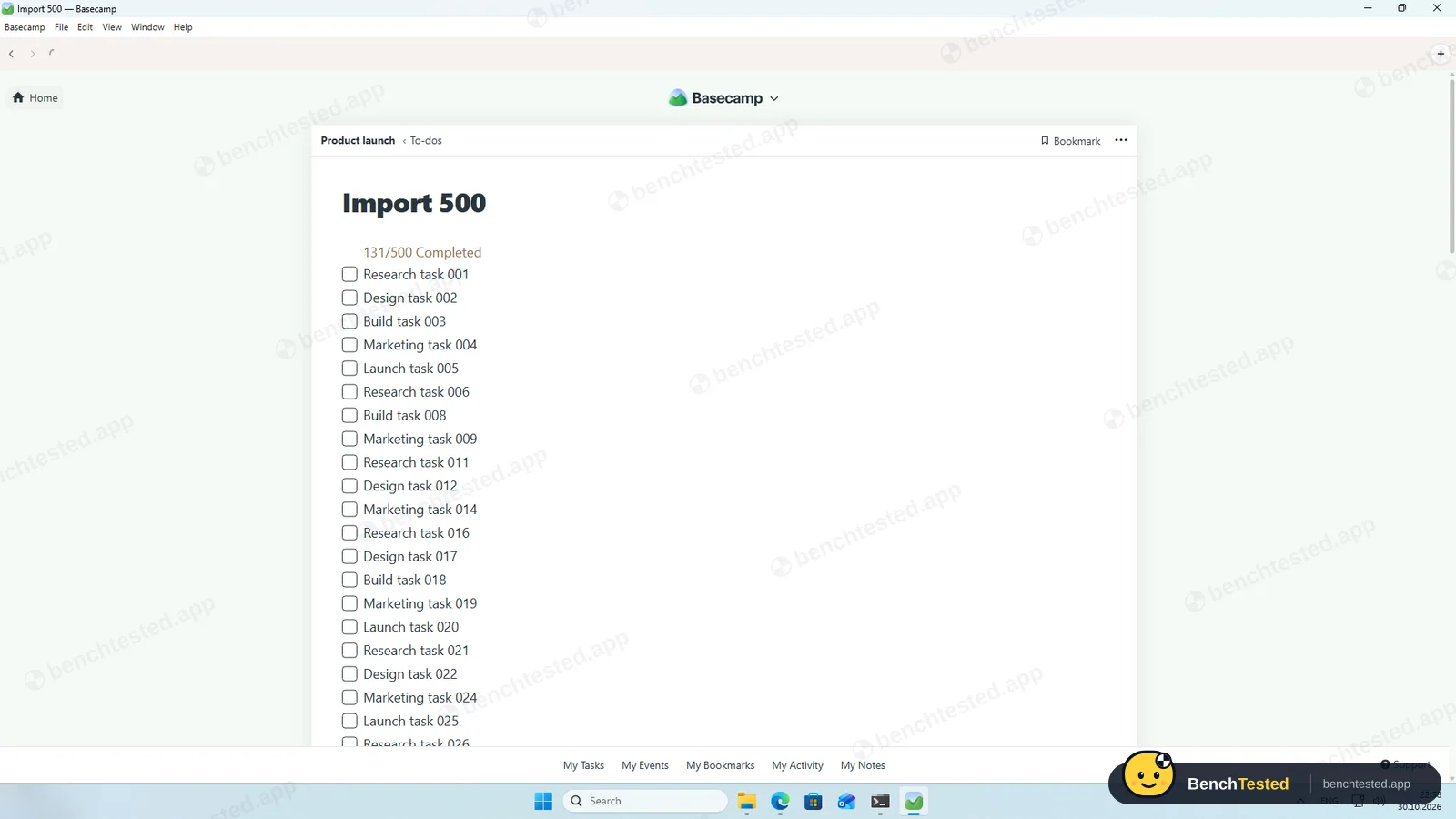
- Markdown import of 500 to-dos in under 40 seconds, with done to-dos ticked
- A free plan forever, and flat paid prices instead of per-user fees
- Complete export of every to-do and date as a browsable website
− What falls short
- No priority, status or custom fields, so our brief's priorities had nowhere to go
- No dependencies, no automation rules and no built-in AI assistant
- No Gantt chart or timeline; the Kanban Card Table is separate from to-dos
- No CSV import: only Markdown or text files, with titles and done state only
- Pasting a list makes one to-do, and dates can only be clicked in a calendar
- Free plan: one project, three people, 1 GB
Basecamp Alternatives
Not sure Basecamp is the right fit? These project management tools scored best on the same test script:
 ClickUp Recommended Small teams that want lists, boards, Gantt charts, automations and AI in one free workspace and do not mind a busy, heavy app 7.4 Read reviewReview

What is Basecamp?
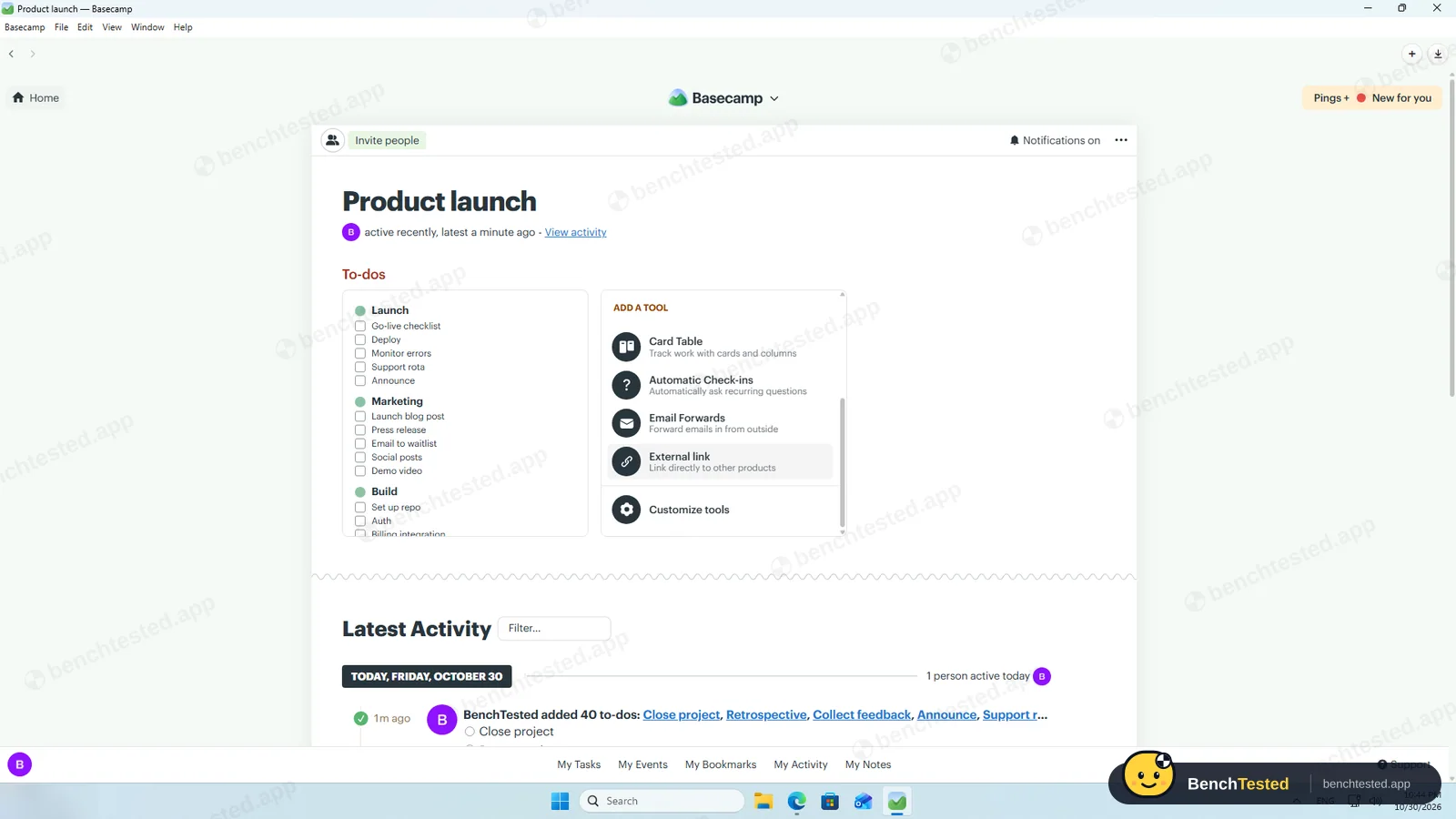
Basecamp puts each project's to-do lists, message board, files, chat, schedule and Kanban Card Table on one page. It deliberately avoids fields, statuses and charts in favour of plain lists and conversation.
It is made by 37signals and runs in the browser and as desktop and mobile apps.
Why Basecamp is different
Flat monthly prices instead of per-user fees.
Clients and outside collaborators can be added with limited access.
Who is Basecamp for?
Small teams and client work that need one calm place for to-dos, messages, files and a calendar, without fields and charts. Small teams, agencies and client projects that want communication and to-dos in one calm place.
Skip it if
- You track priorities, statuses or custom fields
- You need dependencies, a Gantt chart or automation
- You want to import a spreadsheet
Our Experience with Basecamp
Test log
Windows 11 Pro 10.0.26300 in VMware Workstation 26H1 (4 vCPU, 8 GB RAM, no GPU passthrough), English UI, 1920×1080, clean snapshot; new Basecamp account on the free plan
- 21:59
Installer downloaded
109 MB, signature valid
- 22:14
Account created
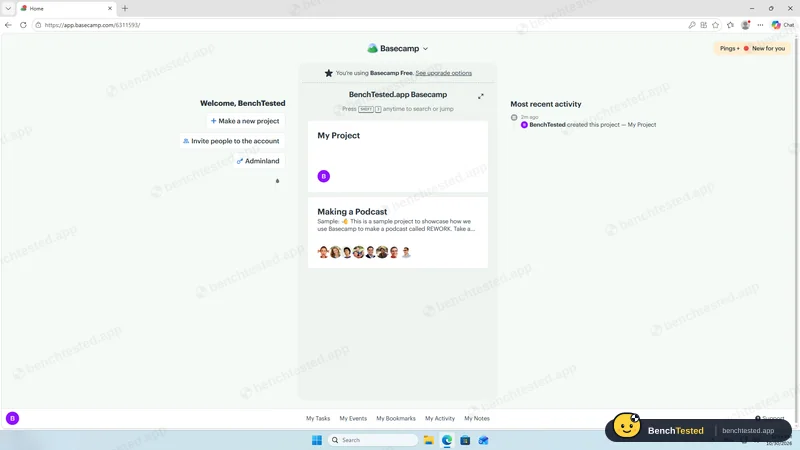
free plan, 1 project
- 22:15
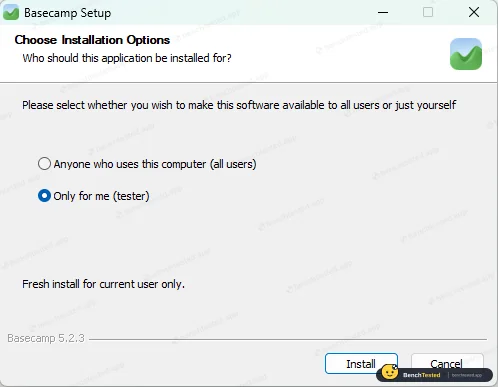
Installed per user
no admin rights
- 22:22
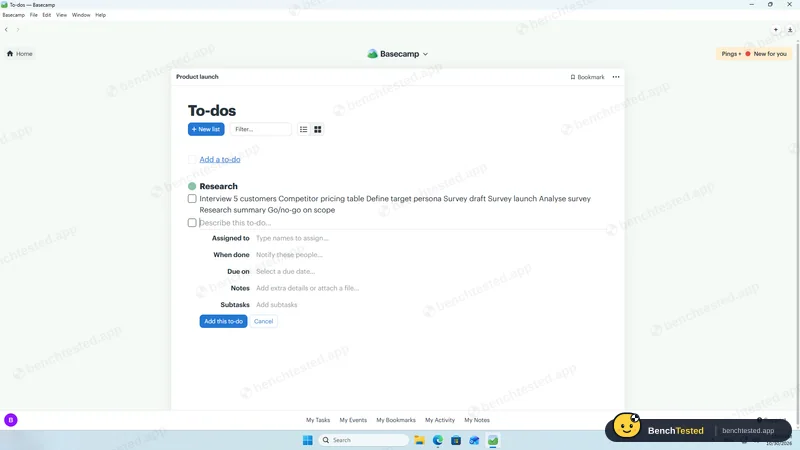
P1: paste makes one to-do
- 22:43
P1 done
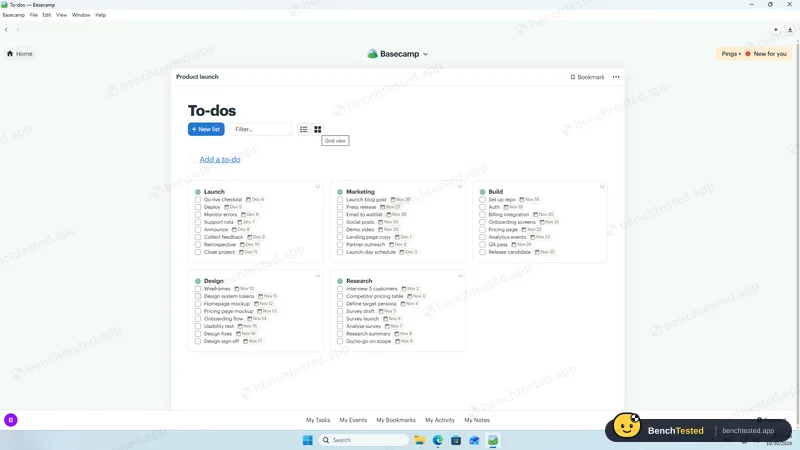
40 to-dos, no priorities
- 22:44
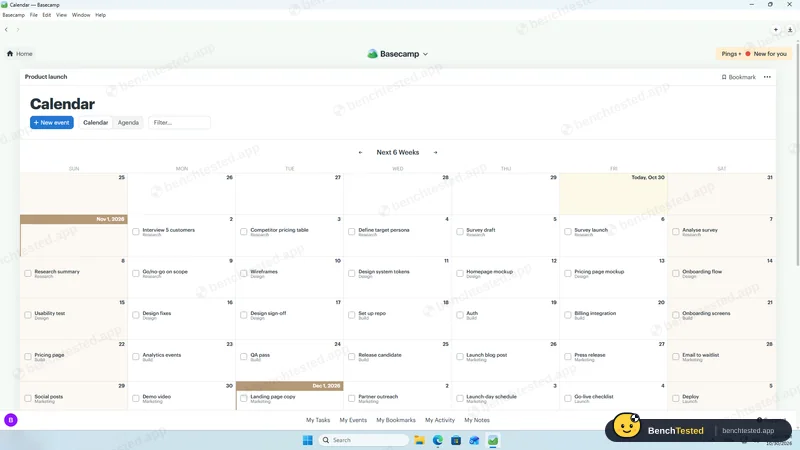
P2: calendar
- 22:46
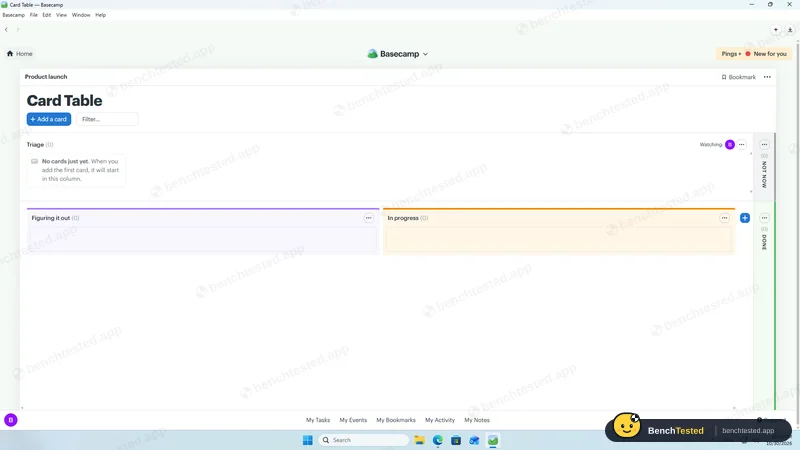
P2: board is separate
- 22:49
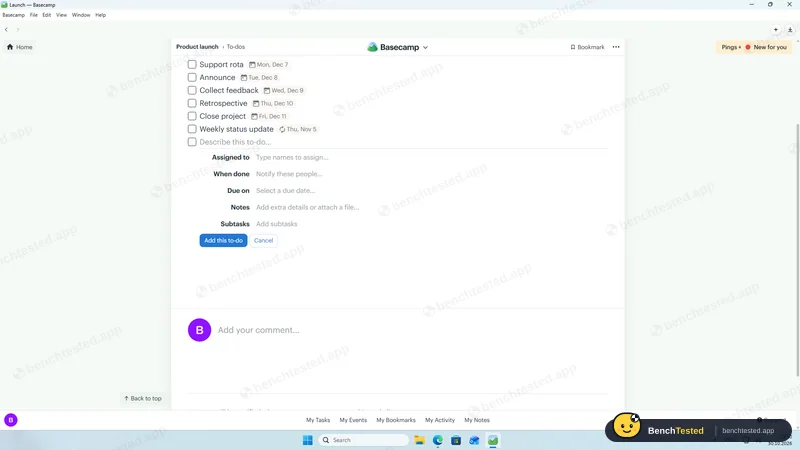
P3: weekly repeat
- 22:53
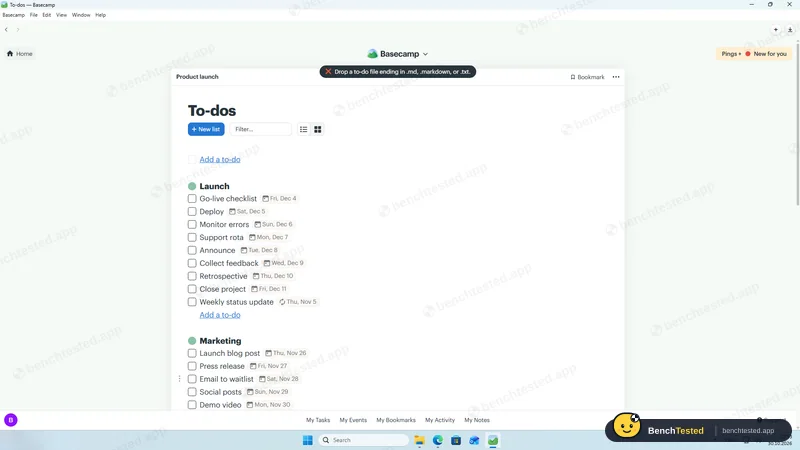
P4: CSV refused
- 22:54
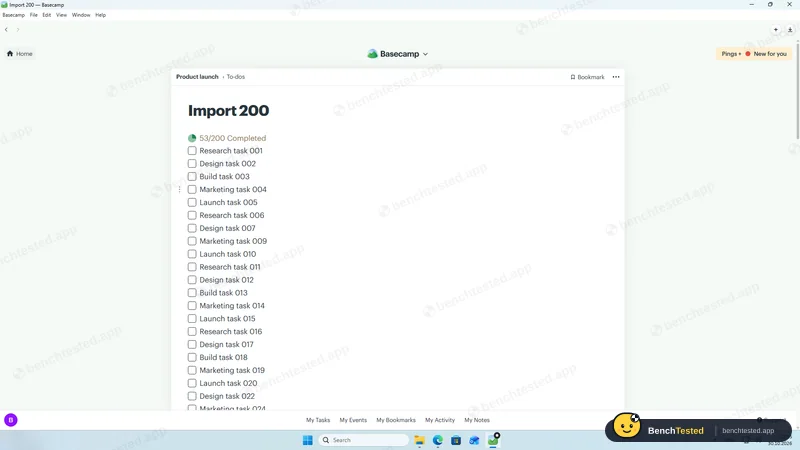
P4: 200 from Markdown
- 22:56
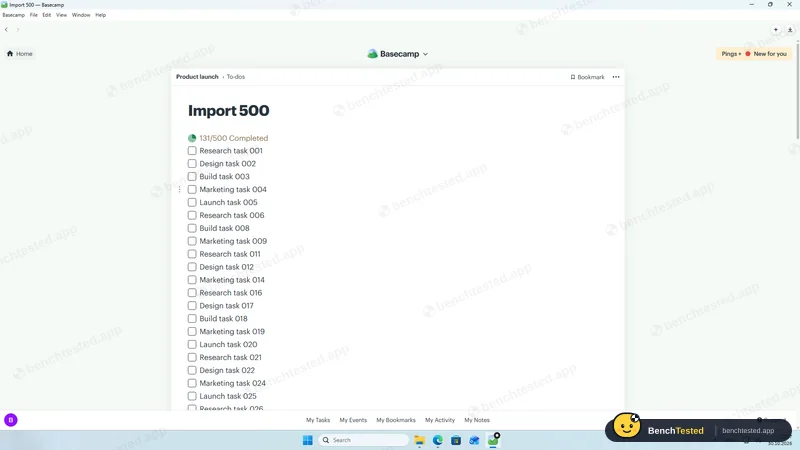
P5: 500 to-dos
under 40 s
- 22:58
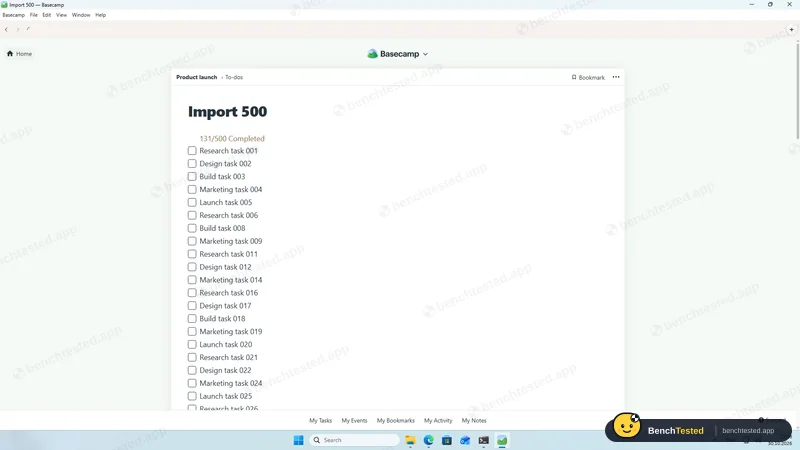
Cold start
about 3 s
- 23:00
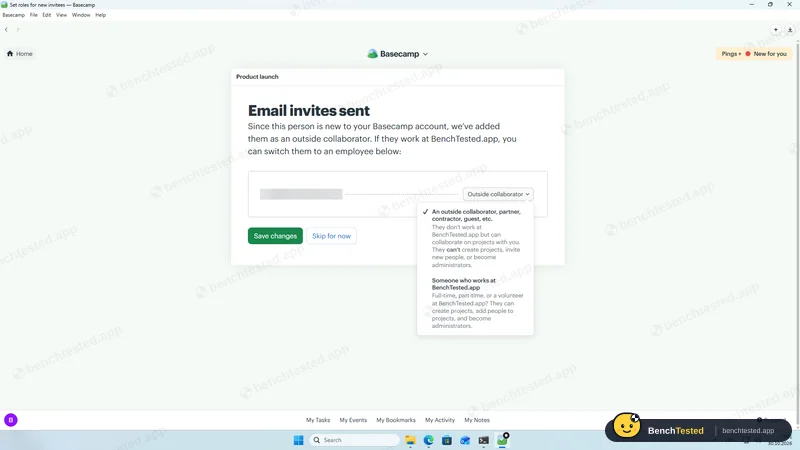
P6: invite and roles
- 23:02
P7: no AI
- 23:03
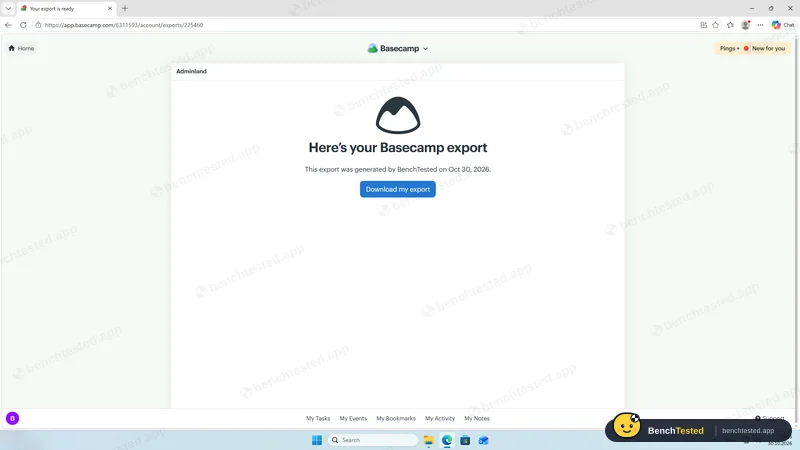
P8: export ready
HTML, no CSV
- 23:03
Uninstalled
120 MB left
-
P1 · Build a project
Build a 40-task product launch project from a written brief: five phase lists of eight tasks, each with a due date and priority.
Partial ≈ 15–20 min
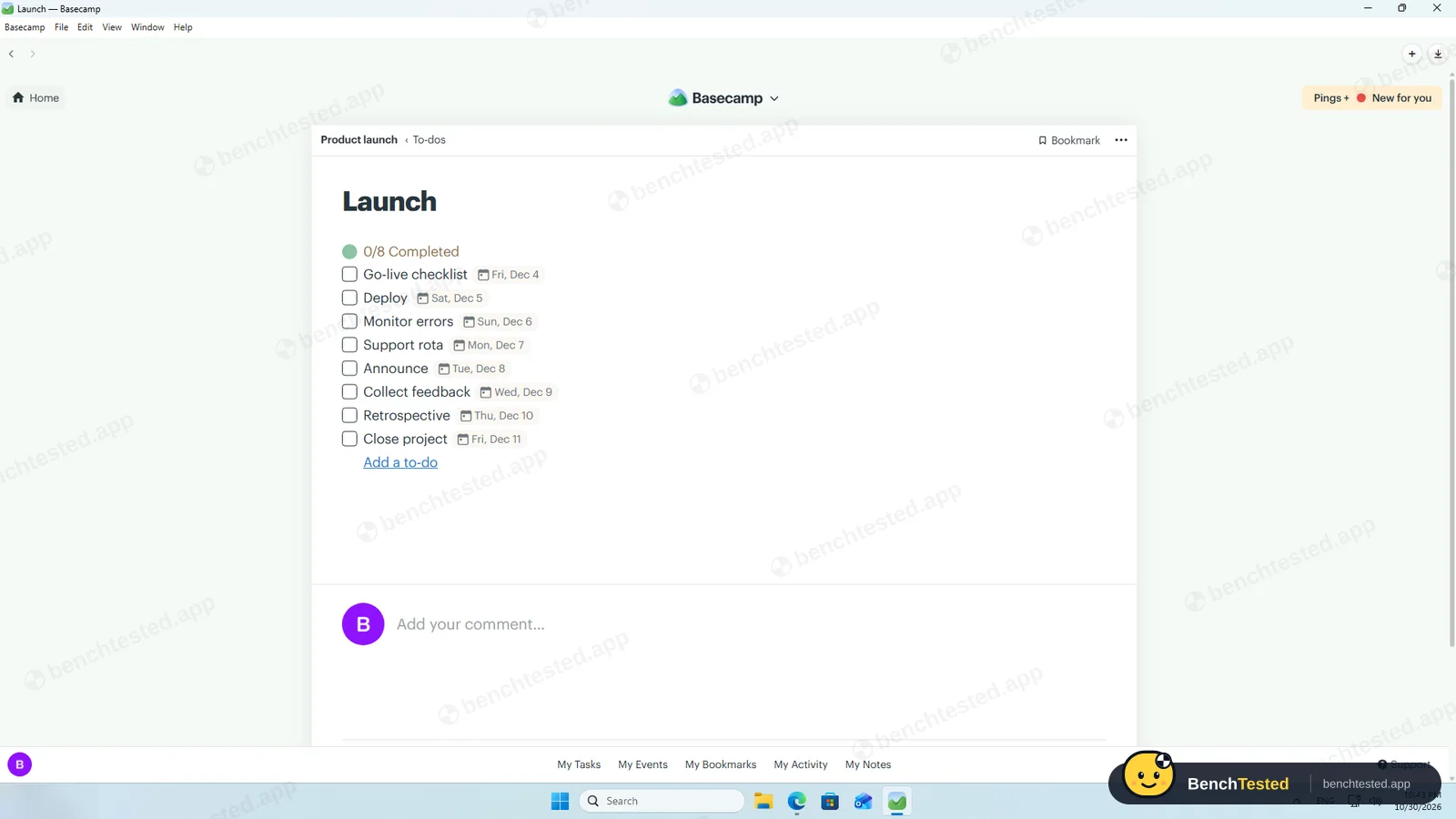
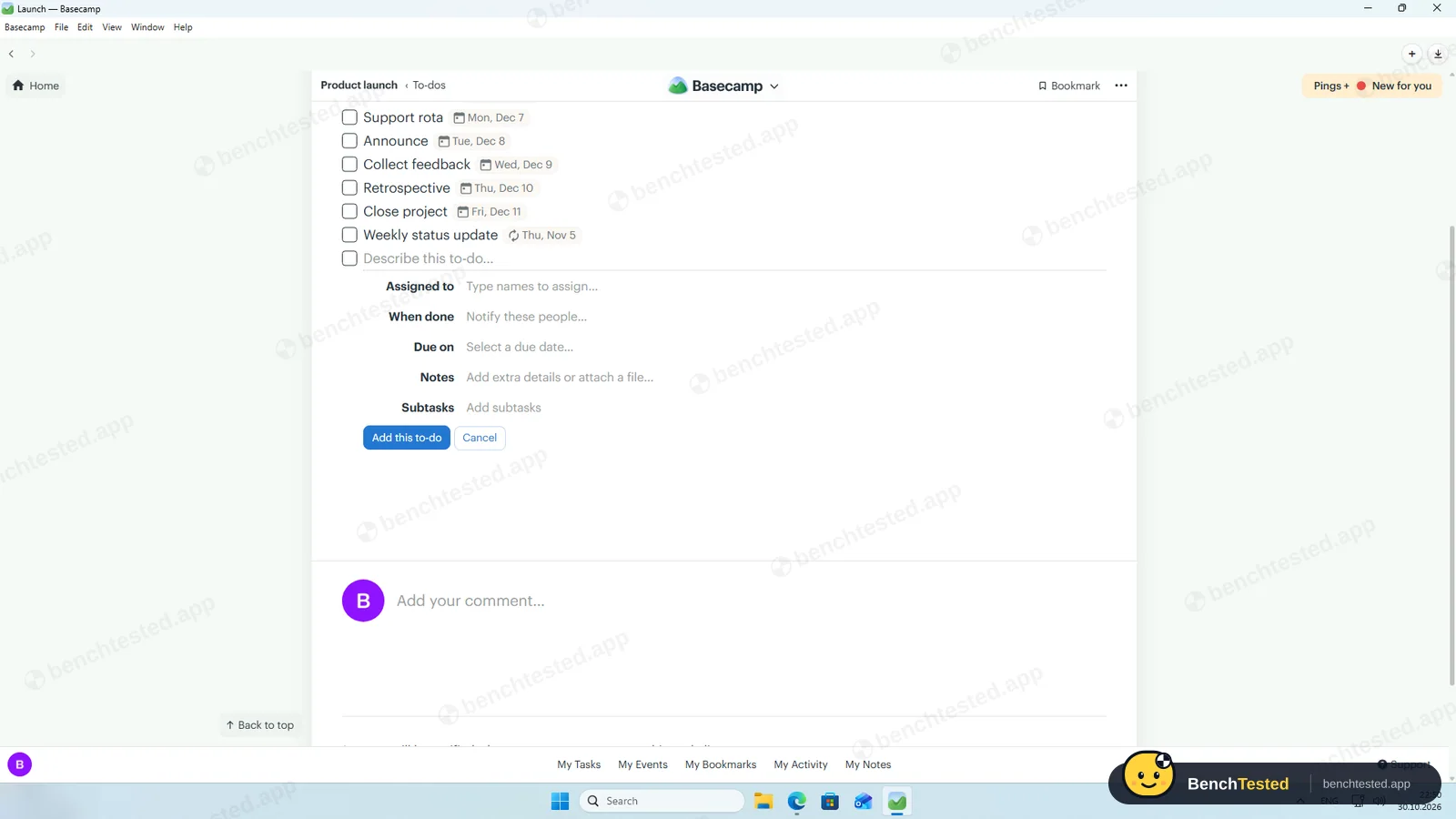
One to-do list per phase works well, and due dates stayed as entered, weekends included. But pasting eight lines saved one to-do with all eight names, dates can only be clicked in a calendar, and there is no priority field at all, so the brief's priorities were lost.
-
P2 · Views
Show the project as a list, board, calendar and Gantt chart.
Partial ≈ 5 min
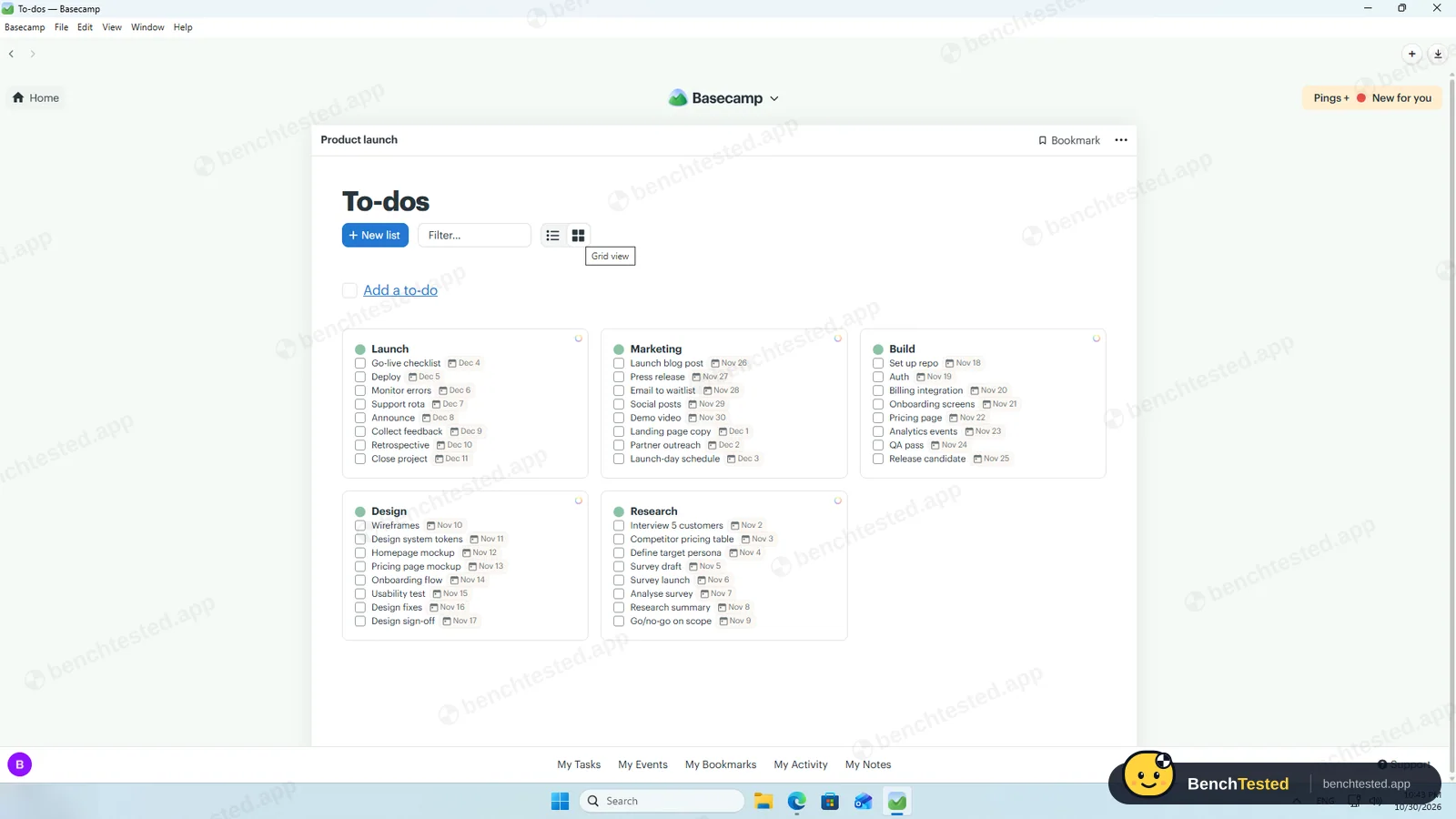
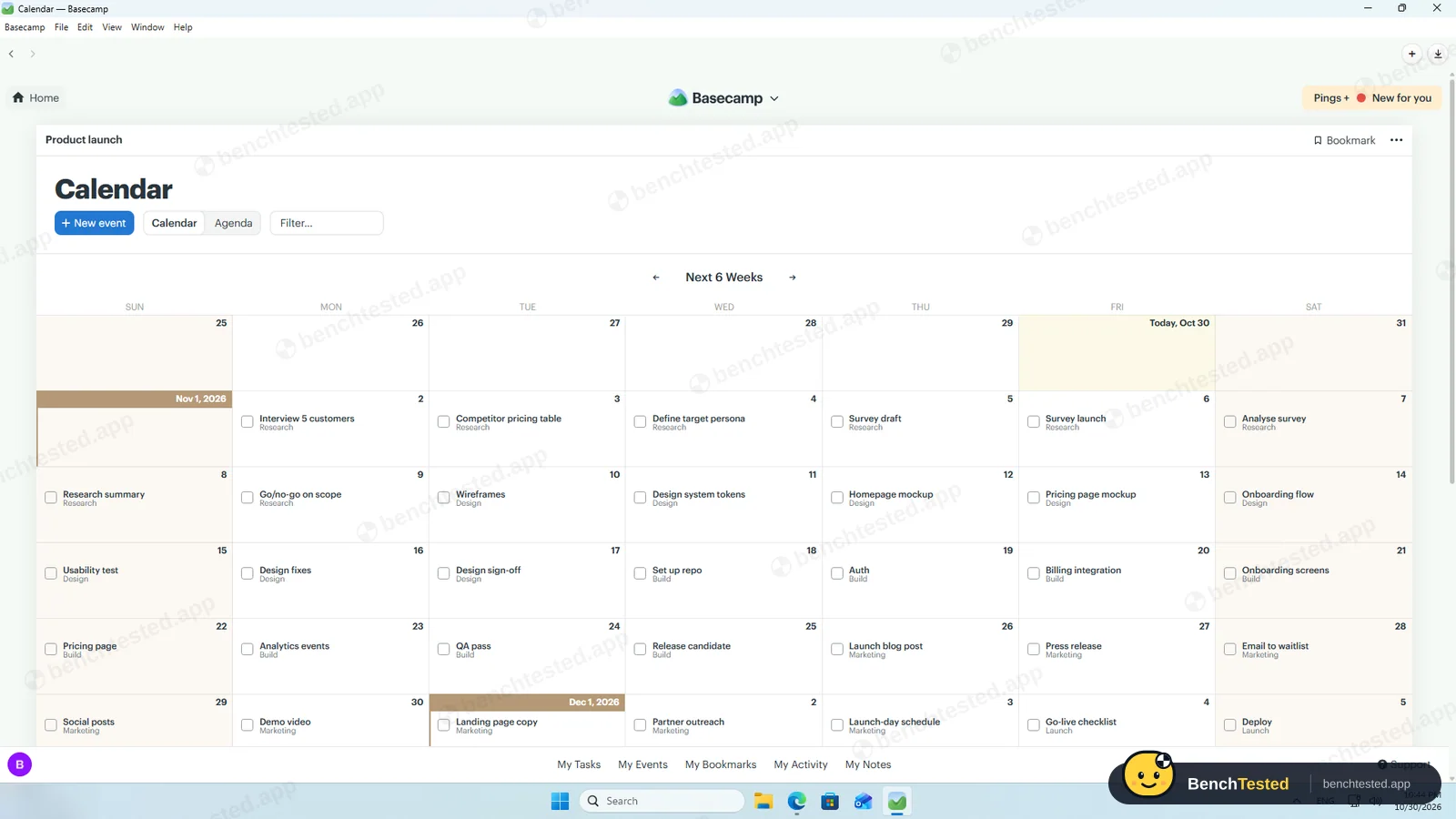
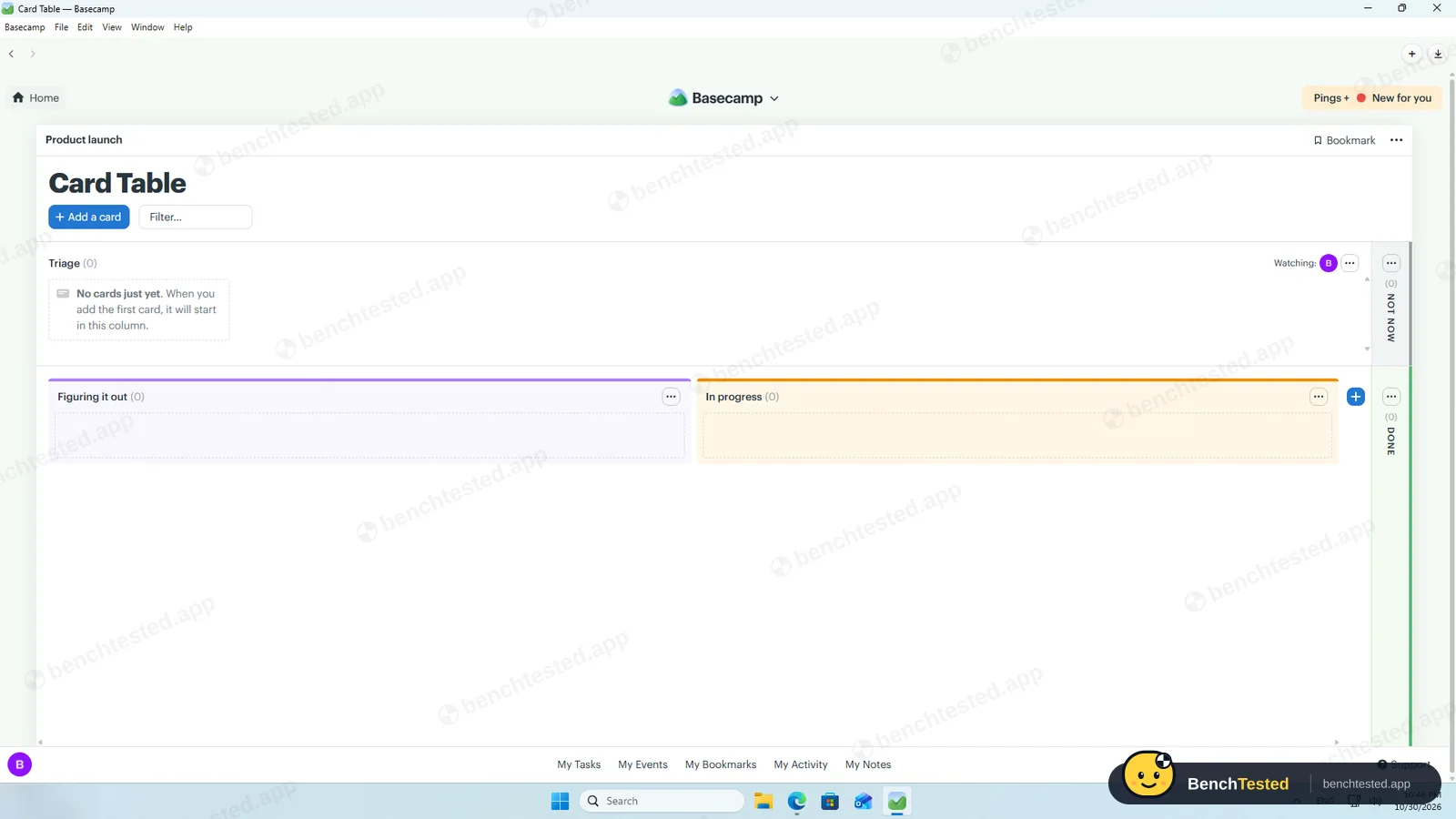
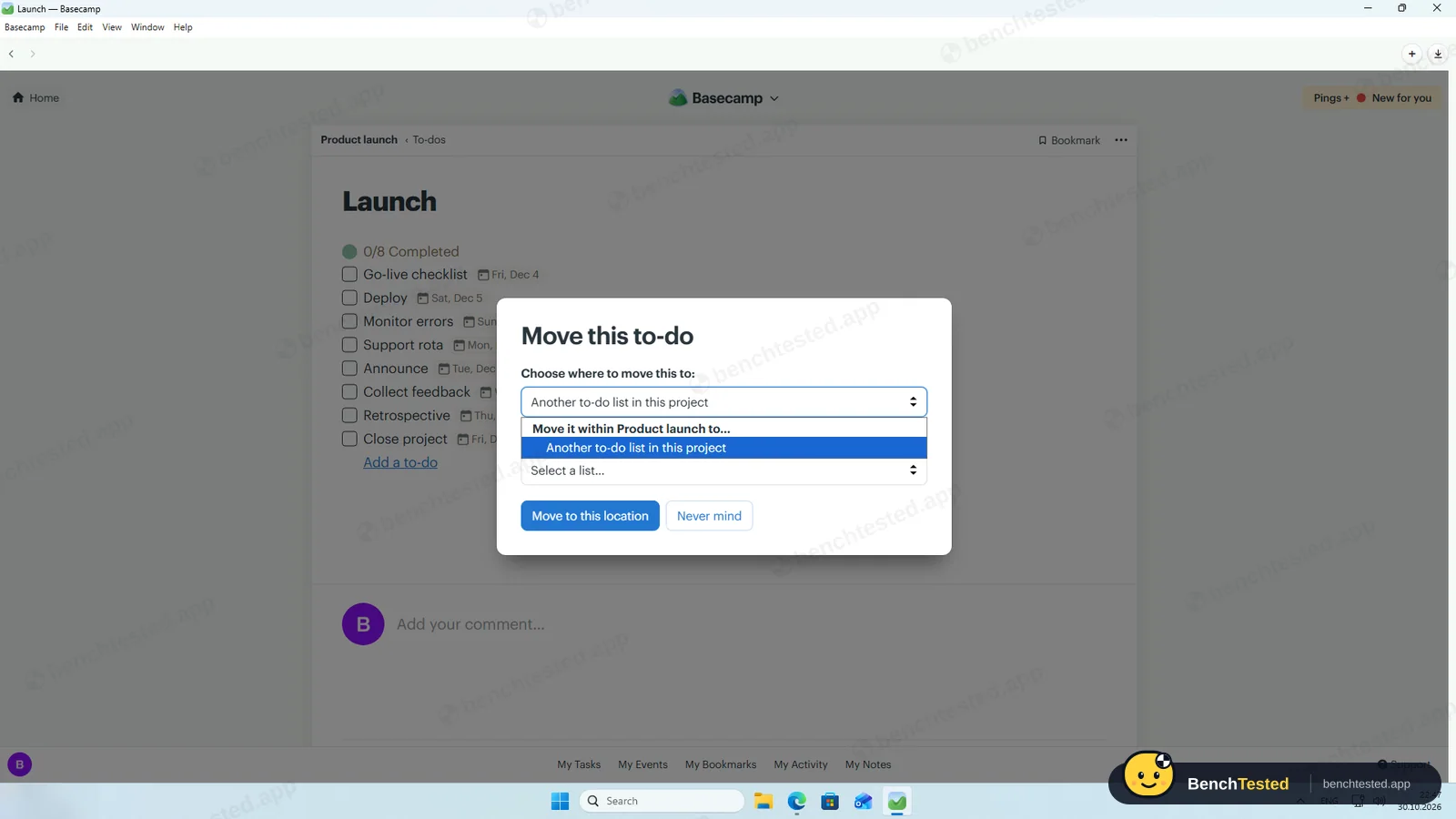
To-dos show as lists or a grid, and the Calendar tool put every dated to-do on its day. The Kanban Card Table is a separate tool that starts empty, and to-dos cannot be moved onto it. There is no Gantt chart or timeline.
-
P3 · Rules
Set up a status automation, a dependency and a weekly recurring task.
Partial ≈ 5 min
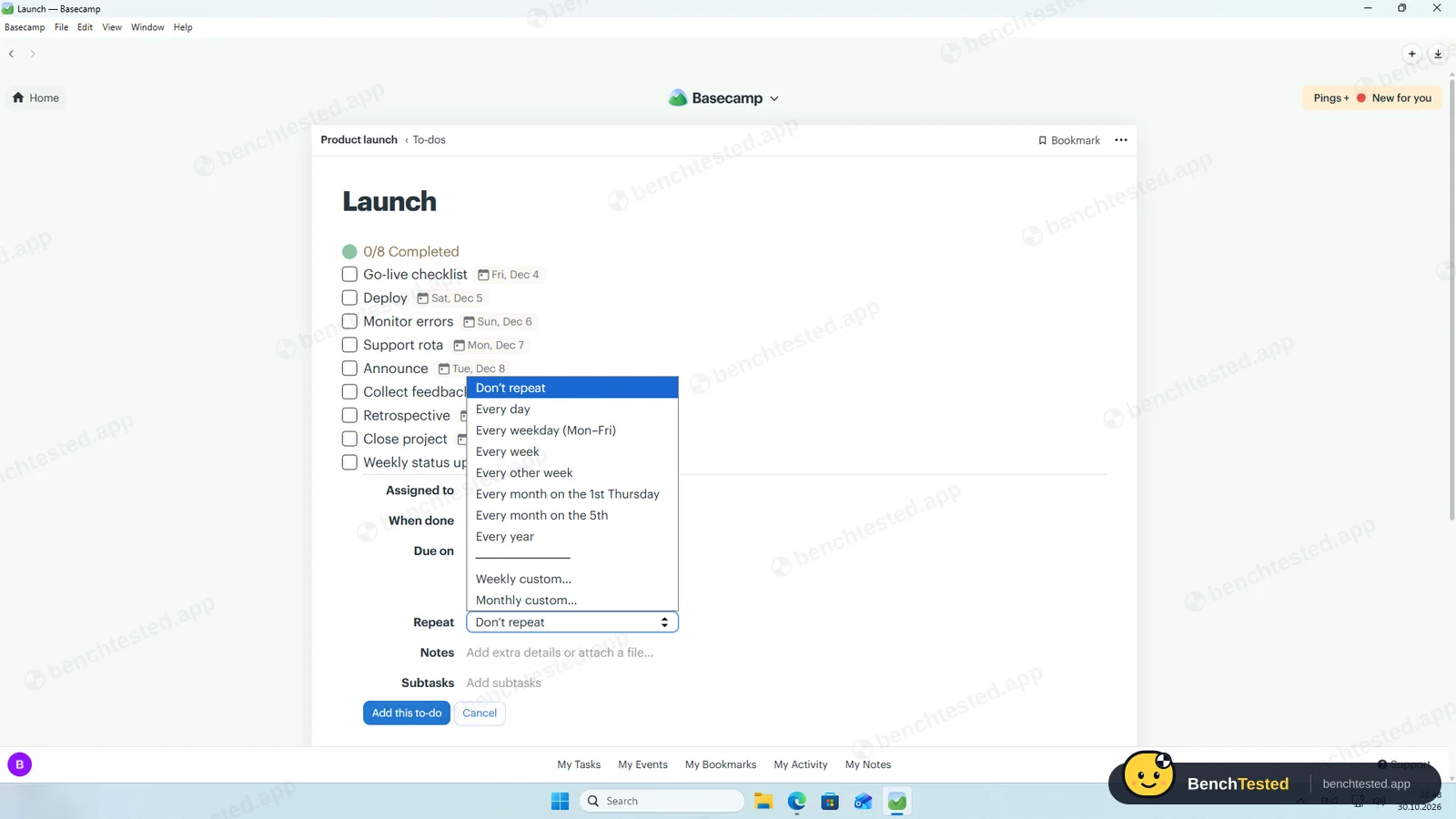
A to-do with a due date can repeat every day, weekday, week, other week, month or year, and our weekly to-do saved with a repeat icon. There are no dependencies and no automation rules; the only trigger is “when done, notify these people”.
-
P4 · 200-row import
Import a 200-row CSV with statuses, assignees, dates, priorities, tags and special characters.
Fail ≈ 5 min
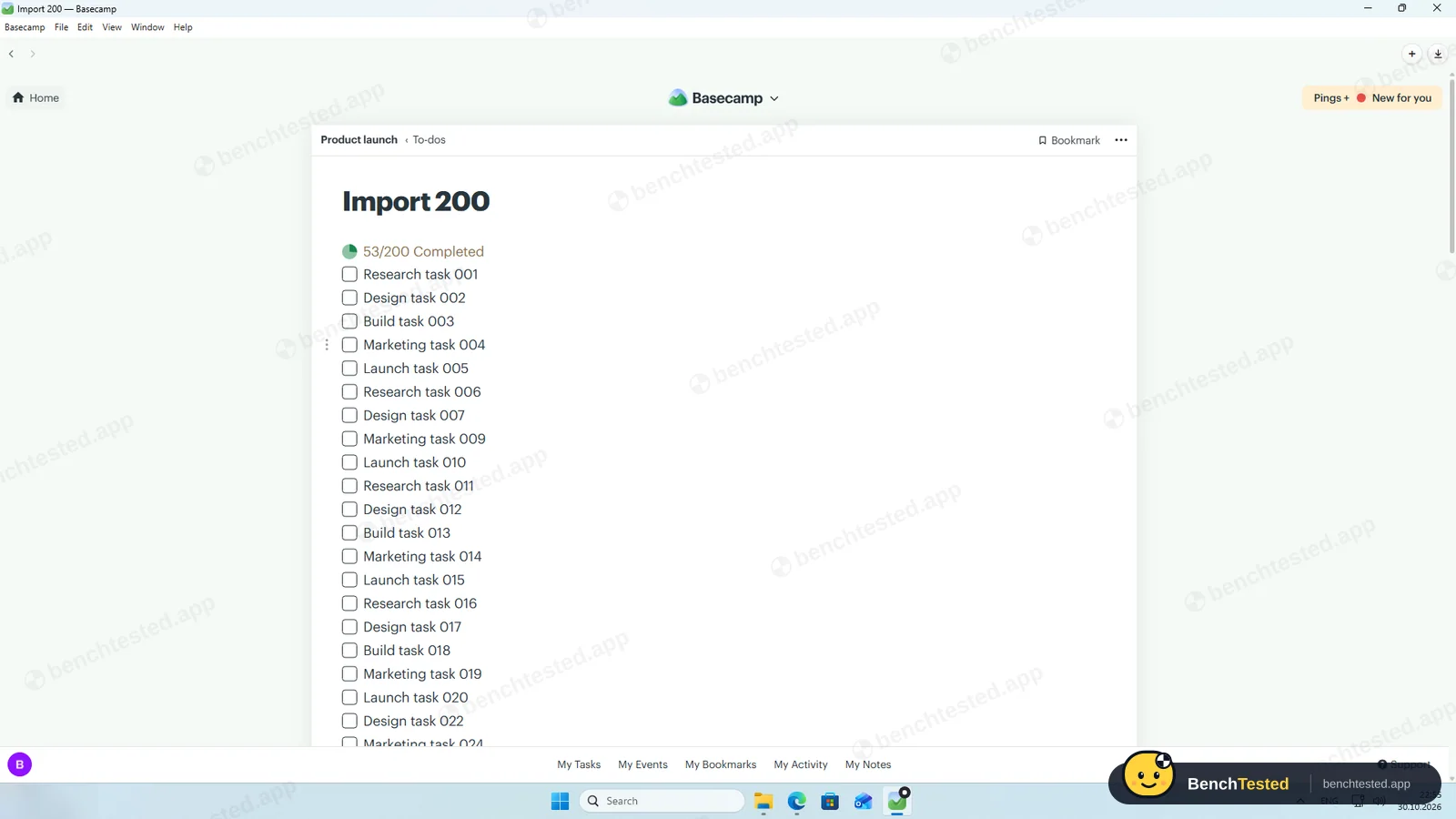
Dropping our CSV file was refused: only .md, .markdown or .txt files are accepted. After converting it to a Markdown checklist, all 200 to-dos arrived with the 53 done ones ticked, but the format has no place for assignees, due dates, priorities, tags or descriptions.
-
P5 · Scale
Import 500 rows, then open and scroll a 500-task board.
Pass ≈ 2 min
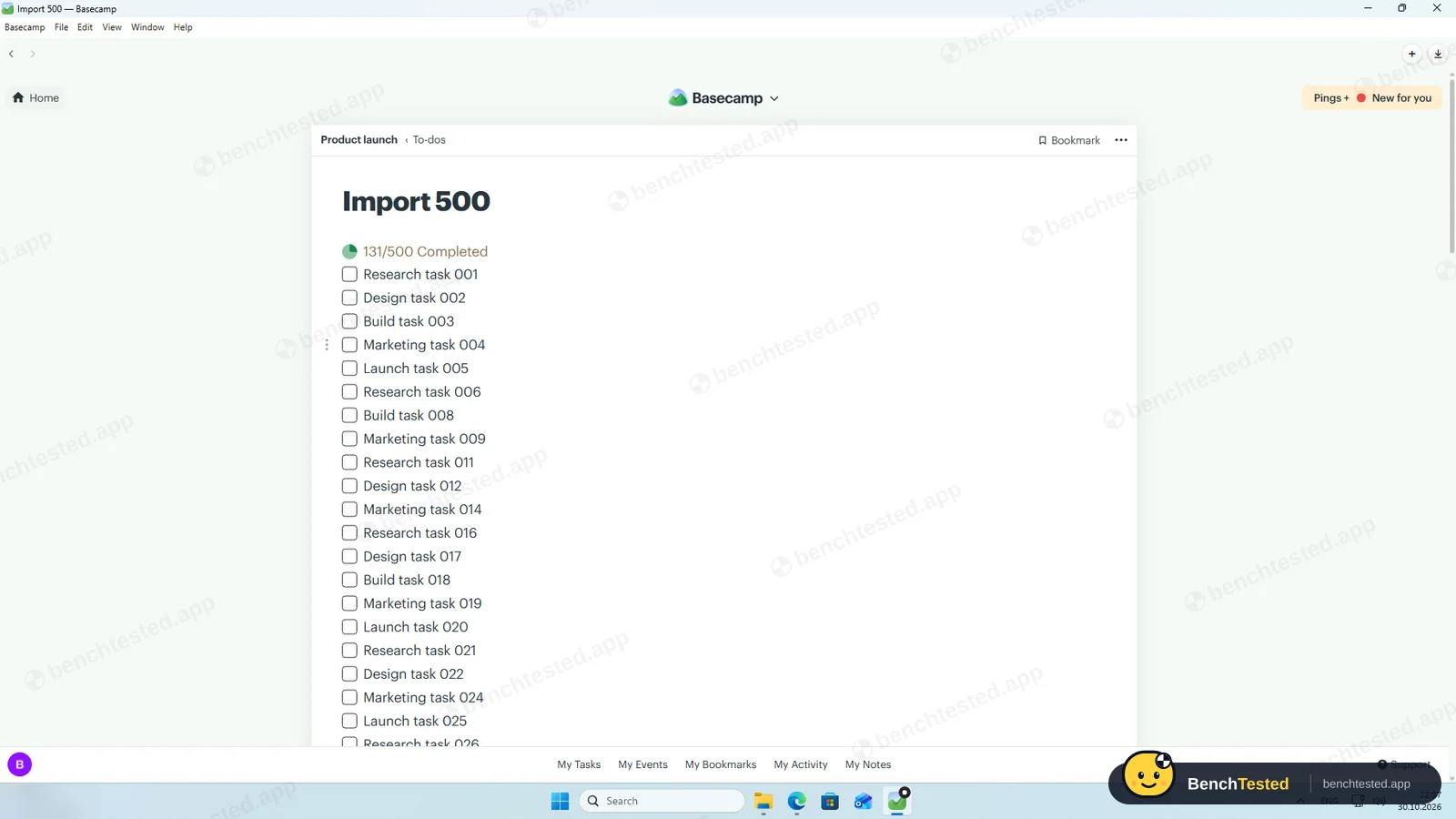
500 to-dos imported in under 40 seconds, and the list opened and scrolled without waiting. The app used 0.9 to 1.2 GB of memory and came back in about 3 seconds from a cold start, the best in this category.
-
P6 · Permissions
Invite a second user, check what they can see and change, then restrict them.
Partial ≈ 3 min
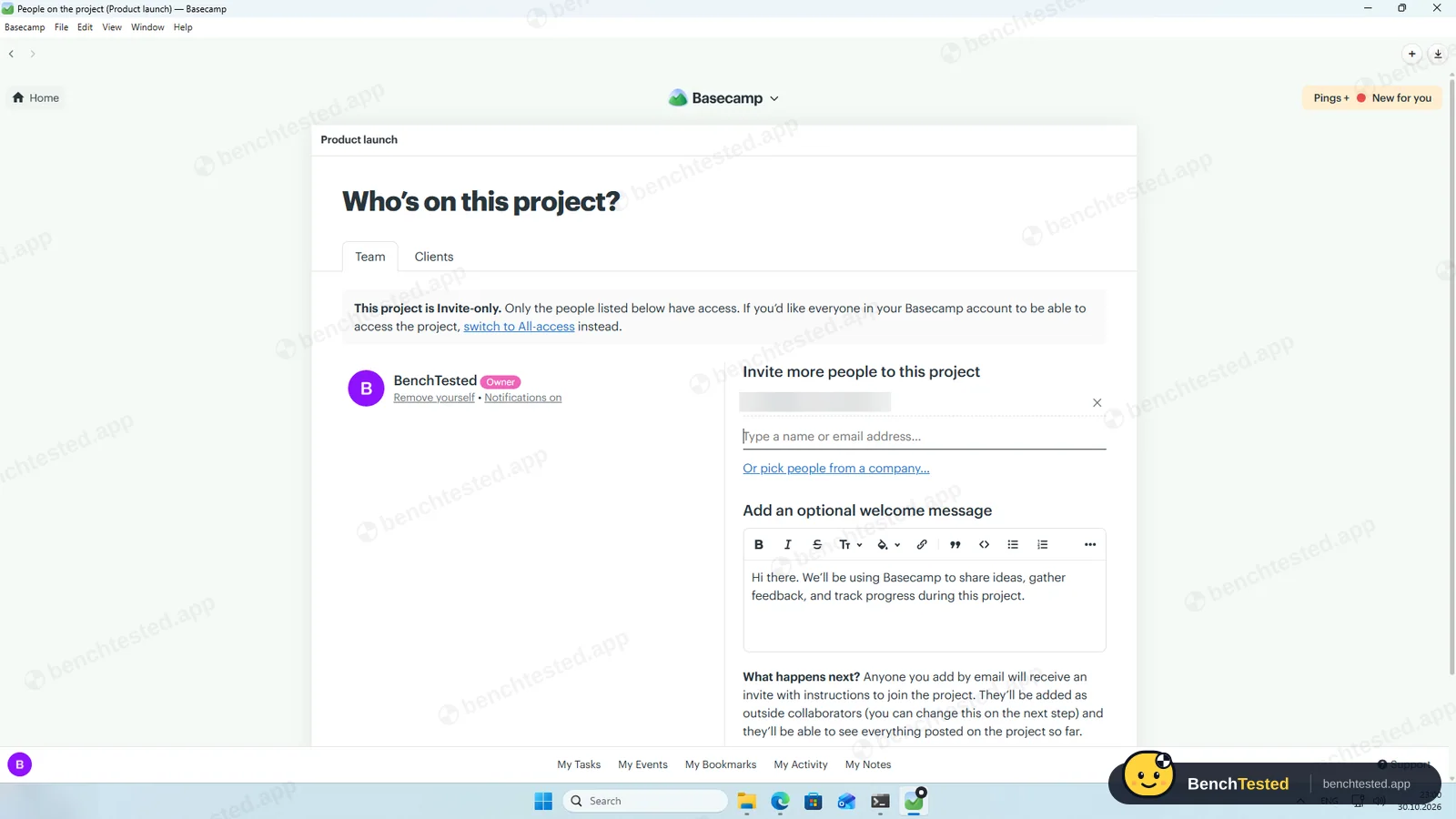
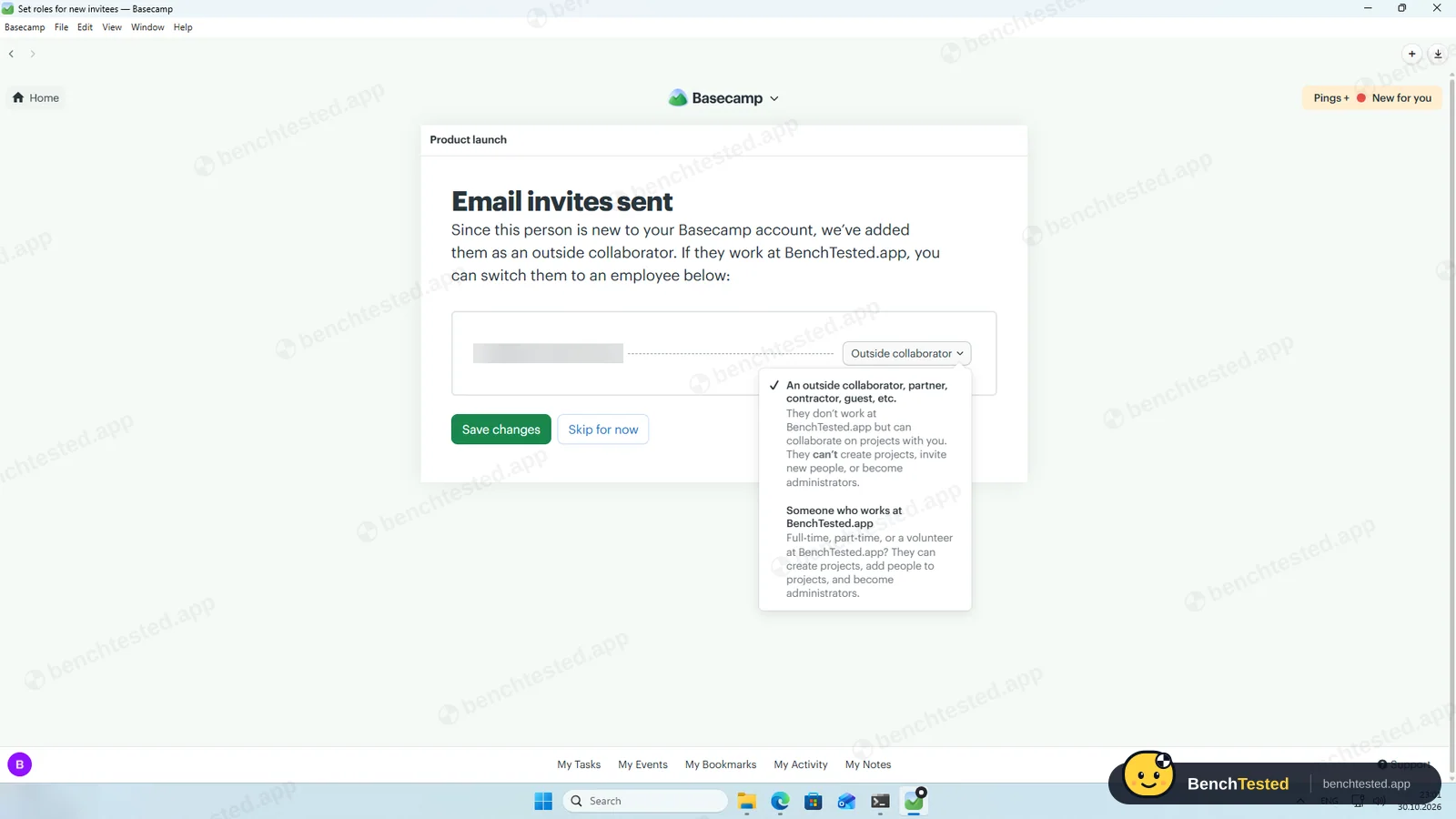
Projects are invite-only by default. New people join as outside collaborators, who cannot create projects or invite others, or as employees; clients get their own tab. There are no view-only or per-item levels. Removing our invitee took two clicks. We did not test the second user's view.
-
P7 · AI
Ask the built-in AI to summarise the project, write subtasks for one task and say what is overdue.
Fail –
Basecamp has no AI assistant in the app. Basecamp's pricing page lists connectors for outside AI agents such as ChatGPT and Claude, which we did not test.
-
P8 · Leave
Export everything to CSV, delete the workspace and uninstall the app.
Partial ≈ 5 min
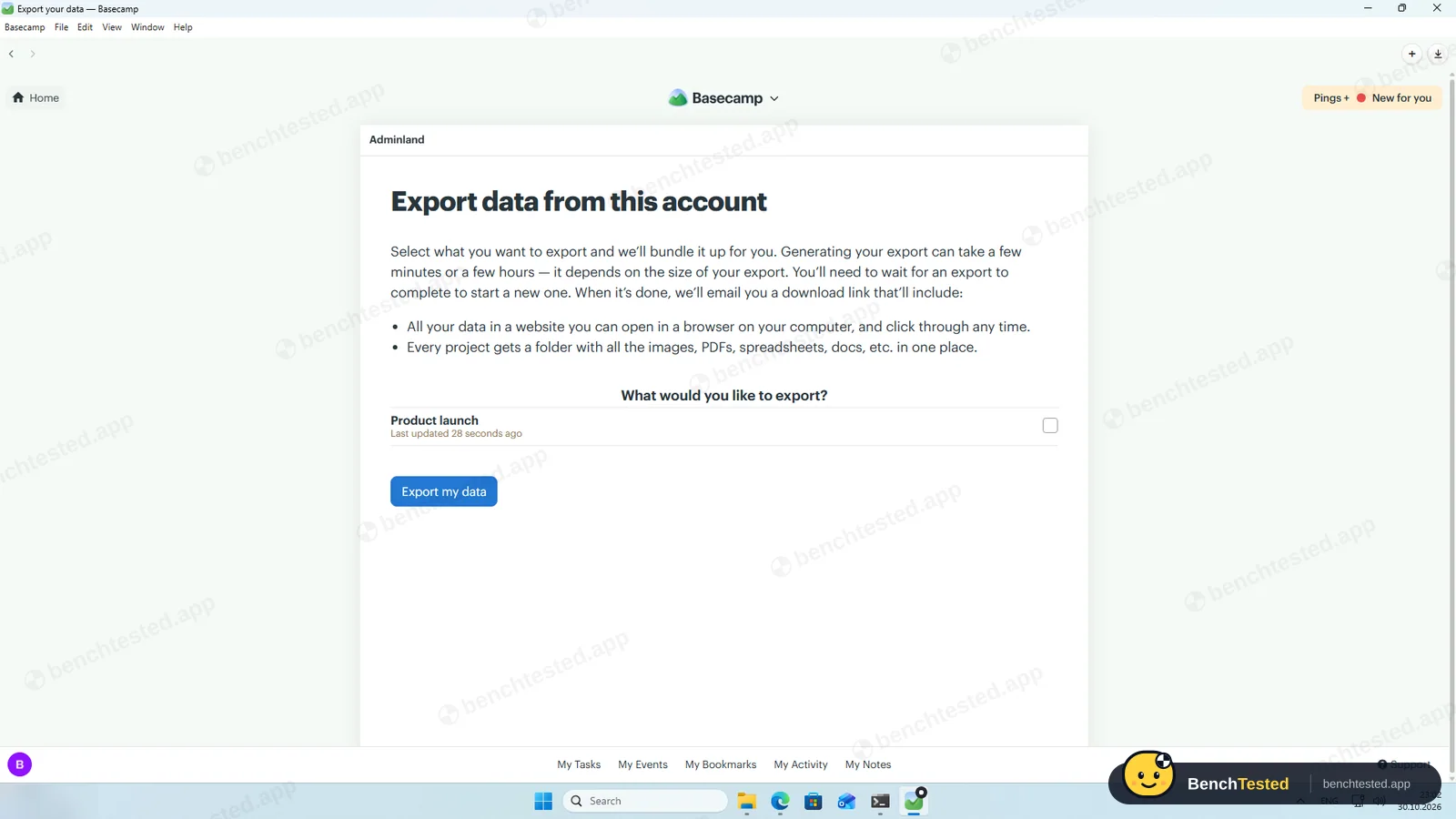
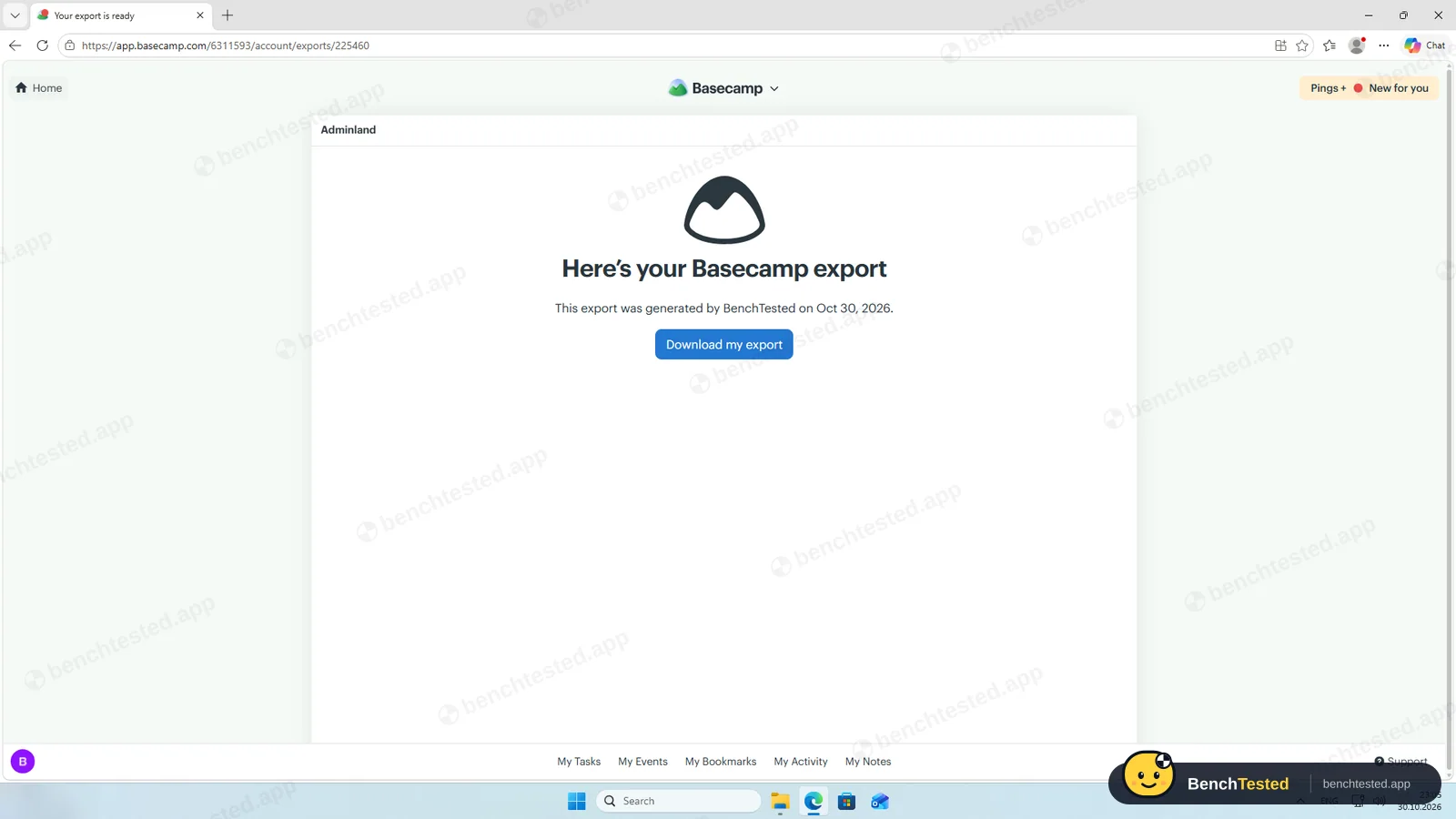
The account export was ready in about a minute: a 3.9 MB zip holding a browsable website with every to-do and due date, but no CSV. We left deleting the account to its owner. Uninstalling left about 120 MB and a protocol handler.
How we tested Basecamp
Basecamp is the ninth app in our project-management category and ran the same eight-step script as the others: build a 40-task project from a written brief, show it in four views, set up rules, import 200 and then 500 rows from a CSV file, invite a second user, use the built-in AI, export everything and leave.
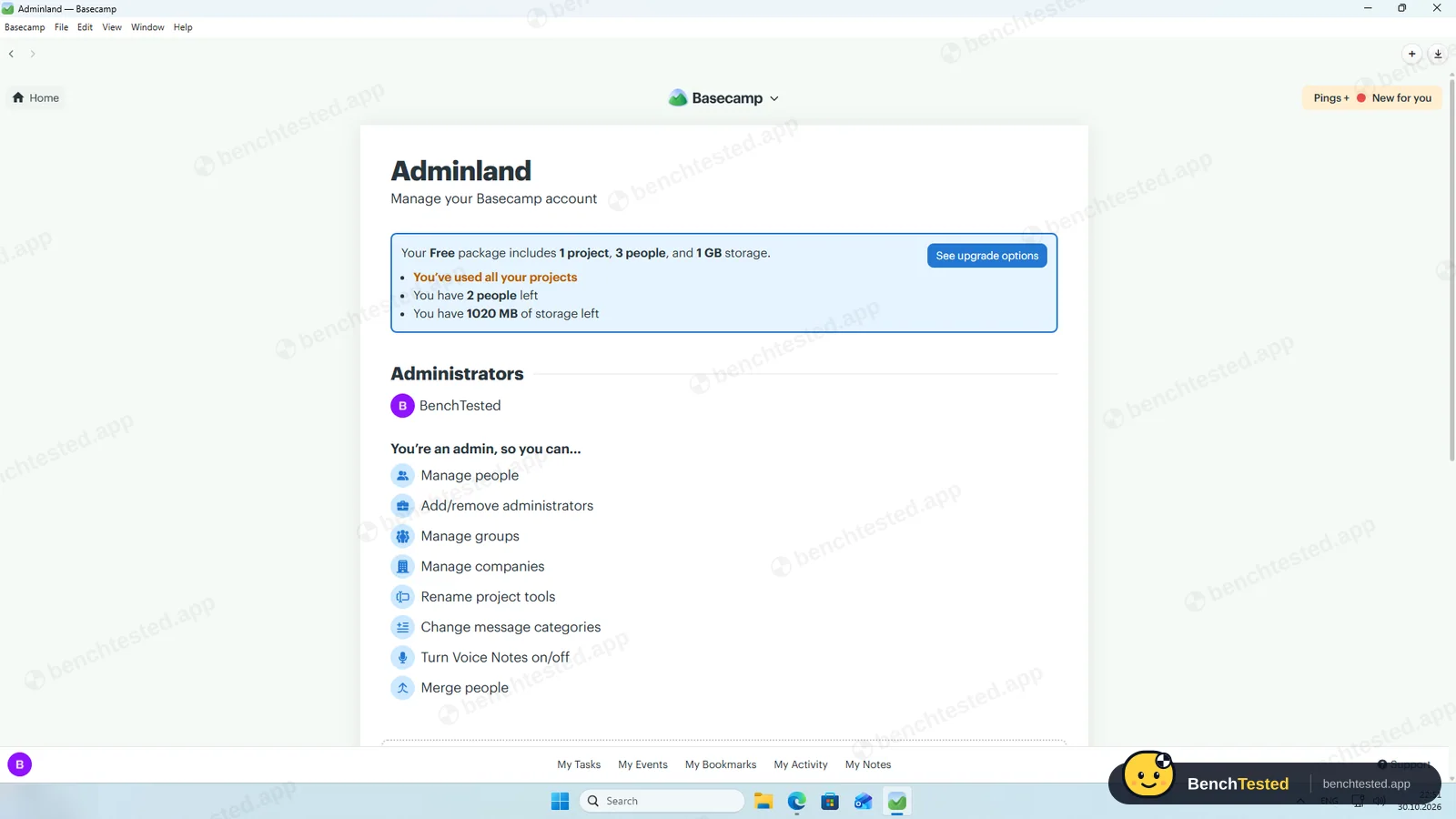
We installed Basecamp's Windows desktop app on a clean Windows 11 virtual machine and used the free plan, which allows one project, three people and 1 GB. Everything was done on October 30, 2026.
Installation and setup
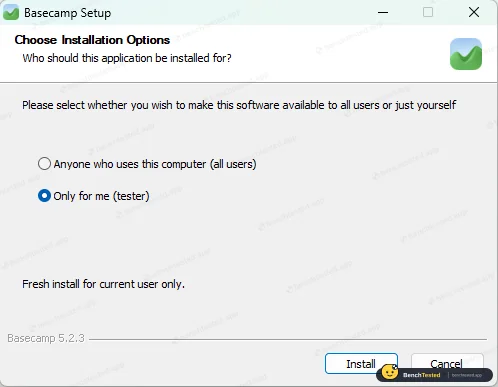
The 109 MB installer is signed by 37signals LLC and installs for the current user by default, without admin rights or a licence page. It added no startup entry, services or listening ports, and took 415 MB plus a 104 MB updater folder.
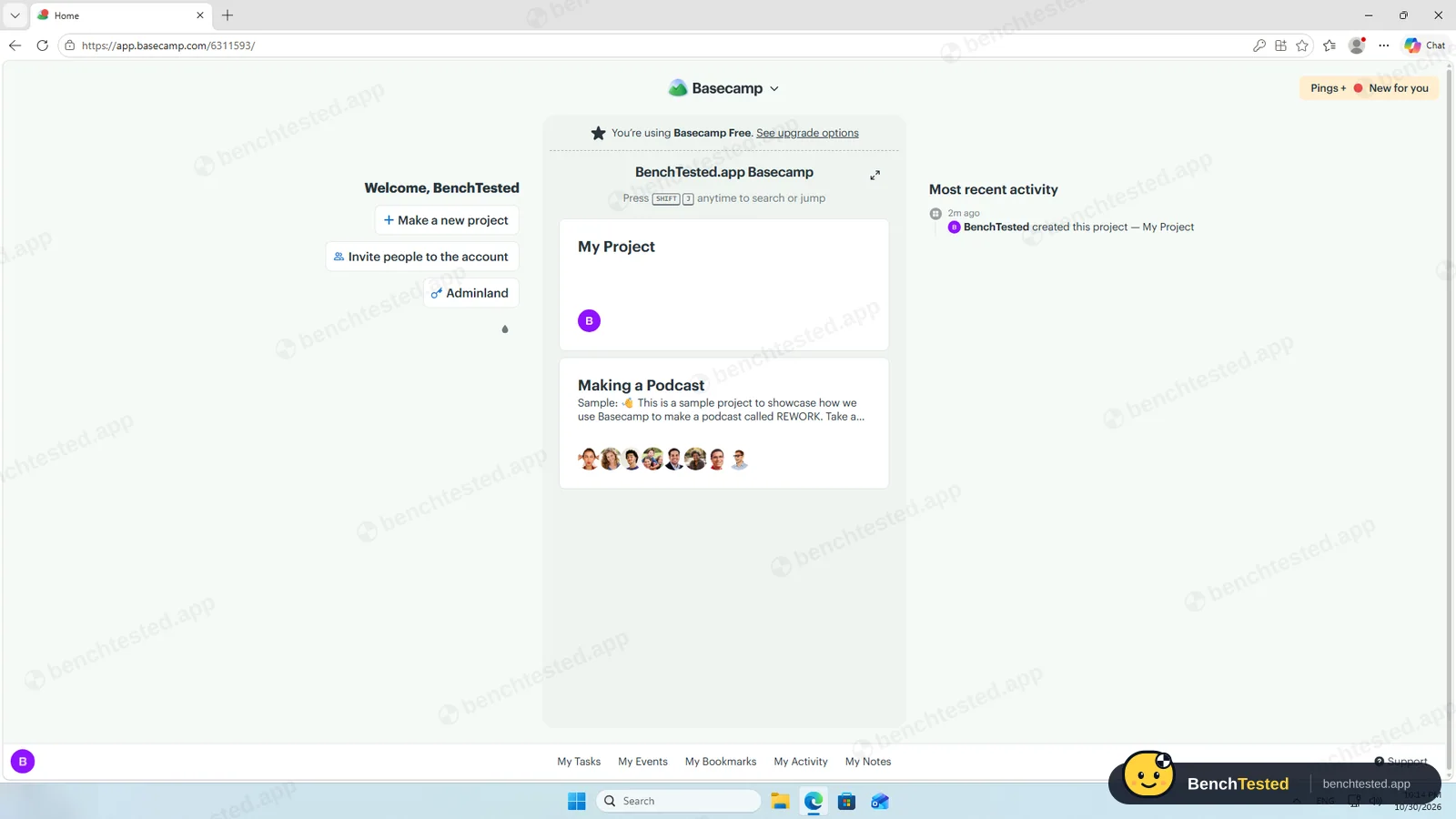
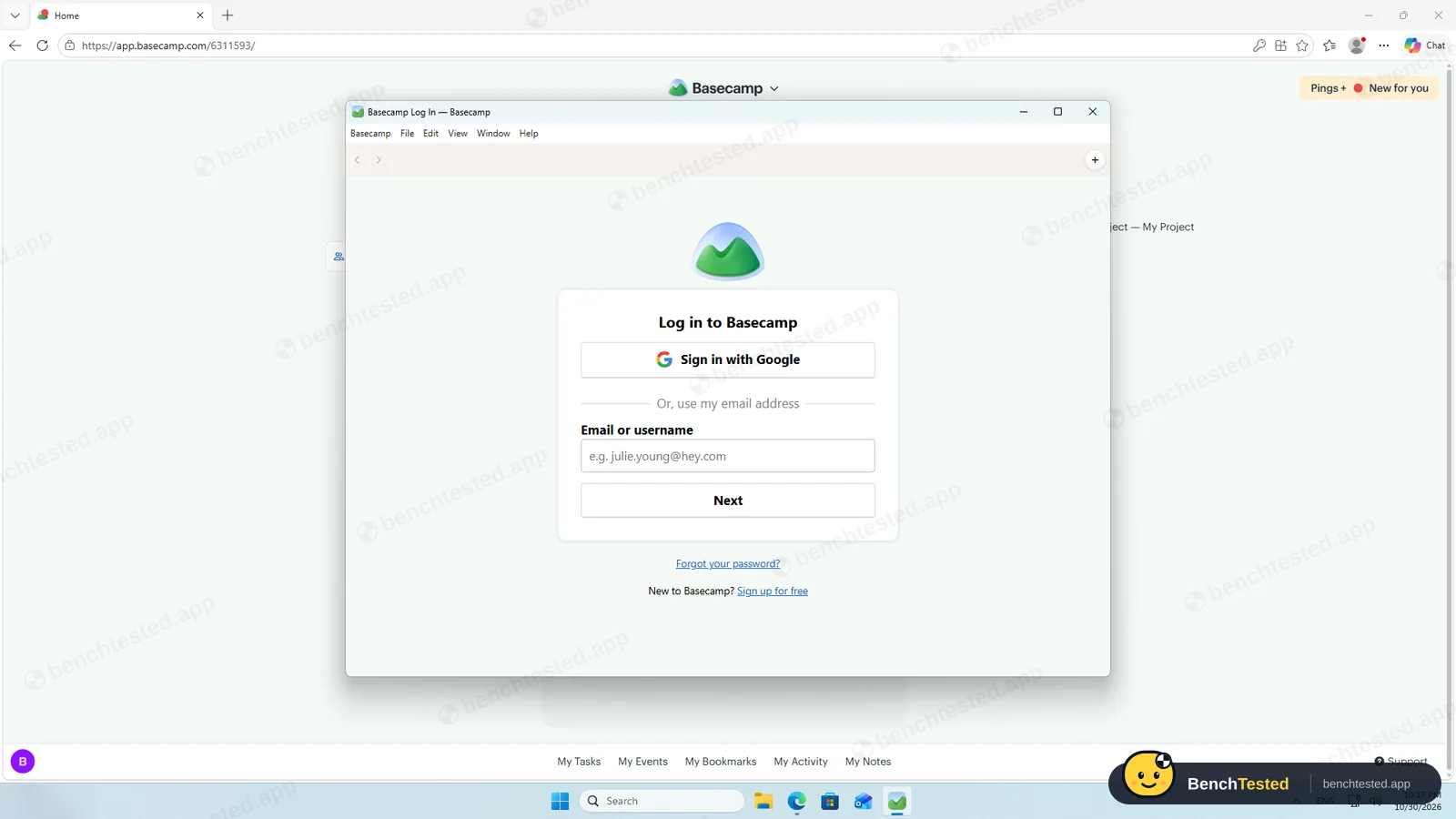
Sign-up asked only for a name, email and organisation. The account opened with an empty project and a sample “Making a Podcast” project, and a welcome note from the CEO promising “no assistant, no AI”. The desktop app asks you to sign in again rather than using the browser session.
Building the project
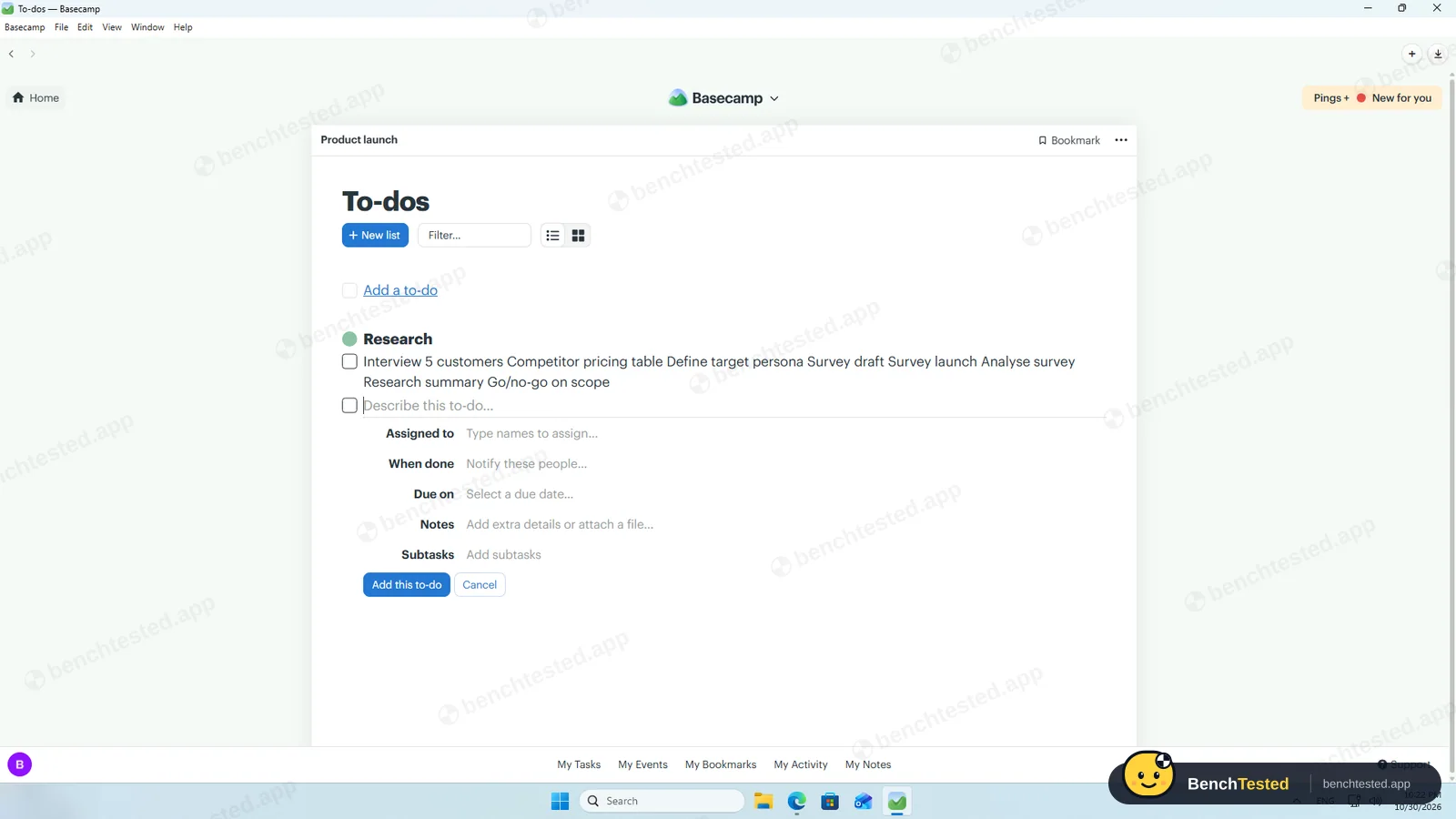
Basecamp organises work as to-do lists inside a project, so we made one list per phase. Pasting eight lines saved a single to-do with all eight names, so we added to-dos one at a time; Enter saves one and opens the next. Due dates can only be clicked in a calendar, because typing digits on the page triggers Basecamp's keyboard shortcuts.
There is no priority, status or custom field, so the brief's priorities had nowhere to go. Due dates stayed exactly as entered, weekends included. Realistically the 40 to-dos take 15 to 20 minutes.
Views and rules
To-dos can be shown as lists or as a grid, and the Calendar tool puts every dated to-do on its day. Card Table, Basecamp's Kanban board, is a separate tool that starts empty; a to-do can only be moved to another to-do list, not onto the board. There is no Gantt chart or timeline.
Any to-do with a due date can repeat every day, weekday, week, other week, month or year, and our weekly to-do saved with a repeat icon. There are no dependencies and no automation rules. The only trigger is “when done, notify these people” on each to-do.
Importing 200 and 500 rows
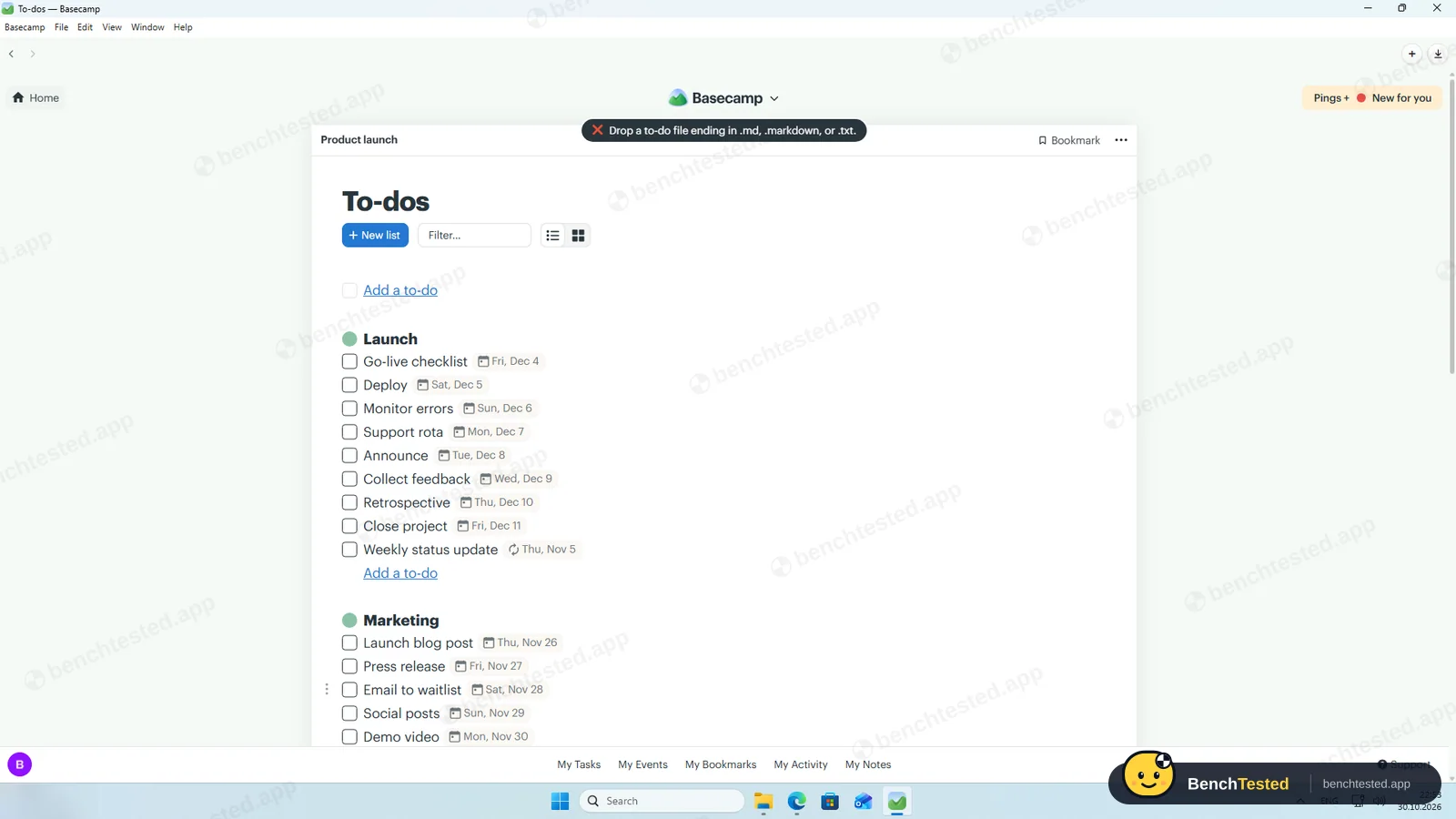
Basecamp has no CSV import. Dropping our CSV file on the To-dos page brought the message “Drop a to-do file ending in .md, .markdown, or .txt”. Its help page explains that bullets become to-dos, headings become lists and ticked boxes mark to-dos done; there is no syntax for due dates, assignees or notes.
After converting our file to a Markdown checklist, all 200 to-dos arrived in a new list with the 53 done ones ticked. Assignees, due dates, priorities, tags and descriptions were lost, because the format has no place for them. The 500-row file imported in under 40 seconds.
Speed and memory
Basecamp was the fastest and lightest desktop app in this category. The 500-to-do list opened and scrolled without waiting, the app used 0.9 to 1.2 GB of memory, and from a cold start the window appeared in 1.5 seconds and the list in about 3.
Sharing and permissions
Projects are invite-only by default. People you invite join as outside collaborators, who cannot create projects, invite others or become admins, unless you mark them as working at your company. Clients have their own tab and see only what is shared with them. There are no view-only or per-item permission levels. Removing our invitee took two clicks; we did not test what a second user sees.
No built-in AI
Basecamp has no AI assistant in the app, so we could not run our AI step. Its pricing page lists connectors for outside AI agents such as ChatGPT and Claude on every plan; we did not test them.
Leaving Basecamp
The account export is sent by email, but it was ready in about a minute and also appeared in Adminland. It is a 3.9 MB zip holding a website you open in a browser, with a page for every to-do including its due date, but no CSV or spreadsheet. We did not delete the account. Uninstalling took 9 seconds and left about 120 MB and a protocol handler.
What we have not tested yet
We did not test the second user's view, Hill Charts, message boards, chat, check-ins, the AI connectors, integrations, the mobile apps or the paid plans. We did not test Basecamp offline, and we ran each step once.
Basecamp Screenshots
Taken during our own test run on a clean Windows 11 machine.
What we checked
Every item in our project management tool test plan and how Basecamp did. Scan for the ones you can't live without.
Installation
- Pass Download size109 MB
- Pass Signed installer37signals LLC, valid
- Pass Admin rightsper-user install by default
- Pass Asks before running at startupdoes not add itself to startup
First use
- Pass Sign-up without a card
- Pass Starts on the free plan1 project, 3 people
Core tasks
- Partial Build a 40-task projectno priorities; one to-do at a time
- Fail List, board, calendar and Gantt on the free planlist and calendar; no Gantt
- Fail Status automationno rules
- Fail Task dependencynot available
- Pass Recurring taskdaily to yearly repeats
- Fail CSV import keeps the dataCSV refused; Markdown keeps titles only
- Fail CSV import maps columns itselfno CSV import
- Partial Permissions and rolesemployee, outside collaborator, client
- Fail AI summary and answersno AI in the app
- N/A AI asks before changing datano AI
Performance
- Pass Large board (500 tasks)instant
- Pass Cold startabout 3 s
- Pass Memory use0.9–1.2 GB
Privacy and security
- Pass No pressure to share contacts
- N/A Access removed immediatelysecond user's view not tested
Integrations
- Fail Import from other toolsMarkdown or text only
- N/A Connected appsintegrations not tested
Offline and sync
- N/A Behaviour without internet
Pricing traps
- Partial Free plan limitsone project, three people
Cancel and uninstall
- Partial Complete exportcomplete, but HTML only
- N/A Delete the workspaceleft to the account owner
- Partial Clean uninstall120 MB and a protocol handler left
Test Results
- Ease of use6.5
Calm and simple, but one to-do at a time, click-only dates and no priority field.
- Views & flexibility4.5
Lists and a calendar; the board is separate from to-dos and there is no Gantt chart.
- Speed8.0
The fastest cold start and lowest memory use in this category.
- Automation & AI4.0
Repeating to-dos only: no dependencies, rules or AI.
- Integrations3.5
Imports only Markdown or text, exports only a browsable website.
- Value for money5.5
A free plan for one project, and flat prices from $29 a month instead of per-user fees.
Every project management tool runs the same script. How we test →
Key Features
To-dosTested by us
To-do lists with assignees, due dates, notes, subtasks and repeats.
No priority or custom fields.
CalendarTested by us
Every dated to-do and event on one calendar.
Card TableTested by us
A Kanban board of cards in columns.
Separate from to-dos.
ImportTested by us
To-dos from a Markdown or text checklist.
No CSV; titles and done state only.
ExportTested by us
The whole account as a browsable website.
No CSV.
Additional Features
AI connectorsVendor-stated
Connectors and a CLI for outside AI agents such as ChatGPT and Claude.
Basecamp at a glance
- Version tested
- Windows app 5.2.3 (October 30, 2026)
- Platforms
- Web, Windows, macOS, iOS and Android
- Installer
- 109 MB; per user, no admin rights
- Account
- Email or Google
- Free plan
- 1 project, 3 people, 1 GB
- Import
- Markdown or text checklist; no CSV
Is Basecamp secure?
We did not review Basecamp's privacy policy or security certifications for this test. Below are only the things we saw on our test PC and in the app.
-
Signed installerTested by us
The installer is signed by 37signals LLC with a valid certificate.
-
No background servicesTested by us
The app added no startup entry, services or listening ports.
-
Invite-only projectsTested by us
New projects are visible only to people you add; outside collaborators and clients get limited access.
-
No AI by defaultTested by us
The app has no built-in AI assistant reading your projects.
Pricing
Free plan
Yes
Paid plans from
$29 / month, flat (not per user)
-
Free
$0
One project, 3 people, 1 GB storage.
-
Freelancer
$29/mo
3 active projects, 5 people, 10 GB.
-
Pro
$79/mo
8 active projects, 10 people, 25 GB.
-
Pro Plus
$99/mo
12 active projects, 15 people, 100 GB.
-
Pro Unlimited
$199/mo
Billed yearly ($329 monthly). Unlimited projects and people, 1 TB.
From Basecamp's pricing page, checked Oct 30, 2026.
Who makes Basecamp?
- Company
- 37signals LLC
- Headquarters
- Chicago, Illinois, USA
- Founded
- 1999
- Founders
- Jason Fried
- Funding
- Privately held; run by Jason Fried and David Heinemeier Hansson.
Basecamp timeline
- 199937signals founded in Chicago.
- 2004Basecamp launched.
- 2026Basecamp 5 released.
- Oct 30, 2026We tested the Windows app 5.2.3.
FAQ
Is Basecamp free?
Yes, for one project with up to three people and 1 GB of storage. Paid plans are flat monthly prices from $29, not per user.
Can Basecamp import a CSV file?
No. It imports to-dos only from a Markdown or plain-text checklist, which keeps titles and done state but not dates, assignees or other fields.
Does Basecamp have Gantt charts or dependencies?
No. It has lists, a calendar and a separate Kanban Card Table, but no Gantt chart, timeline or dependencies.
Does Basecamp have AI?
There is no AI assistant in the app. Basecamp lists connectors for outside AI agents such as ChatGPT and Claude, which we did not test.
Does Basecamp support recurring to-dos?
Yes. Any to-do with a due date can repeat daily, on weekdays, weekly, every other week, monthly or yearly.
Can I export my data?
Yes, as a zip of a browsable website with every to-do and its due date. There is no CSV export.
Final Verdict
Basecamp is the calmest and quickest app we have tested in this category: a light desktop app, honest due dates, simple repeats and a free plan for one project.
It is also the most limited for structured project work: no priorities, fields, dependencies, automation, Gantt chart or AI, and no spreadsheet import or export.
Our advice: choose Basecamp if your team wants one quiet place for to-dos, messages and files, especially with clients. If you plan with fields, timelines or rules, ClickUp, Smartsheet or Asana fit better.