
Review Summary
monday.com did nearly everything in our script well: a clean 200- and 500-row import, working dependencies and automations, and the most accurate AI assistant in this category so far. But almost all of it ran on the automatic Pro trial. The free plan is two seats and three boards with no automations, no calendar or Gantt and no AI, so most teams will be paying.
+ What works
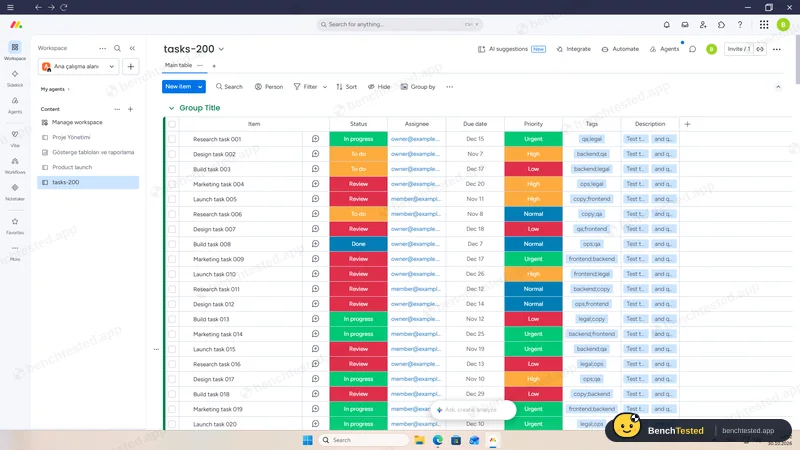
- Excellent CSV/Excel import: 200 rows in about 10 s and 500 in about 20 s, with statuses, dates and priorities
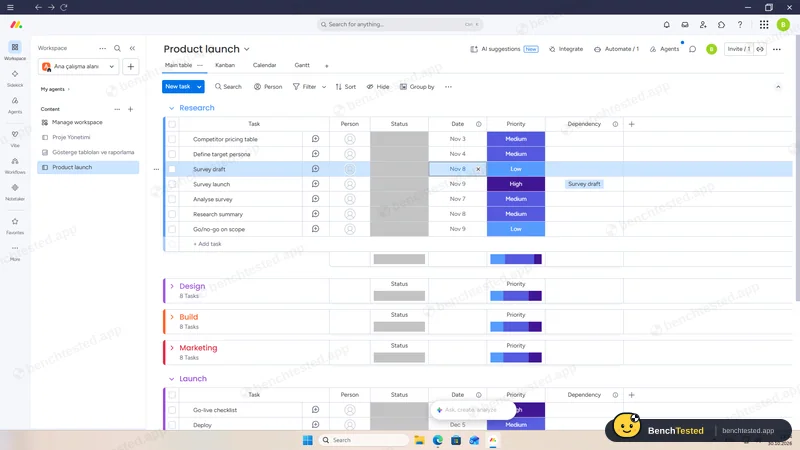
- Strict dependencies that move dependent tasks when a date changes
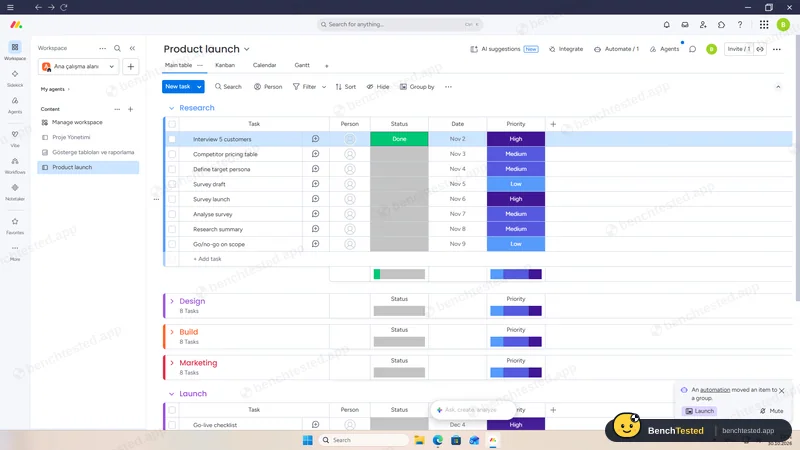
- Automations fired in about a second and a half
- Sidekick AI summarised the board, answered “what is overdue?” correctly and created real subtasks
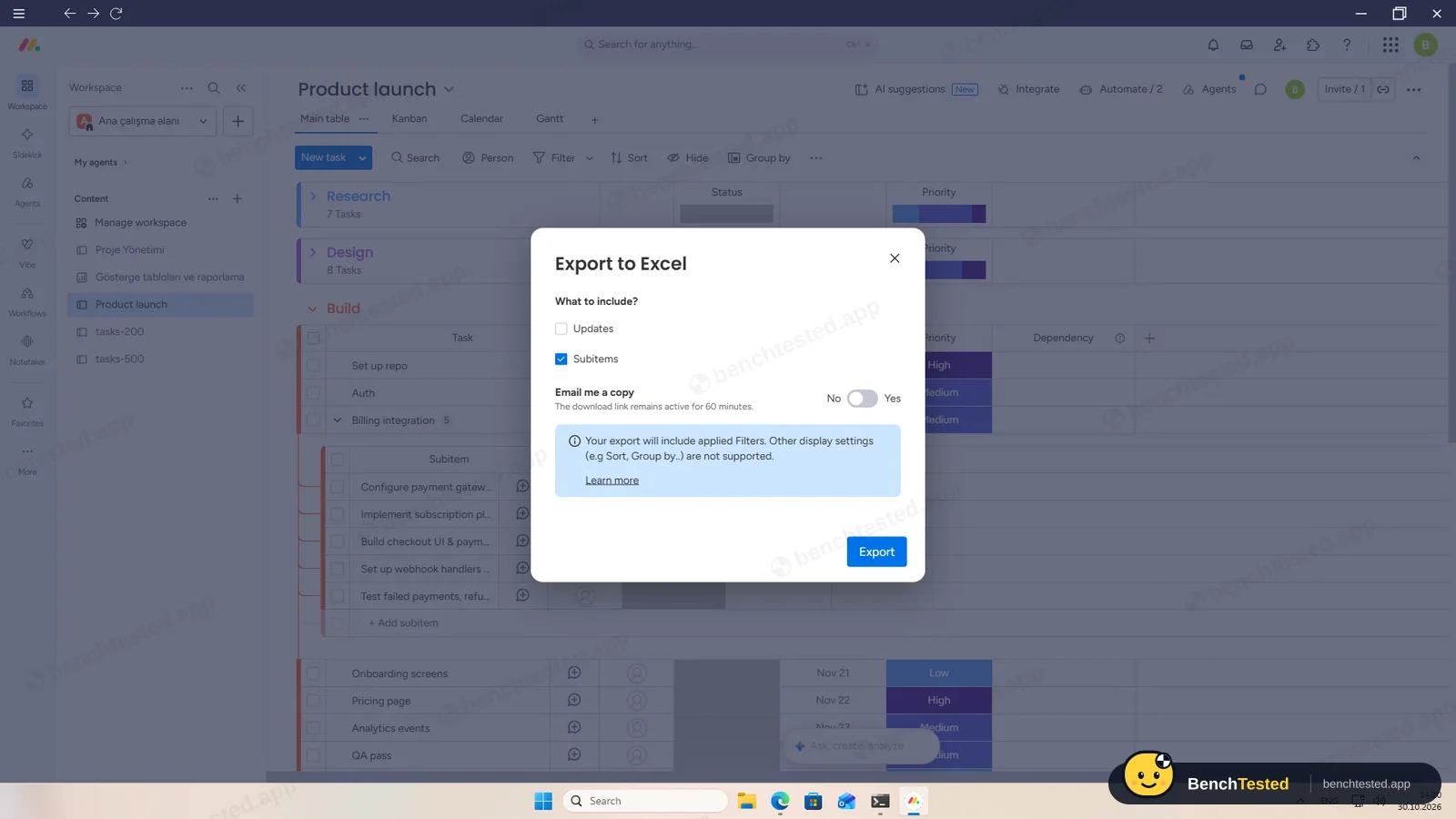
- Instant Excel export with subitems and dependencies, plus a full account export
- Clear roles, including free view-only Viewers
− What falls short
- Free plan: 2 seats, 3 boards, no automations, no calendar or Gantt, no AI
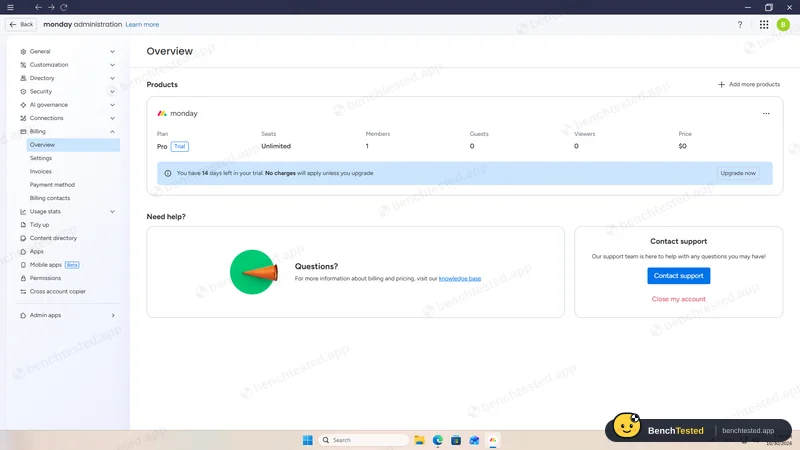
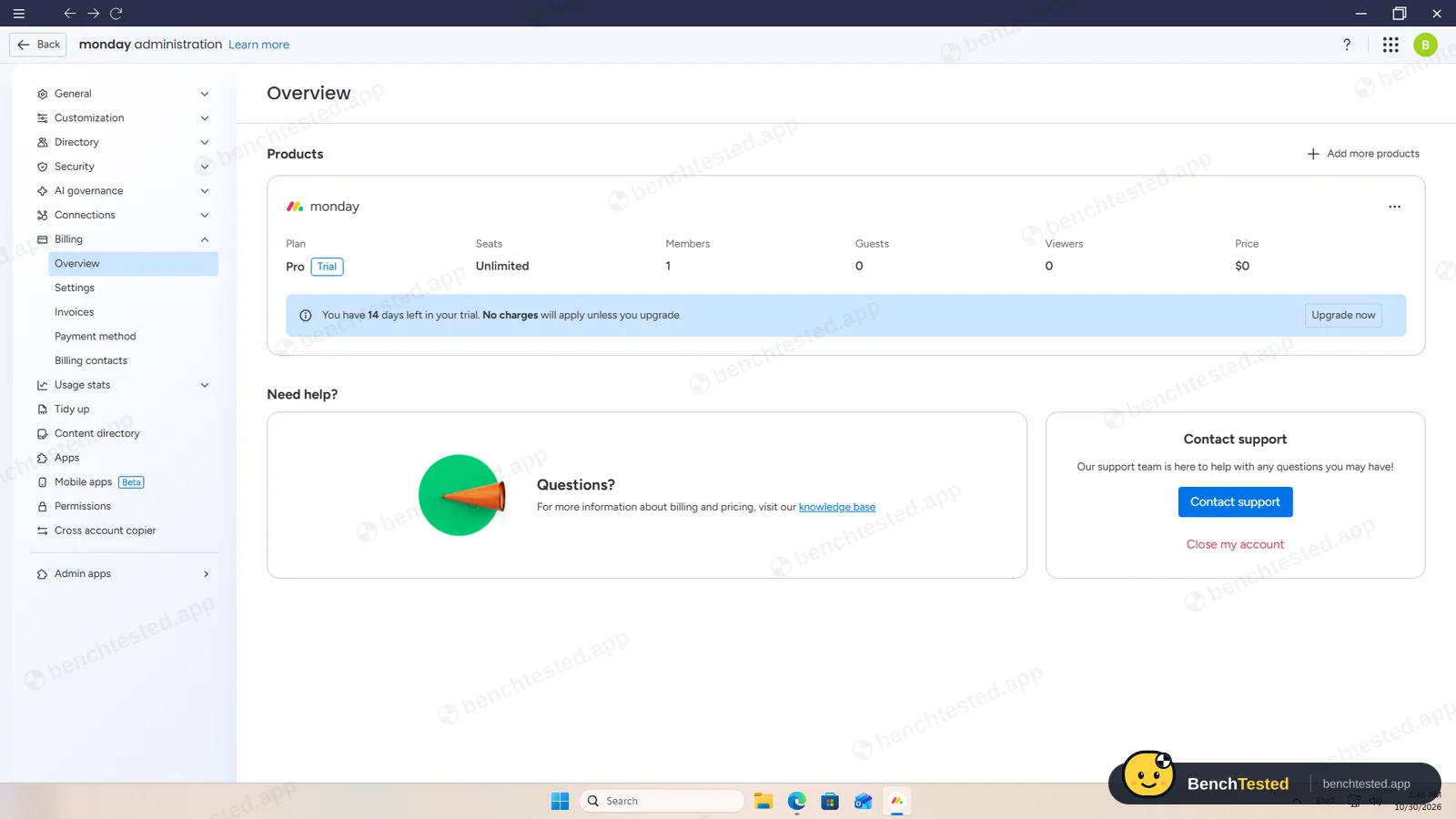
- A new account silently starts a 14-day Pro trial
- Calendar and Gantt views showed nothing until we refreshed the app
- The import's default column types mangled our descriptions and kept tags as one label
- The installer is signed with a code-signing certificate that expired in August 2025
- Heavier than most: about 1.1–1.3 GB of memory and a 9-second cold start
monday.com Alternatives
Not sure monday.com is the right fit? These project management tools scored best on the same test script:
 ClickUp Recommended Small teams that want lists, boards, Gantt charts, automations and AI in one free workspace and do not mind a busy, heavy app 7.4 Read reviewReview

What is monday.com?
monday.com organizes work as boards of items in groups, with typed columns for people, status, dates, priority and more. Each board can be shown as a table, Kanban, calendar, Gantt chart and other views.
Automations and integrations move work between boards and tools, and Sidekick, the built-in AI assistant, can read and change boards on paid plans.
Why monday.com is different
One board model with many column types and views fits projects, CRM-style lists and processes.
Its importer and AI assistant were the strongest in our project-management tests.
Who is monday.com for?
Teams ready to pay for a polished, flexible work-management tool with strong imports, automations and AI. Teams that want a flexible, polished work-management tool and are ready to pay per seat.
Skip it if
- You need a capable free plan for more than two people
- You want a lightweight app that opens instantly
- You do not want to pay per seat for automations and AI
Our Experience with monday.com
Test log
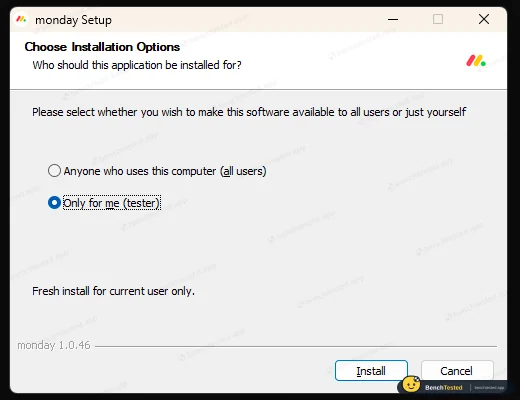
Windows 11 Pro 10.0.26300 in VMware Workstation 26H1 (4 vCPU, 8 GB RAM, no GPU passthrough), English UI, 1920×1080, clean snapshot; new monday.com account, which starts a 14-day Pro trial
- 13:07
Installer downloaded
signing certificate expired in 2025
- 13:18
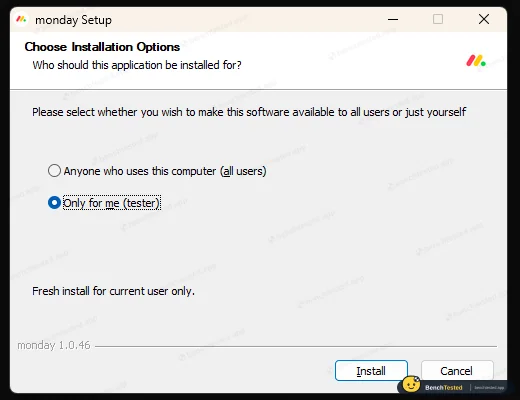
Installed per user
no admin rights
- 13:24
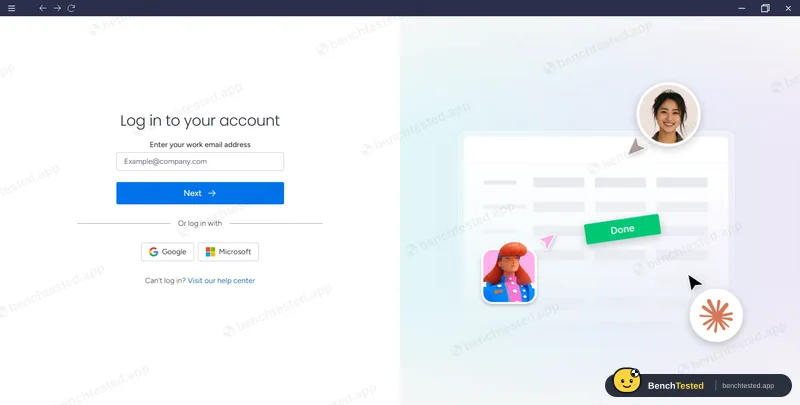
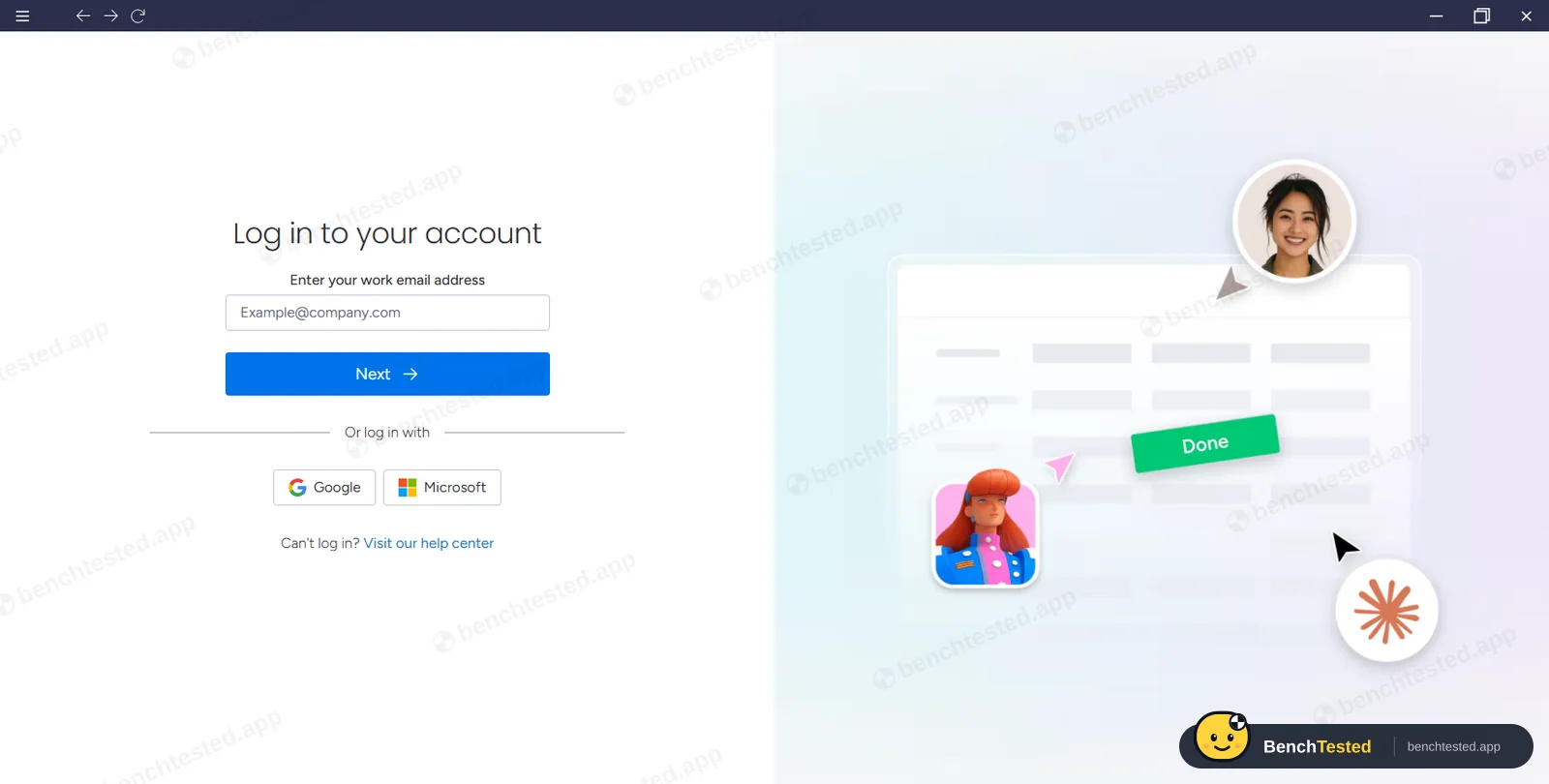
Signed in to the app
separately from the browser
- 13:43
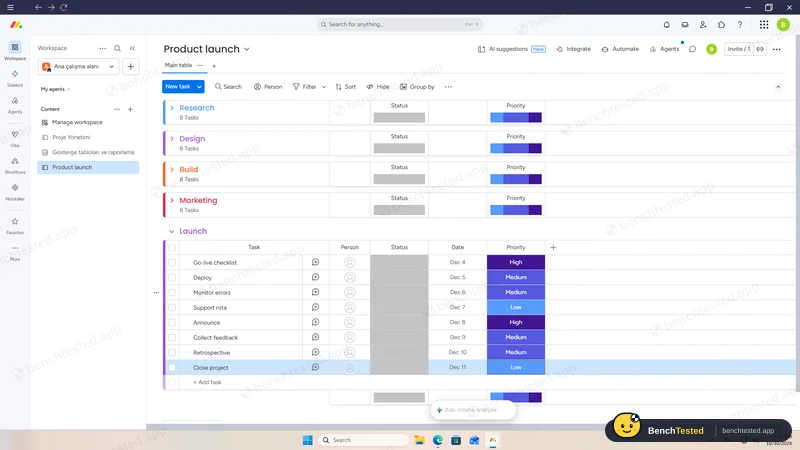
P1 done
40 tasks with dates and priorities
- 13:47
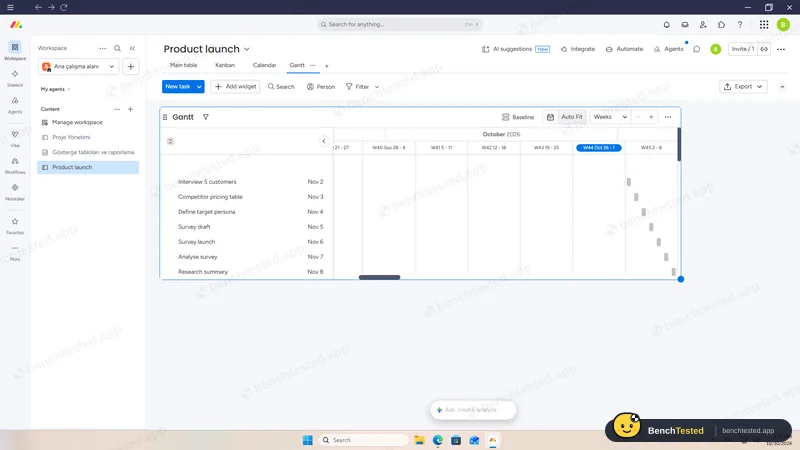
P2: calendar and Gantt
empty until refreshed
- 13:48
Pro trial found
started automatically
- 13:51
P3: rule fired
about 1.5 s
- 13:54
P3: dependency moved a task
- 14:02
P4: 200 rows imported
about 10 s
- 14:05
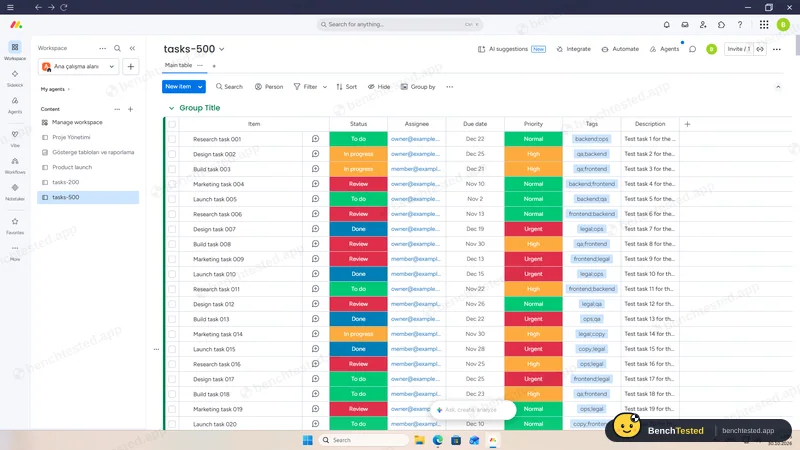
P5: 500 rows imported
about 20 s
- 14:08
Cold start
usable in about 9 s
- 14:10
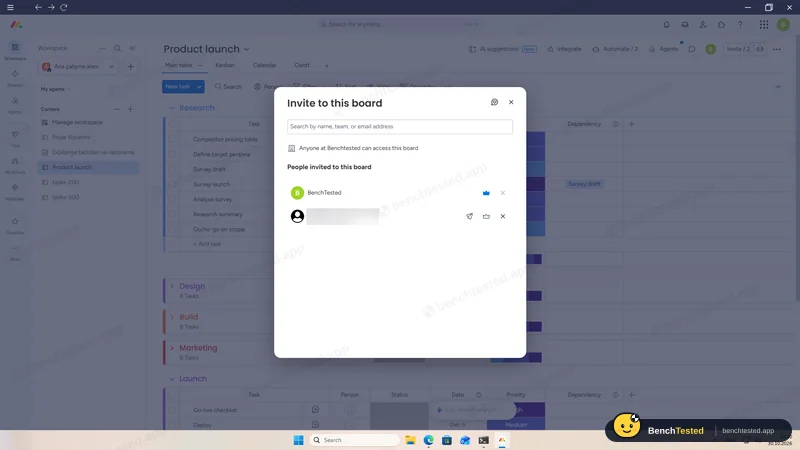
P6: member invited, then cancelled
- 14:15
P7: AI summary
- 14:17
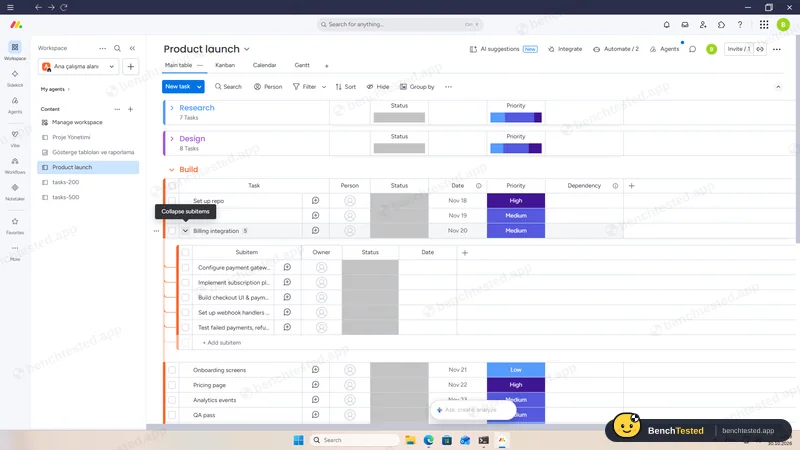
P7: AI added subtasks
- 14:20
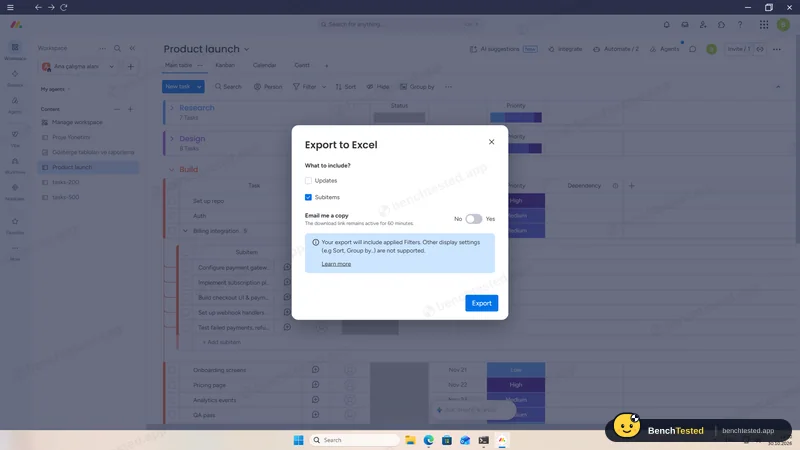
P8: Excel export
about 7 s
- 14:24
Uninstalled
92 MB updater cache left
-
P1 · Build a project
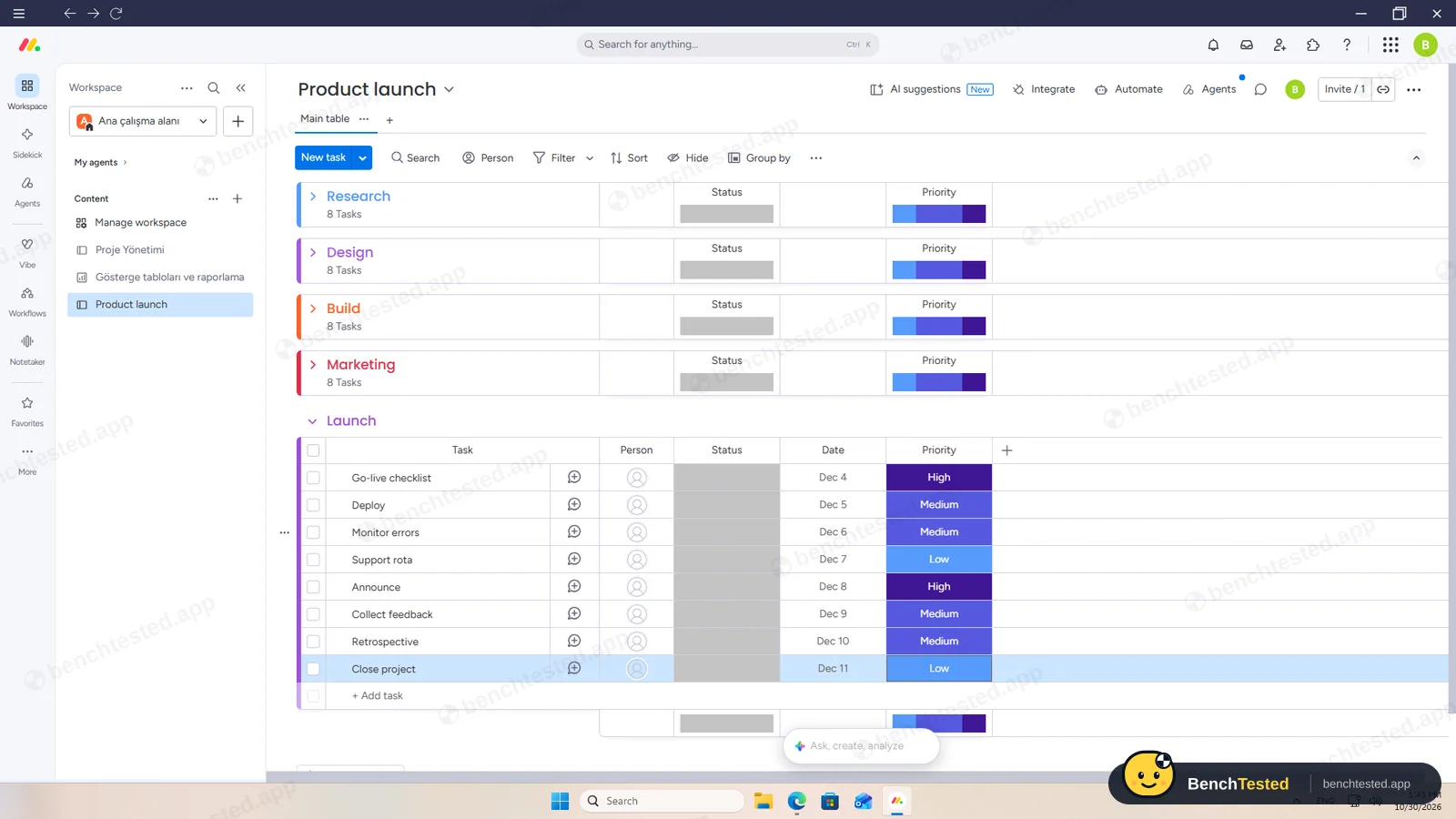
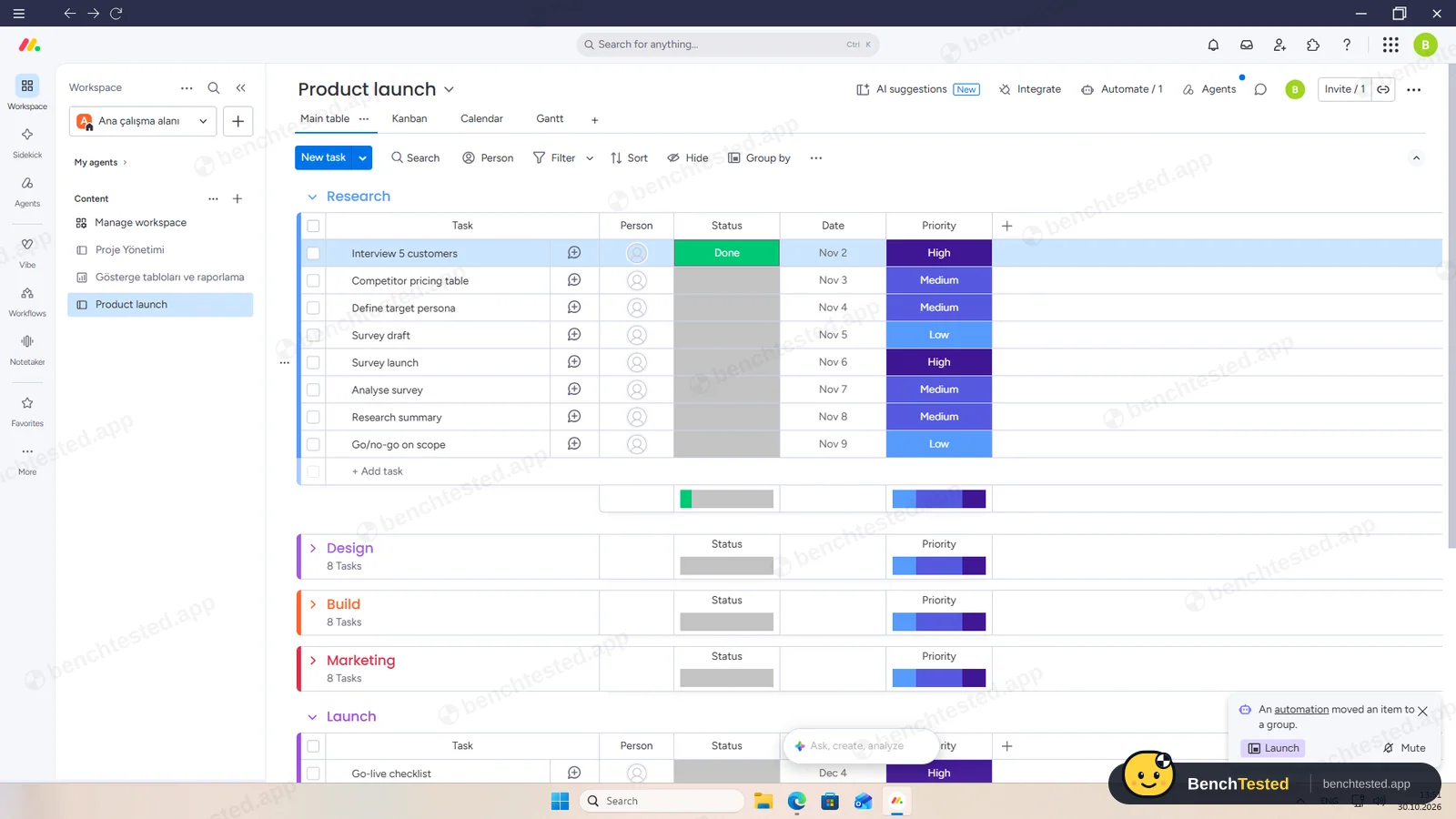
Build a 40-task product launch project from a written brief: five phase lists of eight tasks, each with a due date and priority.
Pass ≈ 15 min
Pasting eight lines into “Add task” created eight tasks at once, and we added a Priority column. Dates and priorities could not be pasted as a column, so we set each one per cell.
-
P2 · Views
Show the project as a list, board, calendar and Gantt chart.
Partial ≈ 4 min
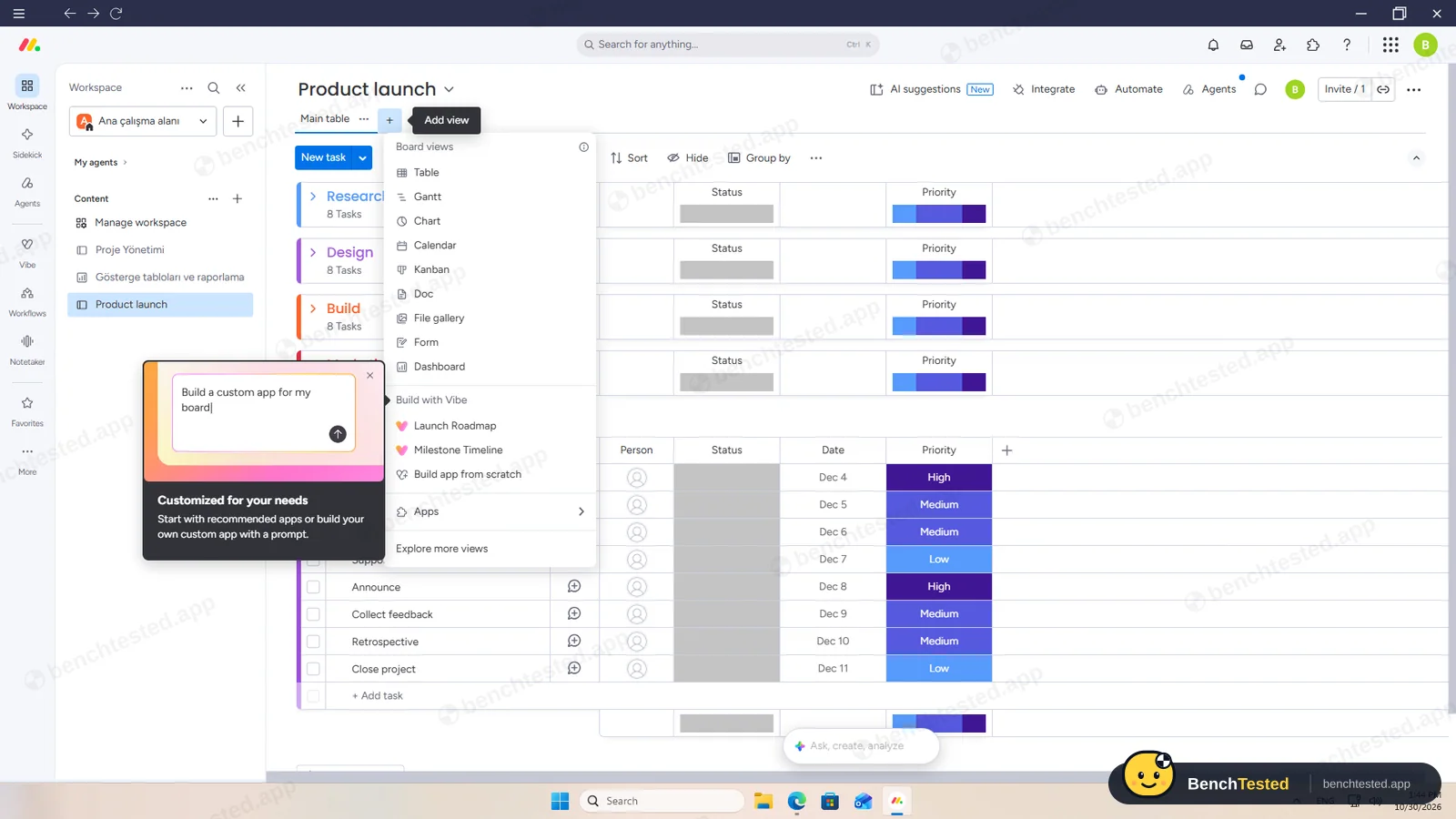
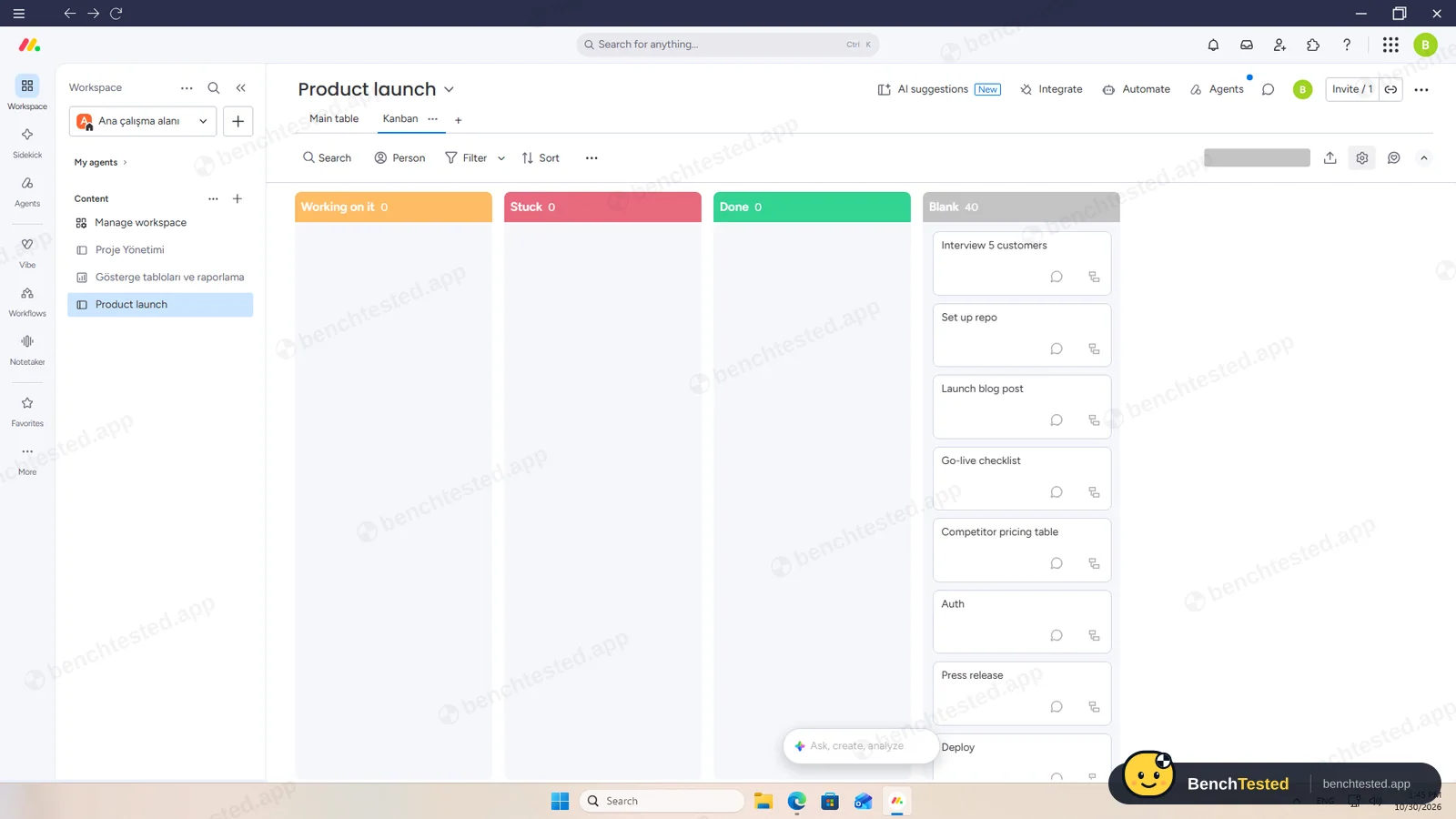
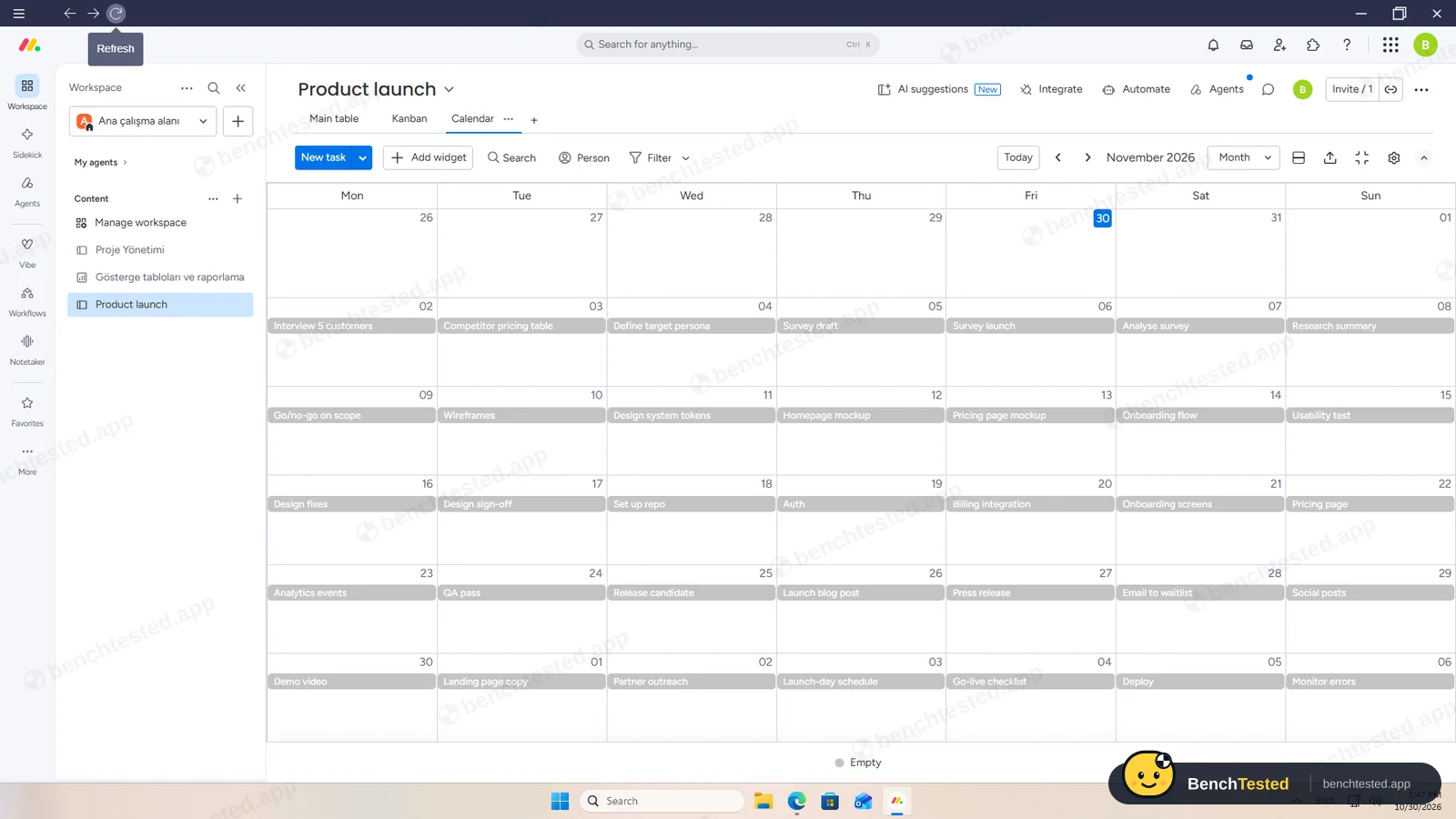
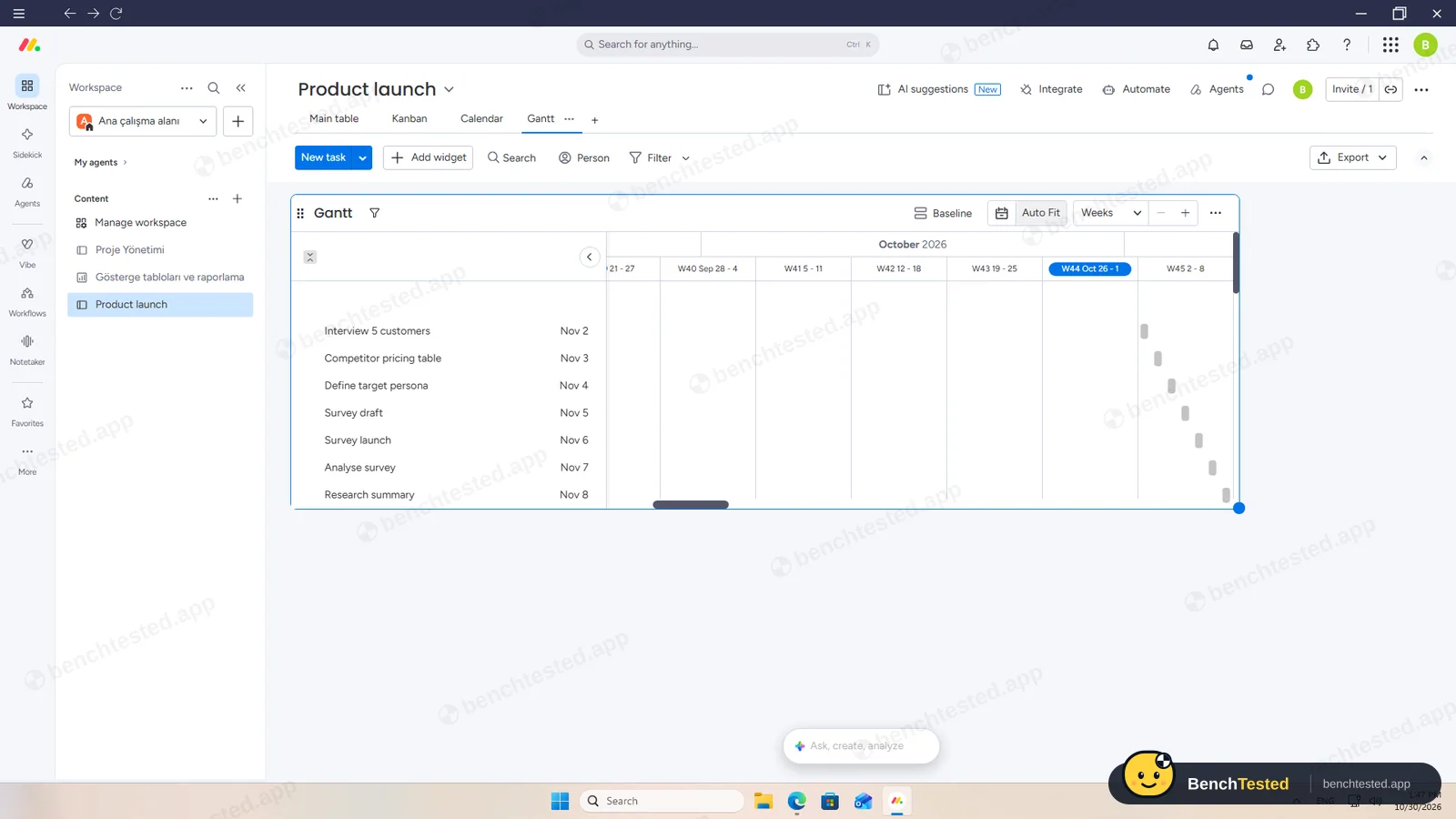
All four views worked on the Pro trial, but calendar and Gantt stayed empty until we refreshed the app. On the free plan only the table and Kanban are available.
-
P3 · Rules
Set up a status automation, a dependency and a weekly recurring task.
Partial ≈ 7 min
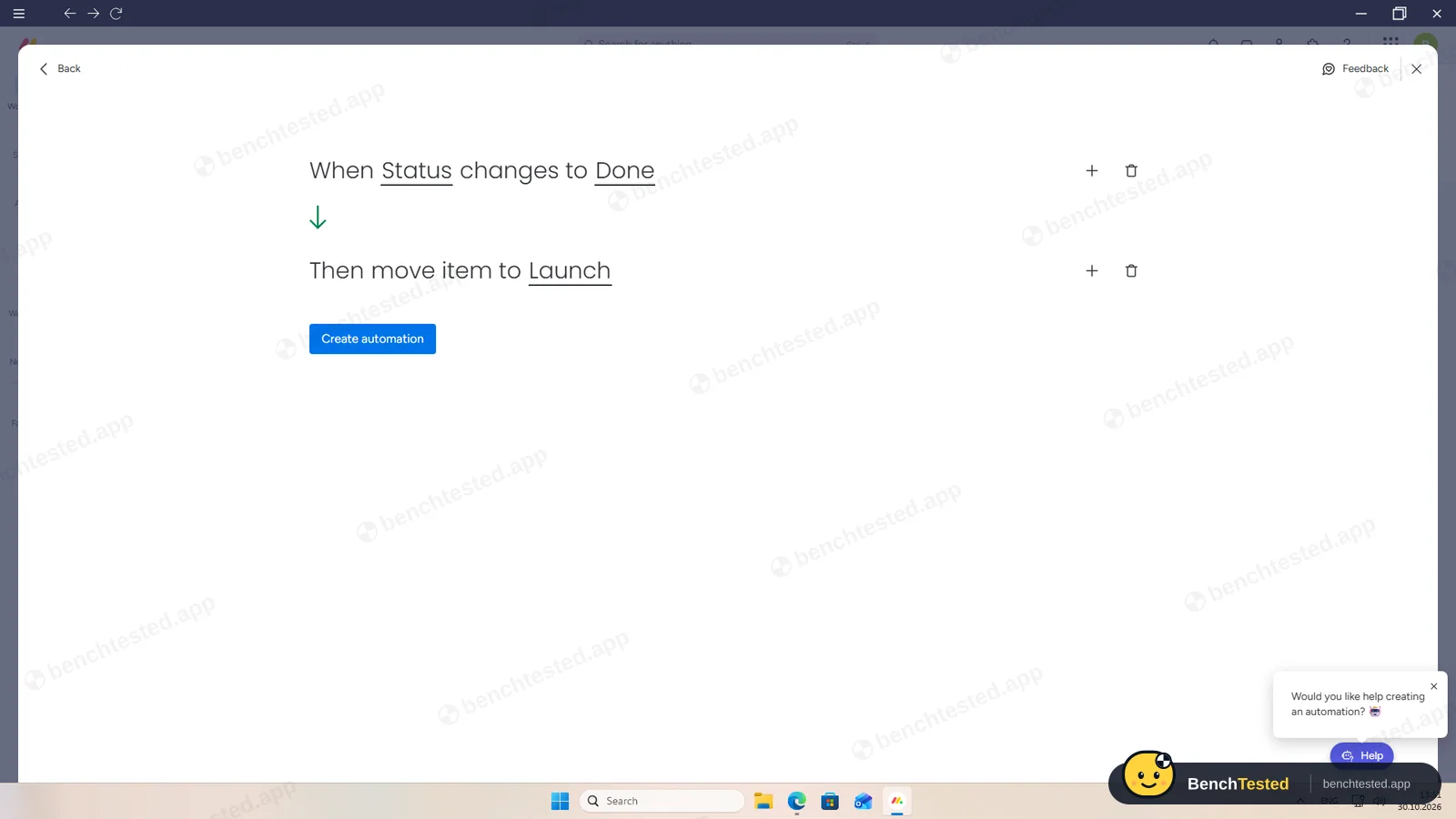
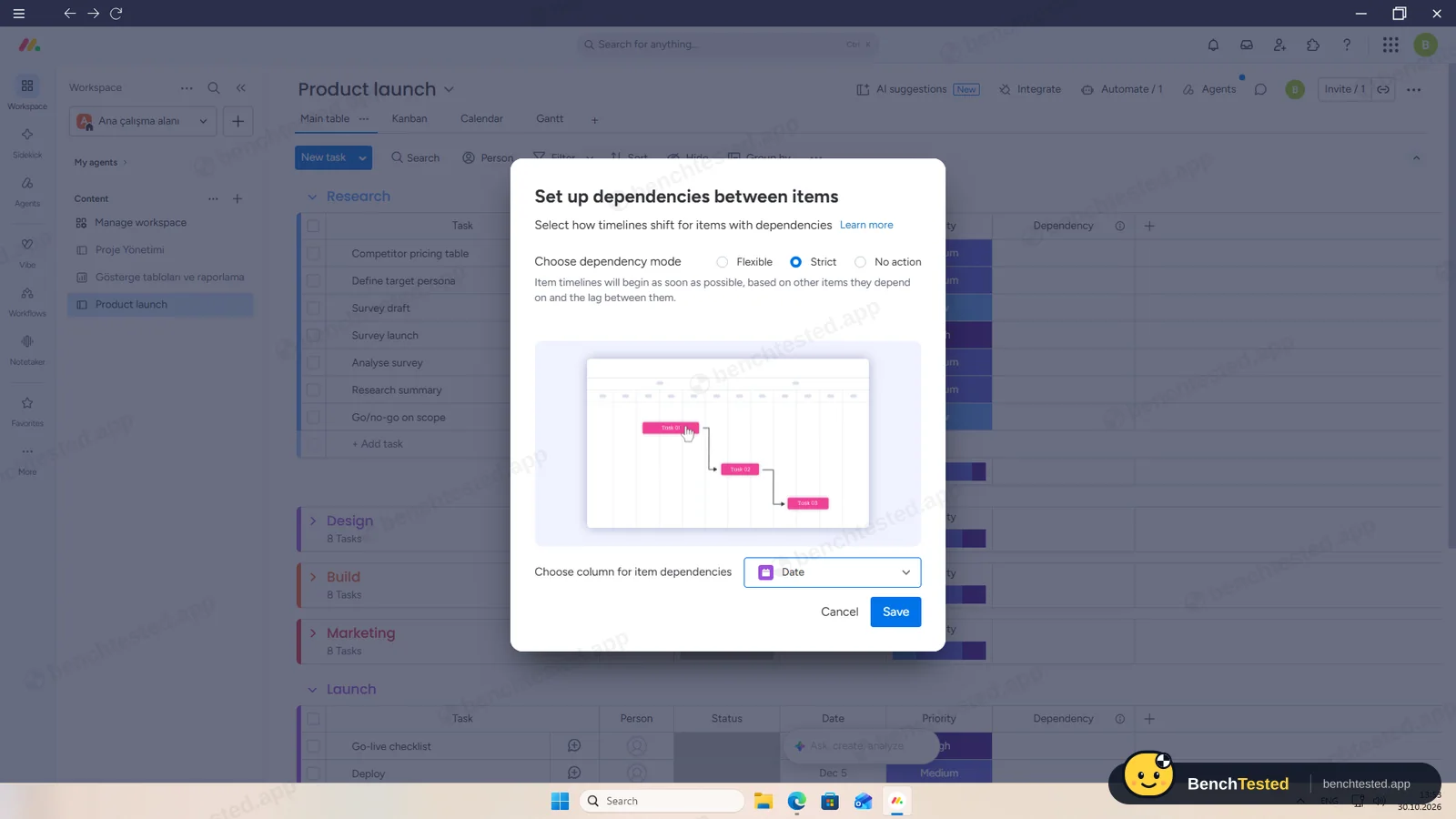
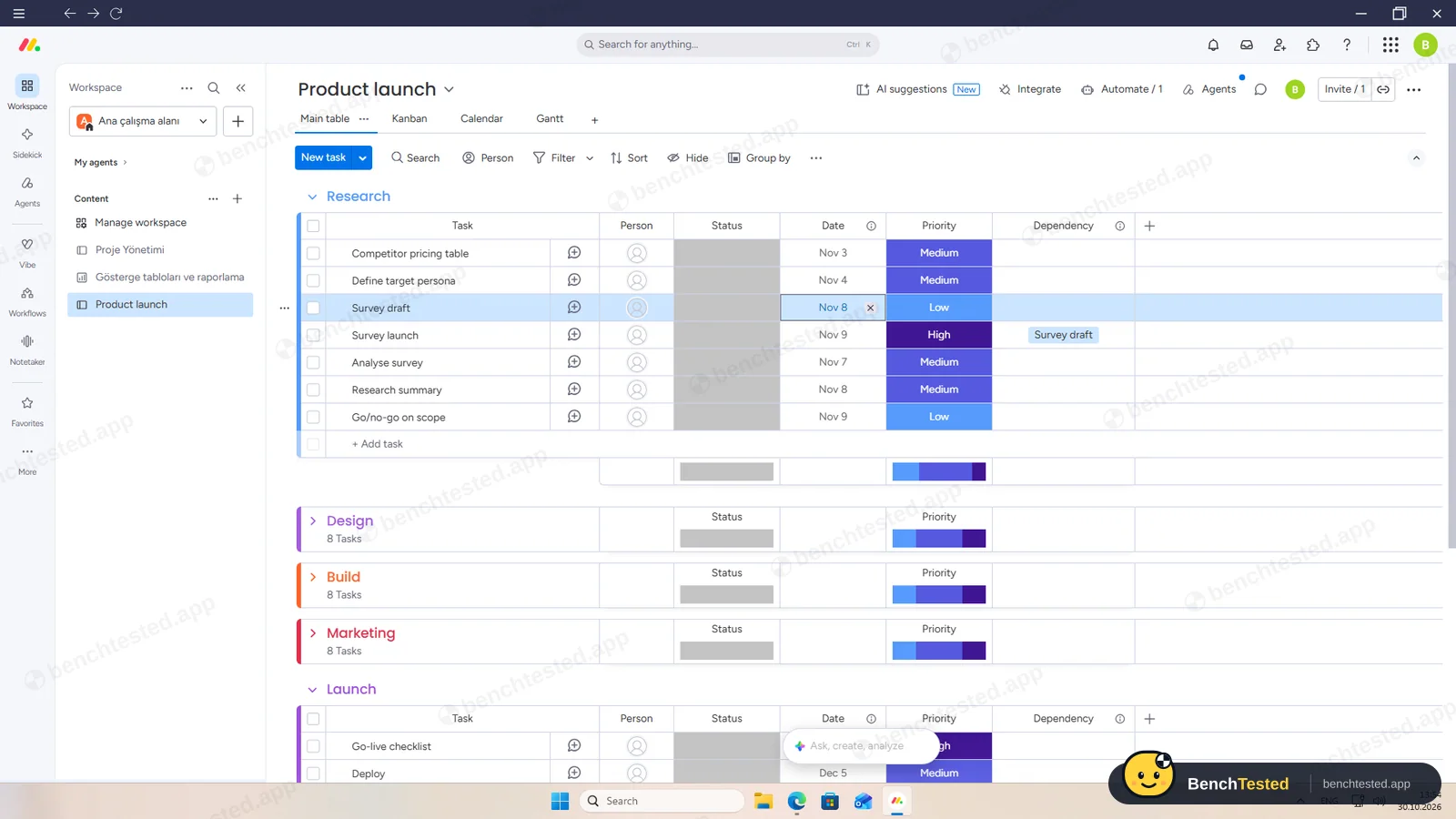
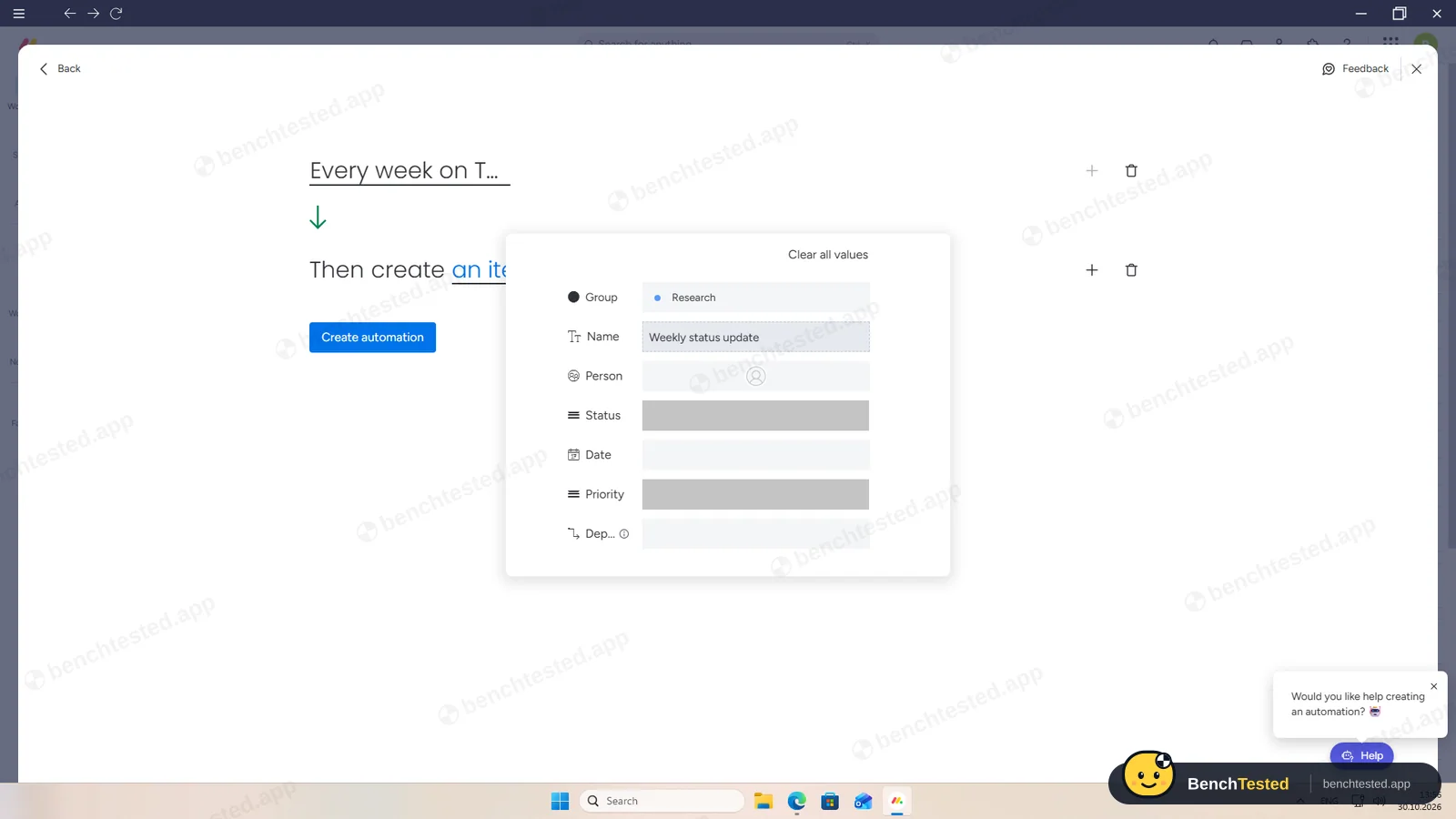
The rule moved a completed task to Launch in about 1.5 s, and a strict dependency moved “Survey launch” when we moved “Survey draft”. Recurrence is a scheduled automation that creates a new item each week; we could not wait to see it run. All three are paid features.
-
P4 · 200-row import
Import a 200-row CSV with statuses, assignees, dates, priorities, tags and special characters.
Pass ≈ 3 min
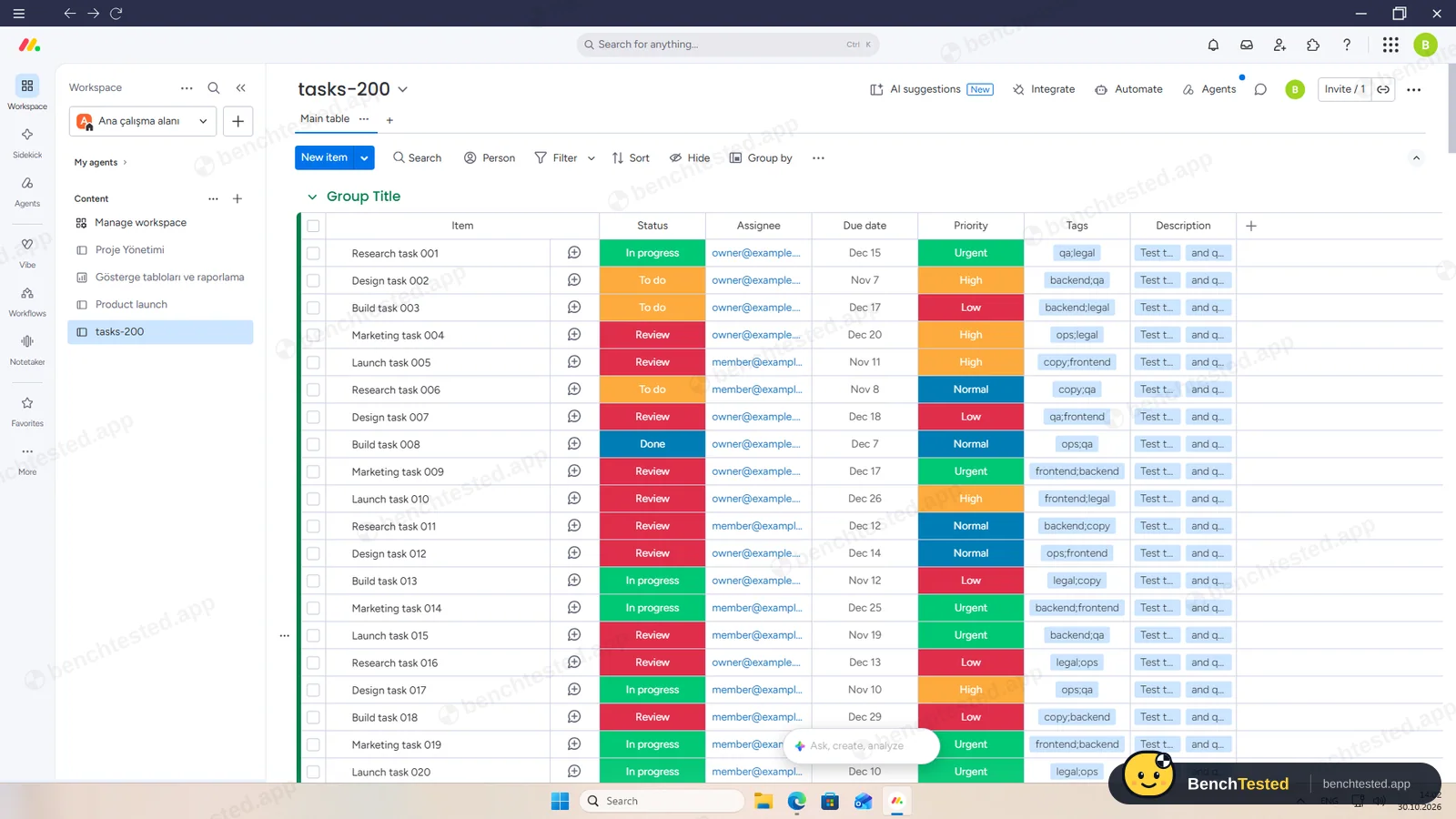
The Excel/CSV importer brought in all 200 rows with statuses, dates and priorities in about 10 seconds. Its default column types kept tags as one label and split descriptions at the comma; choosing Text fixed that.
-
P5 · Scale
Import 500 rows, then open and scroll a 500-task board.
Pass ≈ 2 min
500 rows arrived in about 20 seconds and the board scrolled to row 500 smoothly. The app used about 1.1 to 1.3 GB of memory.
-
P6 · Permissions
Invite a second user, check what they can see and change, then restrict them.
Partial ≈ 3 min
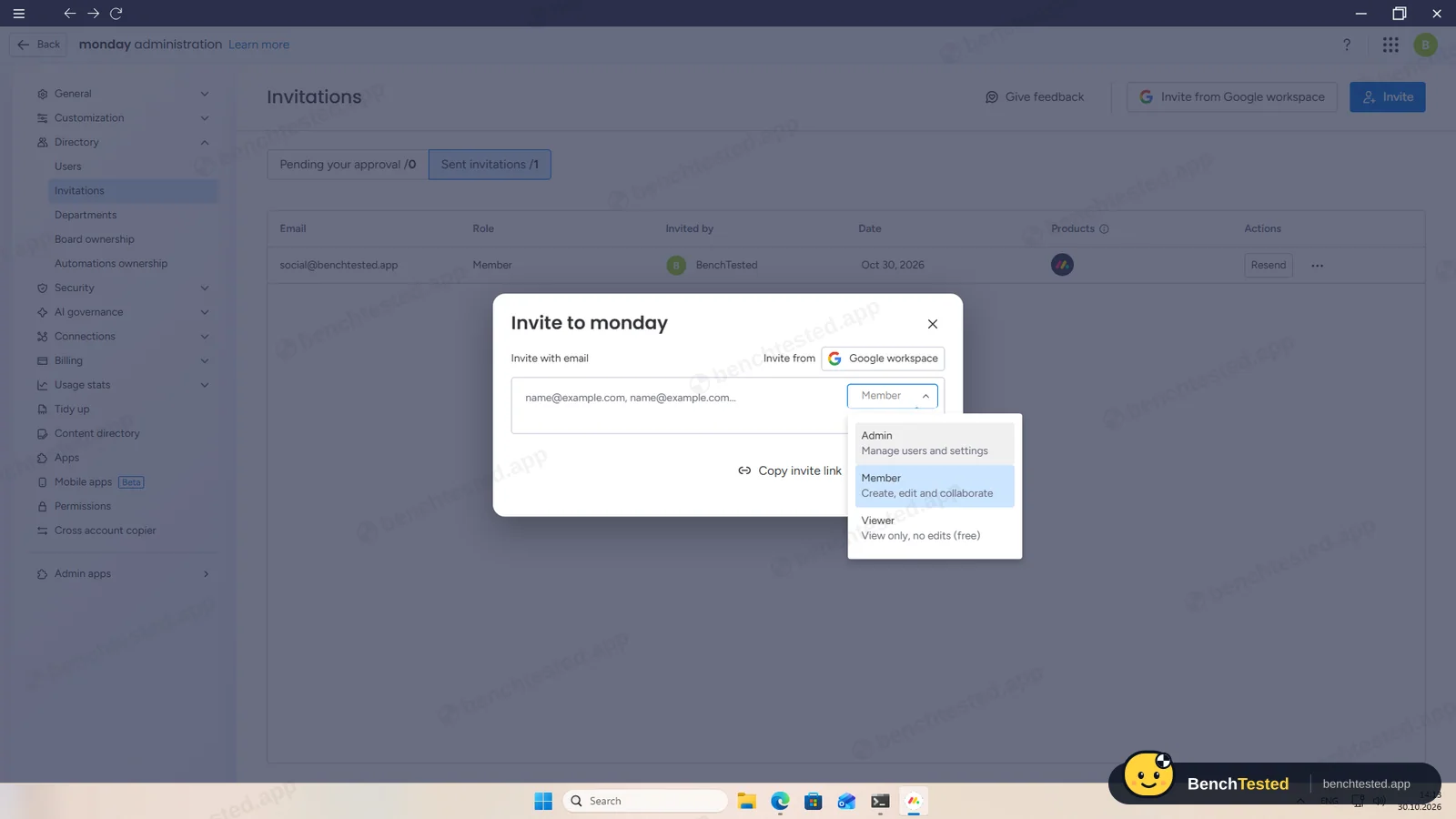
A board invite added the person as a Member; account roles are Admin, Member and free view-only Viewer, and cancelling the invite took two clicks. The sign-up wizard's own invite step defaults to Admin. We did not test the second user's view.
-
P7 · AI
Ask the built-in AI to summarise the project, write subtasks for one task and say what is overdue.
Partial ≈ 3 min
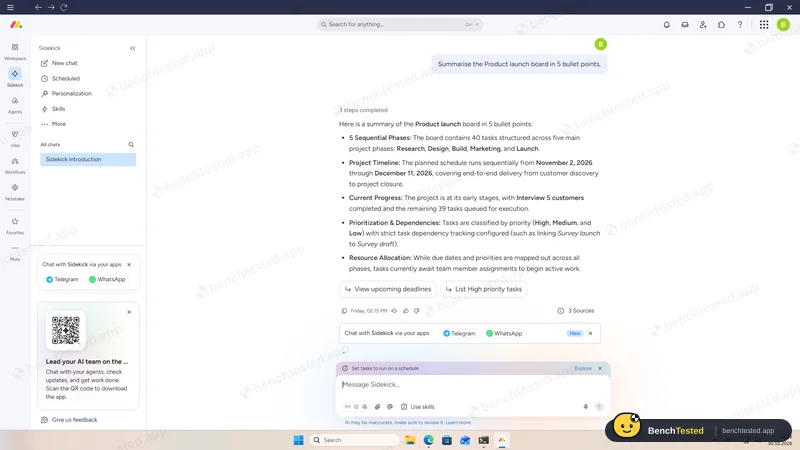
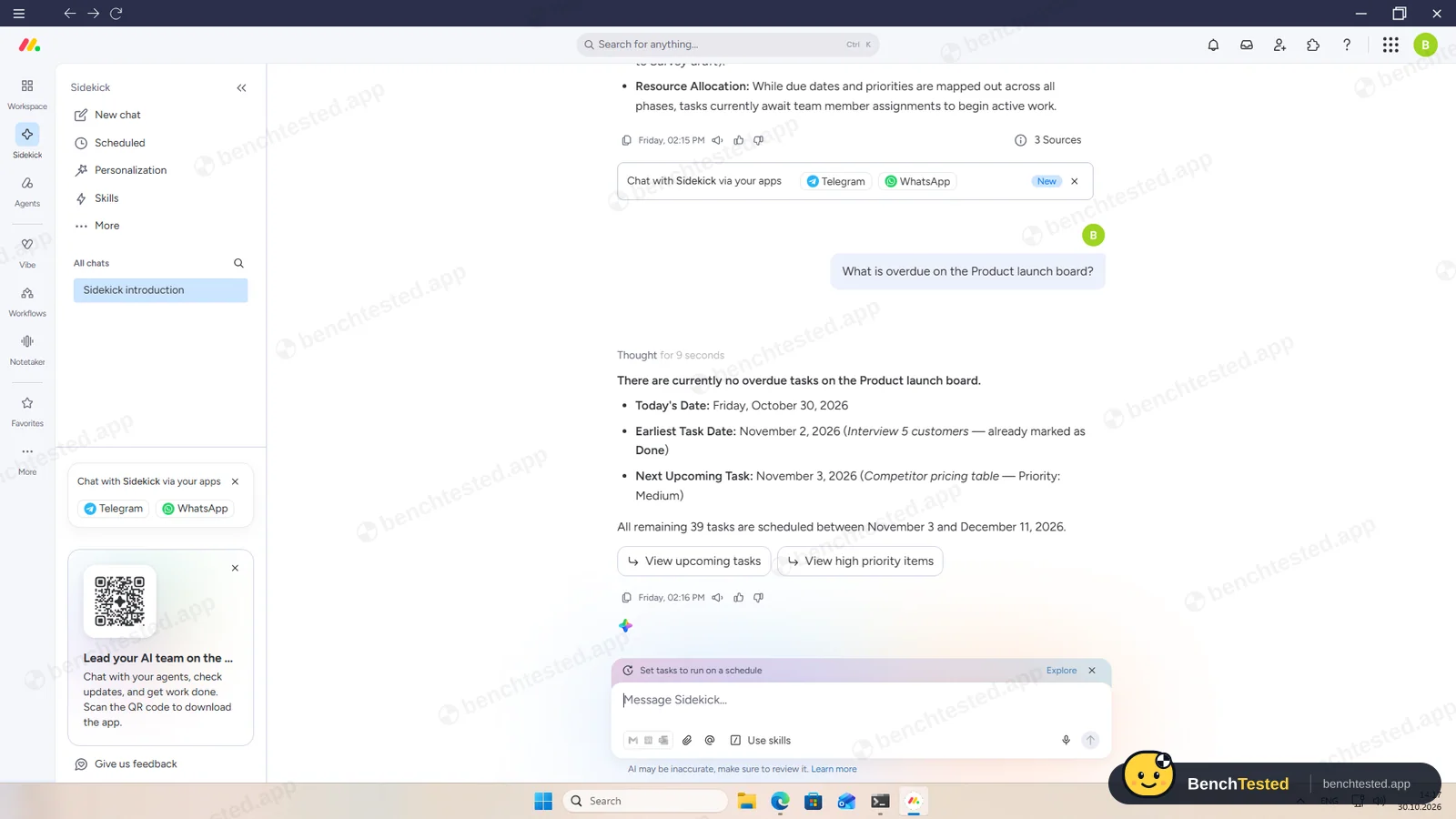
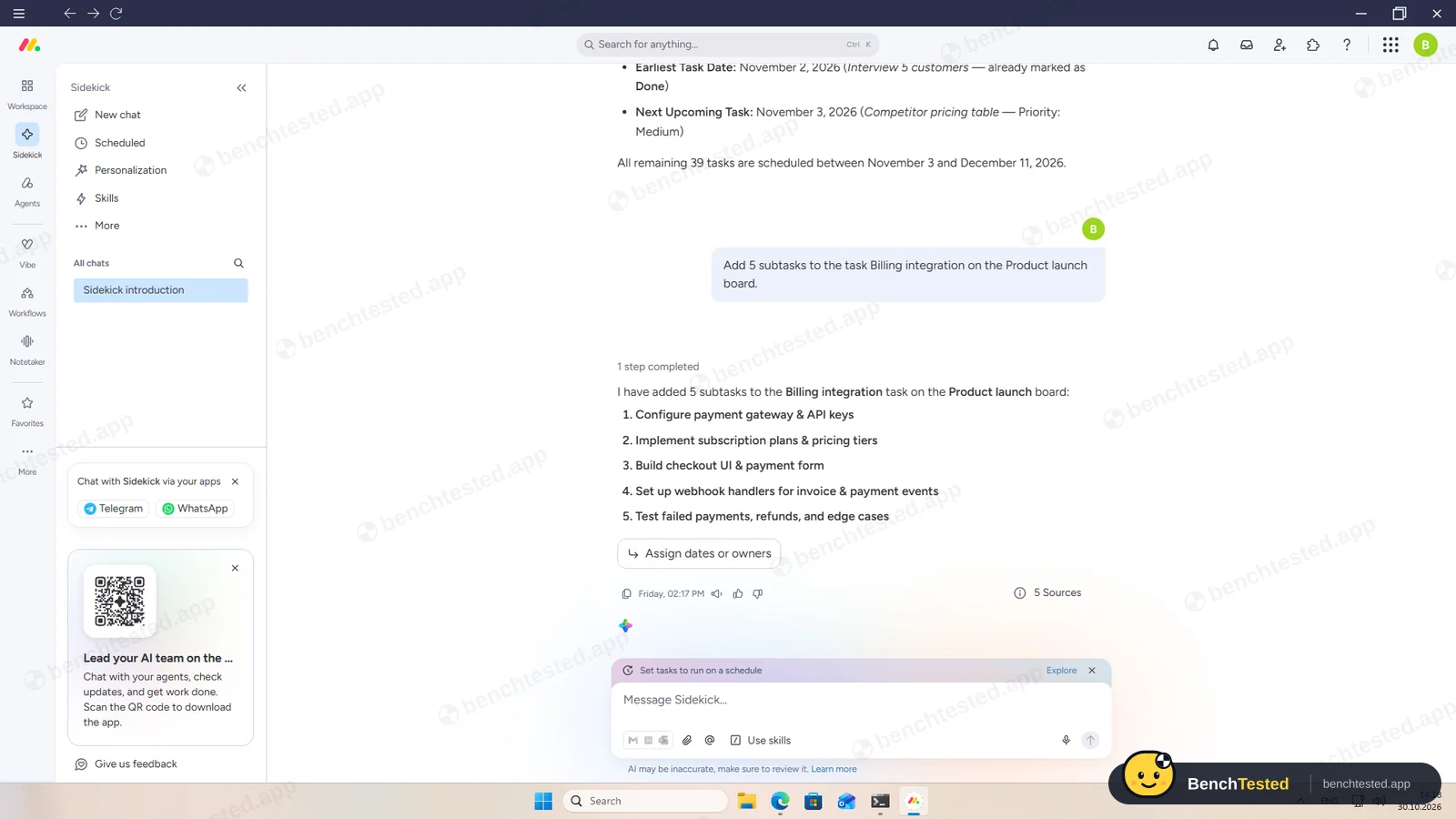
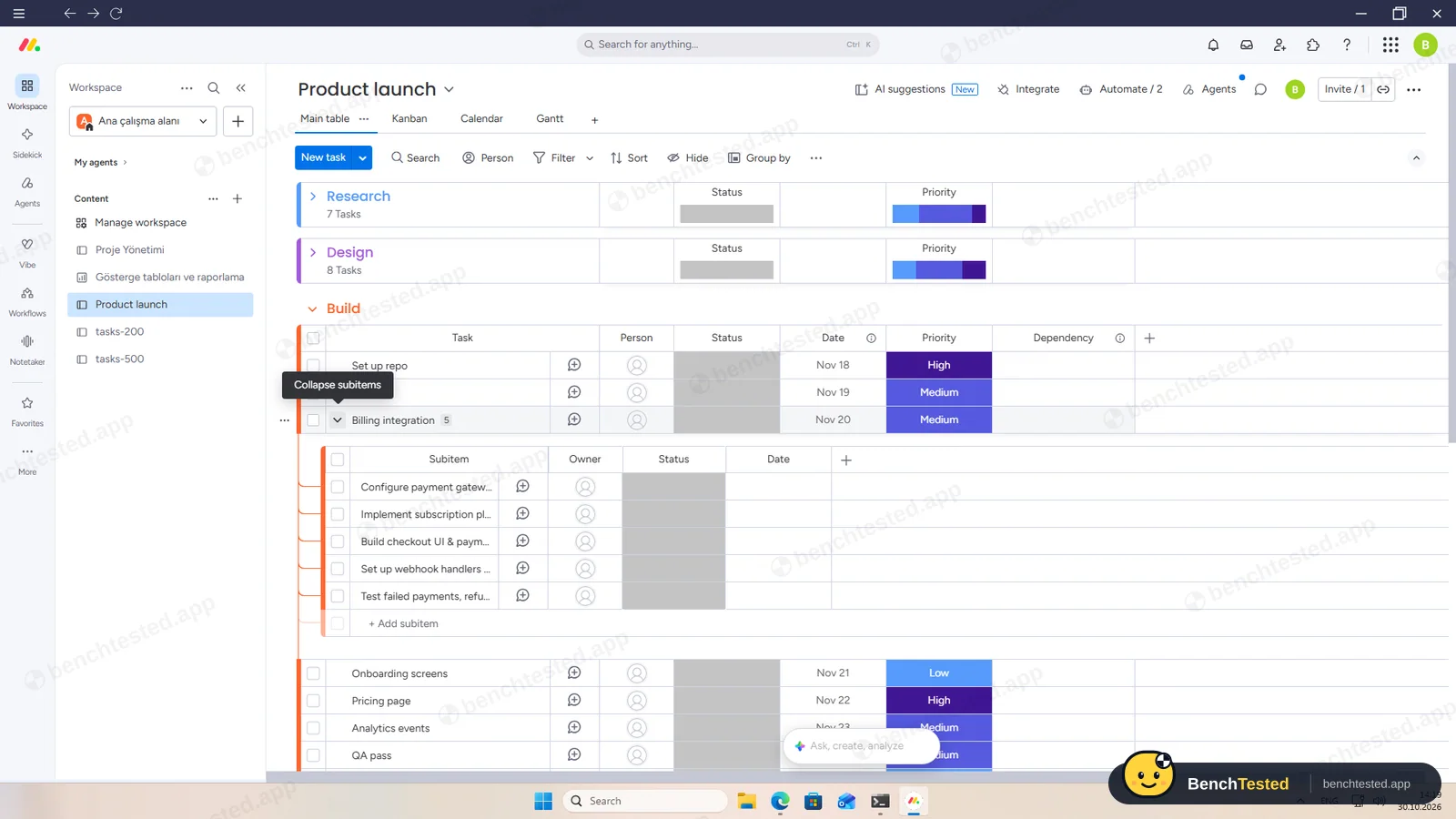
On the trial, Sidekick summarised the board correctly, said nothing was overdue (right, as of October 30) and added five real subitems. It used about 15 credits. There is no AI on the free plan.
-
P8 · Leave
Export everything to CSV, delete the workspace and uninstall the app.
Partial ≈ 5 min
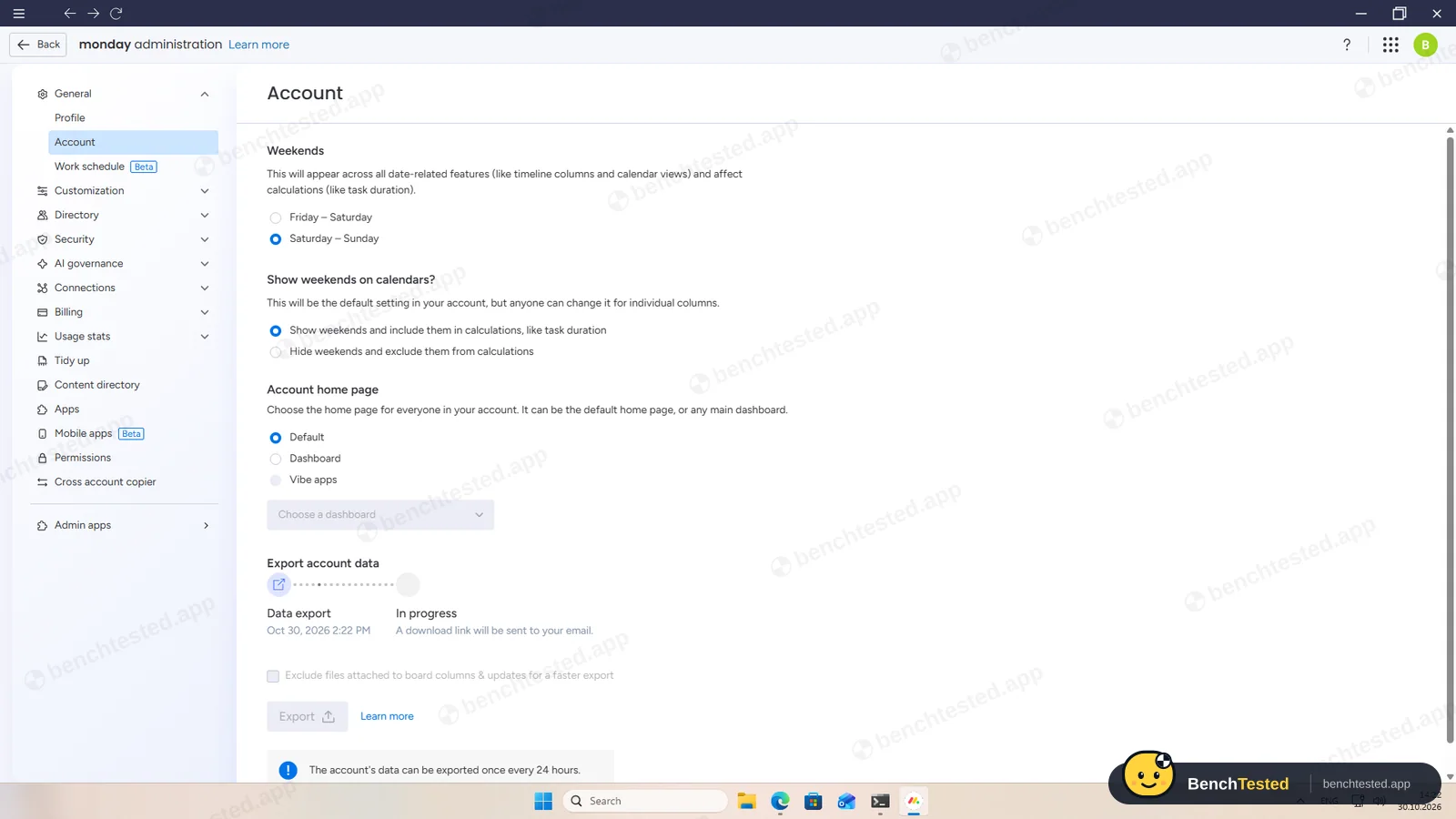
The board exported to Excel in about 7 seconds with every task, subitem and dependency, but there is no CSV option. A full account export is sent by email. We left deleting the account to the owner. Uninstalling removed the app and profile but left a 92 MB updater cache.
How we tested monday.com
monday.com is the sixth app in our project-management category and ran the same eight-step script as ClickUp, Asana, Notion, Linear and Trello: build a 40-task project from a written brief, show it in four views, set up rules, import 200 and then 500 rows from a CSV file, invite a second user, use the built-in AI, export everything and leave.
We installed monday's Windows desktop app on a clean Windows 11 virtual machine. A new account starts a 14-day Pro trial without saying so on the board, so most of our test ran on Pro features; we checked each one against monday's pricing page and say below what the free plan includes. Everything was done on October 30, 2026.
Installation and setup
The 97 MB installer comes straight from monday.com and installs per user without admin rights. It added no startup entry, services or listening ports. One thing stood out: the October 2026 build is signed with a code-signing certificate that expired in August 2025, so Windows does not treat the signature as valid.
We signed up in the browser. The sign-up wizard's “Who's on your team?” step sets new invites to Admin by default and allows automatic sign-ups from your email domain; we skipped it. The desktop app does not reuse the browser session, so you sign in again inside it.
Building the project
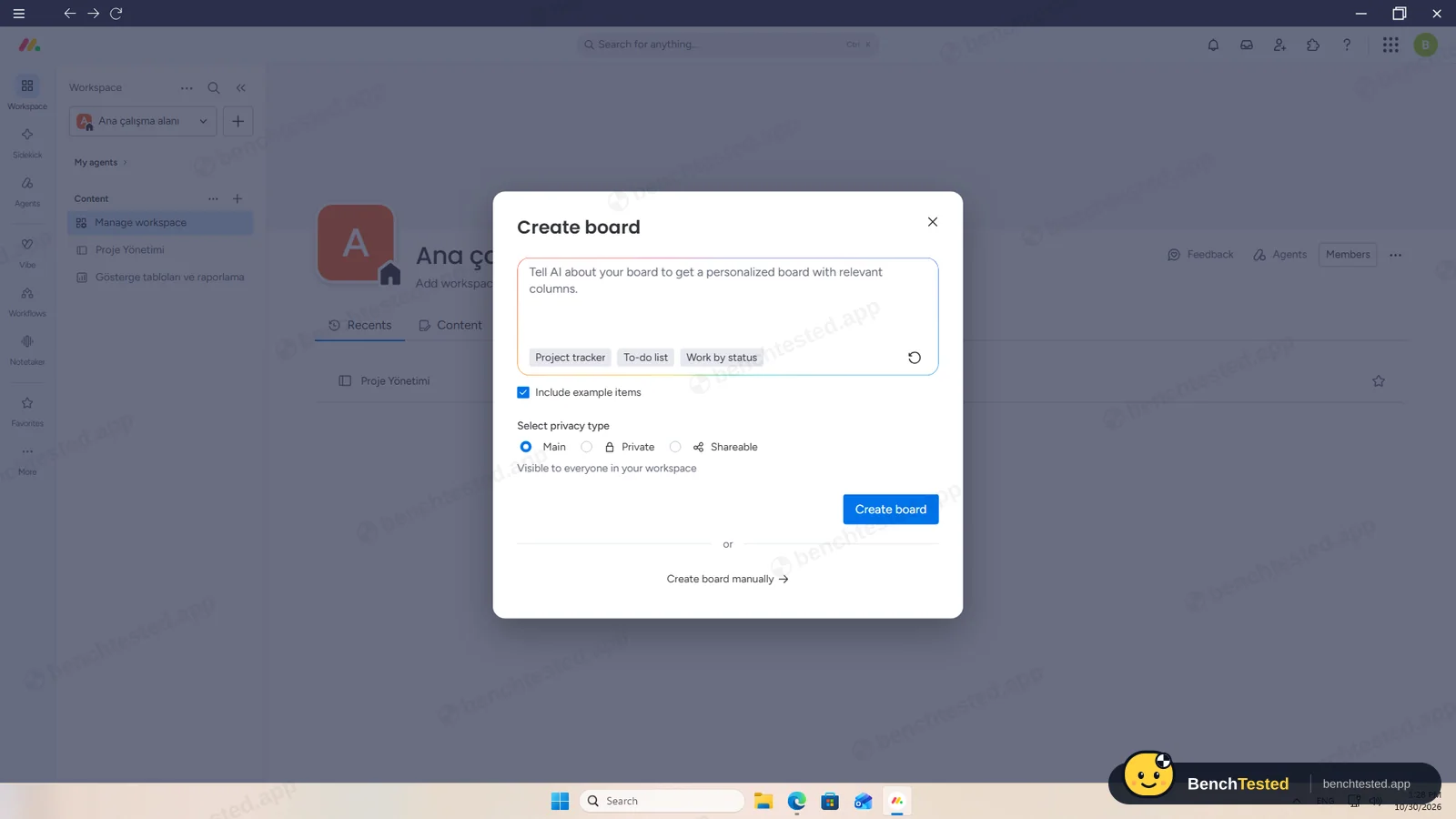
A new board opens with an AI prompt; we chose to create it manually. Each phase became a group. Pasting eight lines into “Add task” created eight tasks at once, and we added a Priority column. Pasting a column of dates did nothing, so we typed each date and picked each priority per cell. The project took about 15 minutes.
Views and rules
Table, Kanban, Calendar and Gantt views are a click away, and all four showed our tasks on the trial. Calendar and Gantt, though, stayed empty until we pressed the app's refresh button. On the free plan only the table and Kanban are available; calendar and Gantt start on Standard.
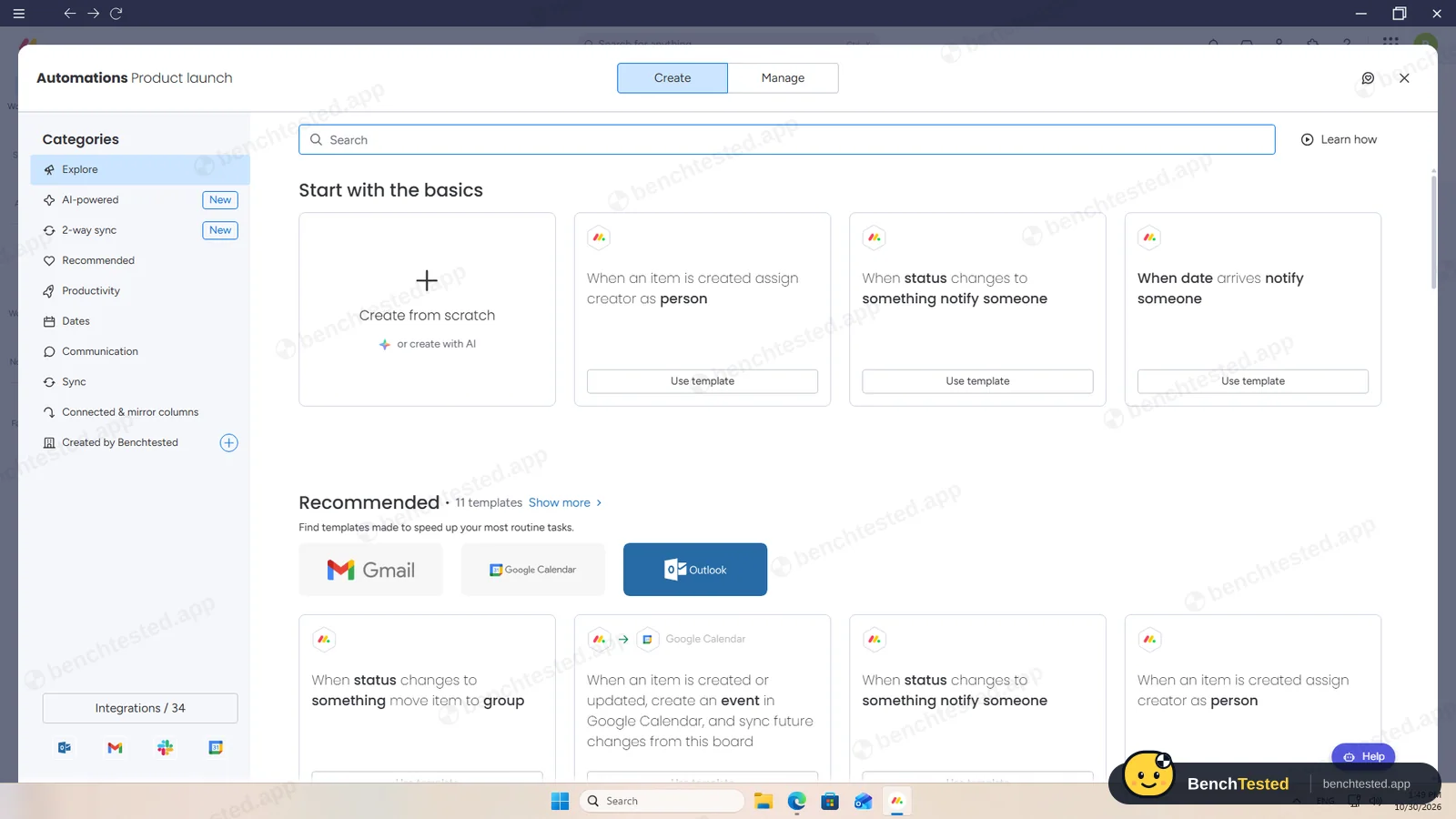
Automations are monday's strong point. Our rule, “when Status changes to Done, move the item to Launch”, fired in about a second and a half. A Dependency column with strict mode pushed “Survey launch” to Nov 9 when we moved “Survey draft” to Nov 8. There is no repeat option on a task; recurrence is an automation that creates a new item every week, which we set up but could not wait to see. Automations are Standard and up, and dependencies Pro.
Importing 200 and 500 rows
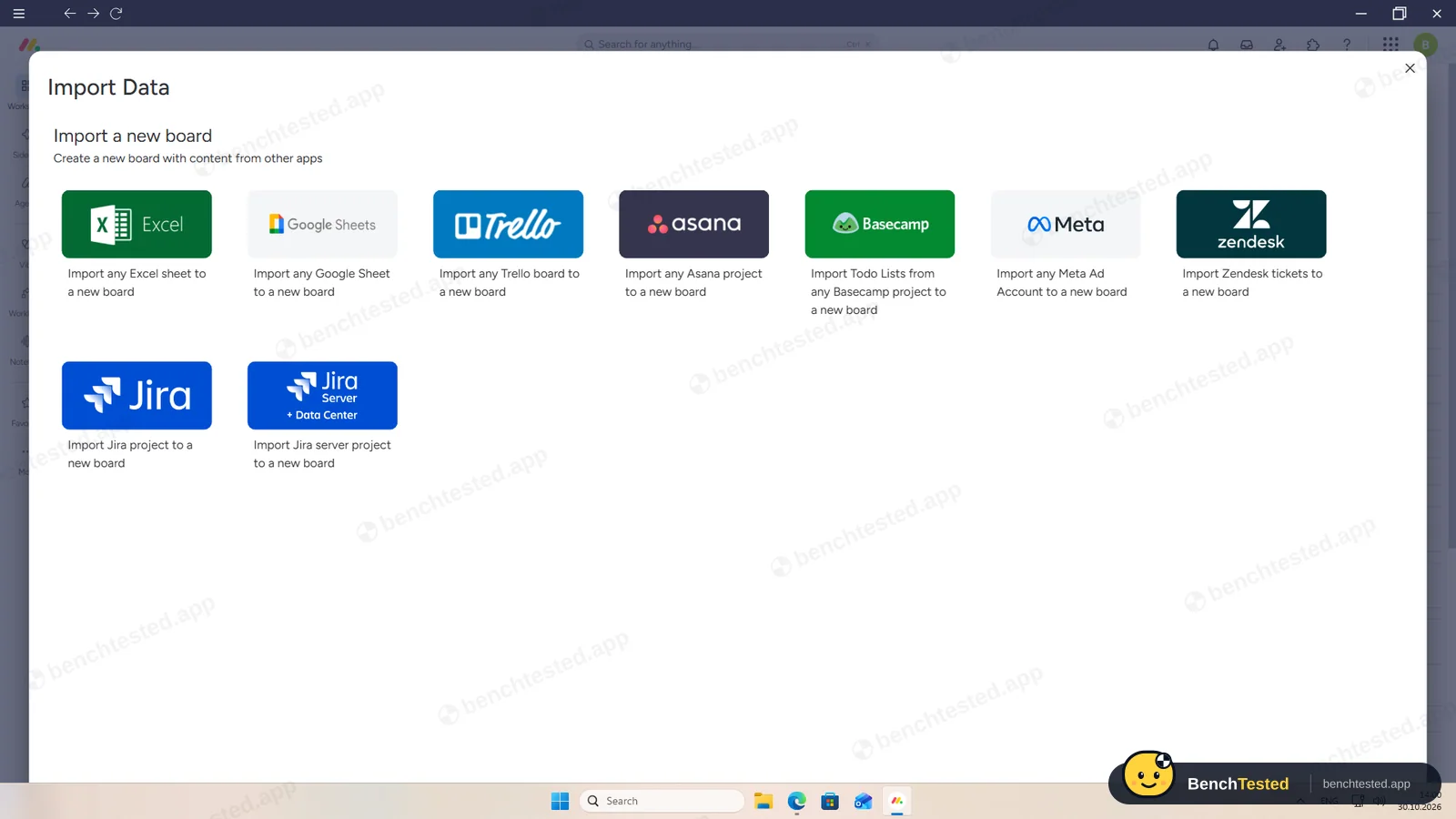
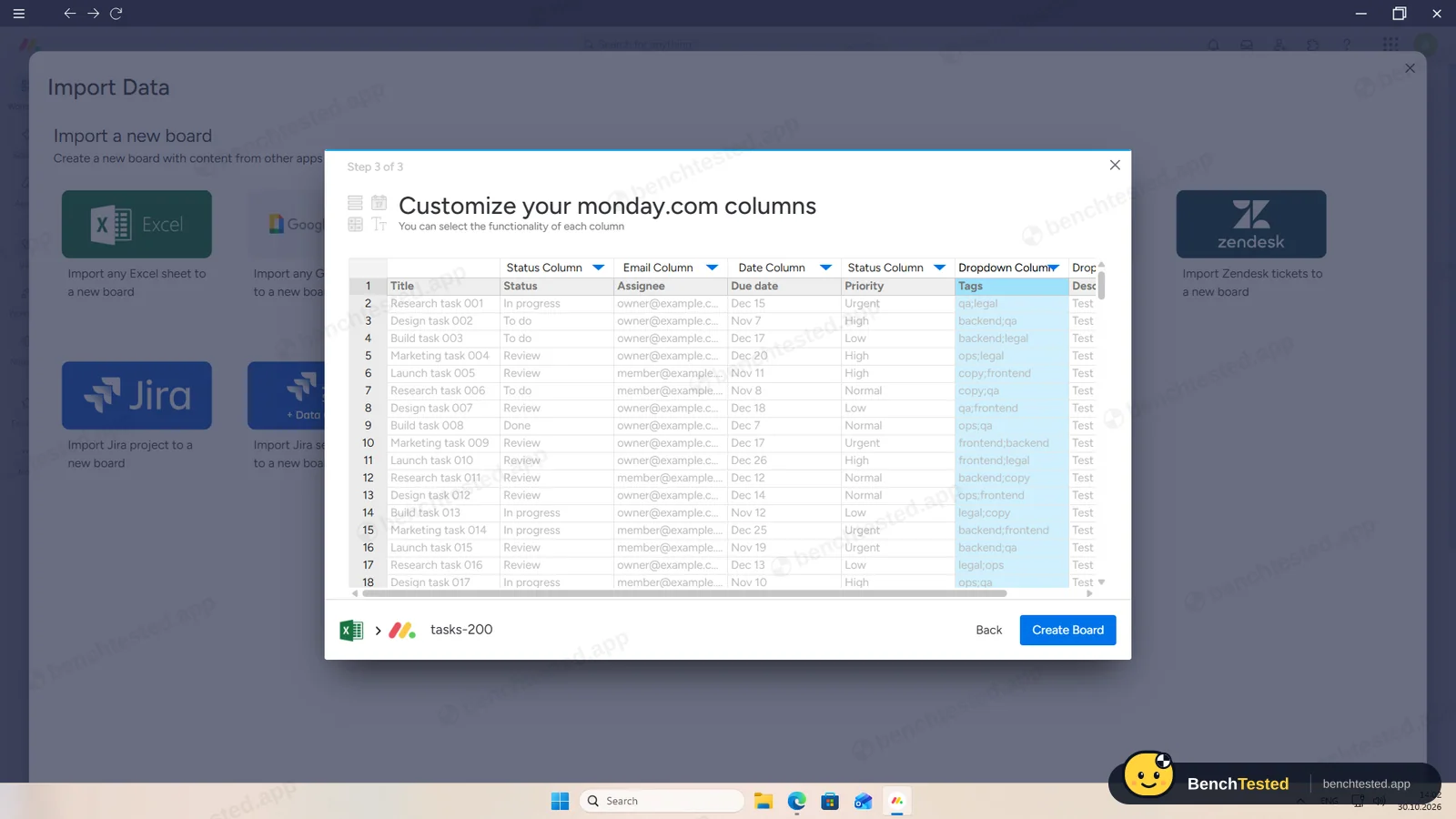
monday's importer is the best we have seen in this category. From the account menu you can import a new board from Excel or CSV, Google Sheets, Trello, Asana, Basecamp, Jira and more. A three-step wizard asks for the header row, the name column and a type for each column, then built a board with all 200 rows, their statuses, dates and priorities in about 10 seconds.
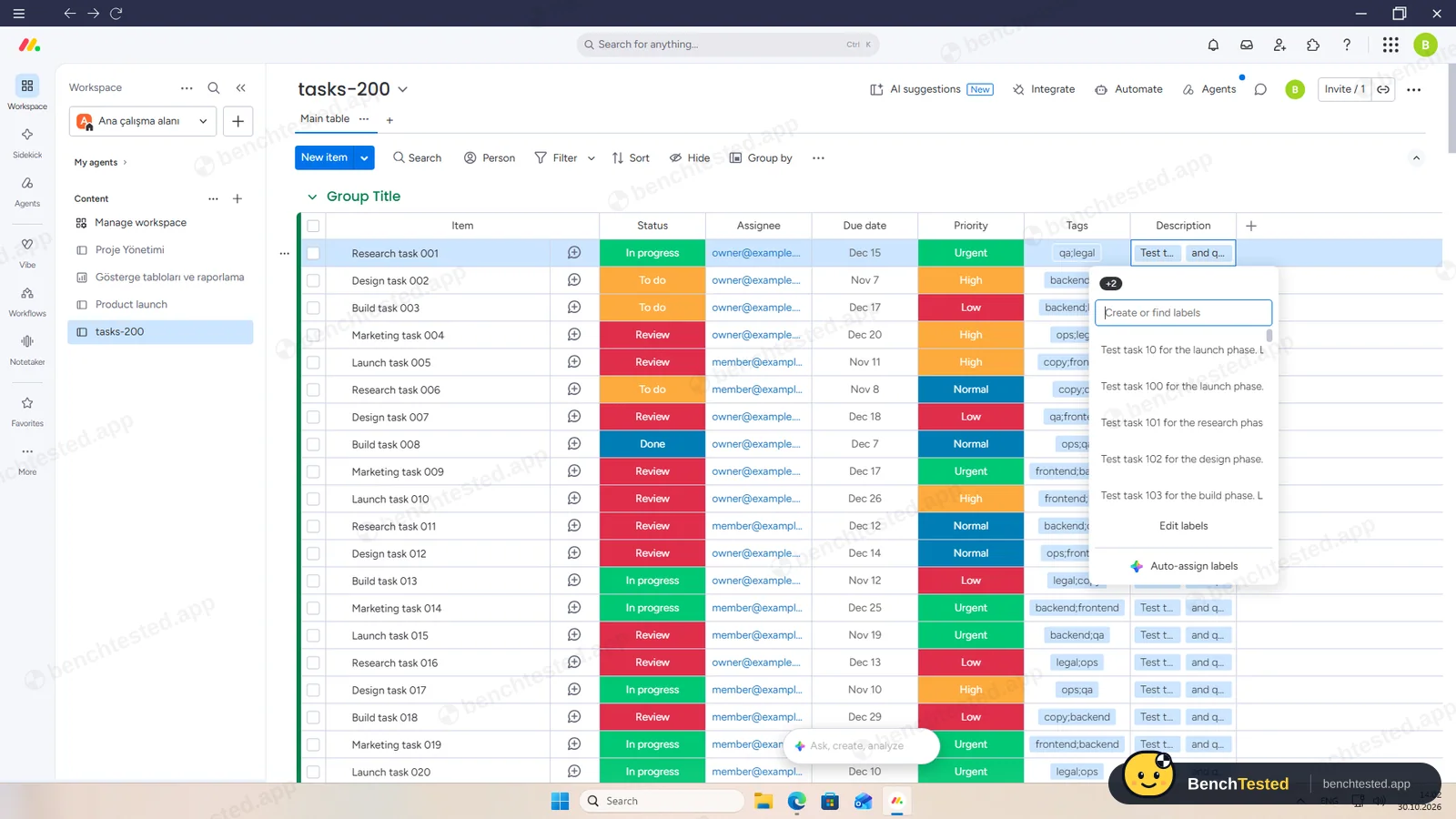
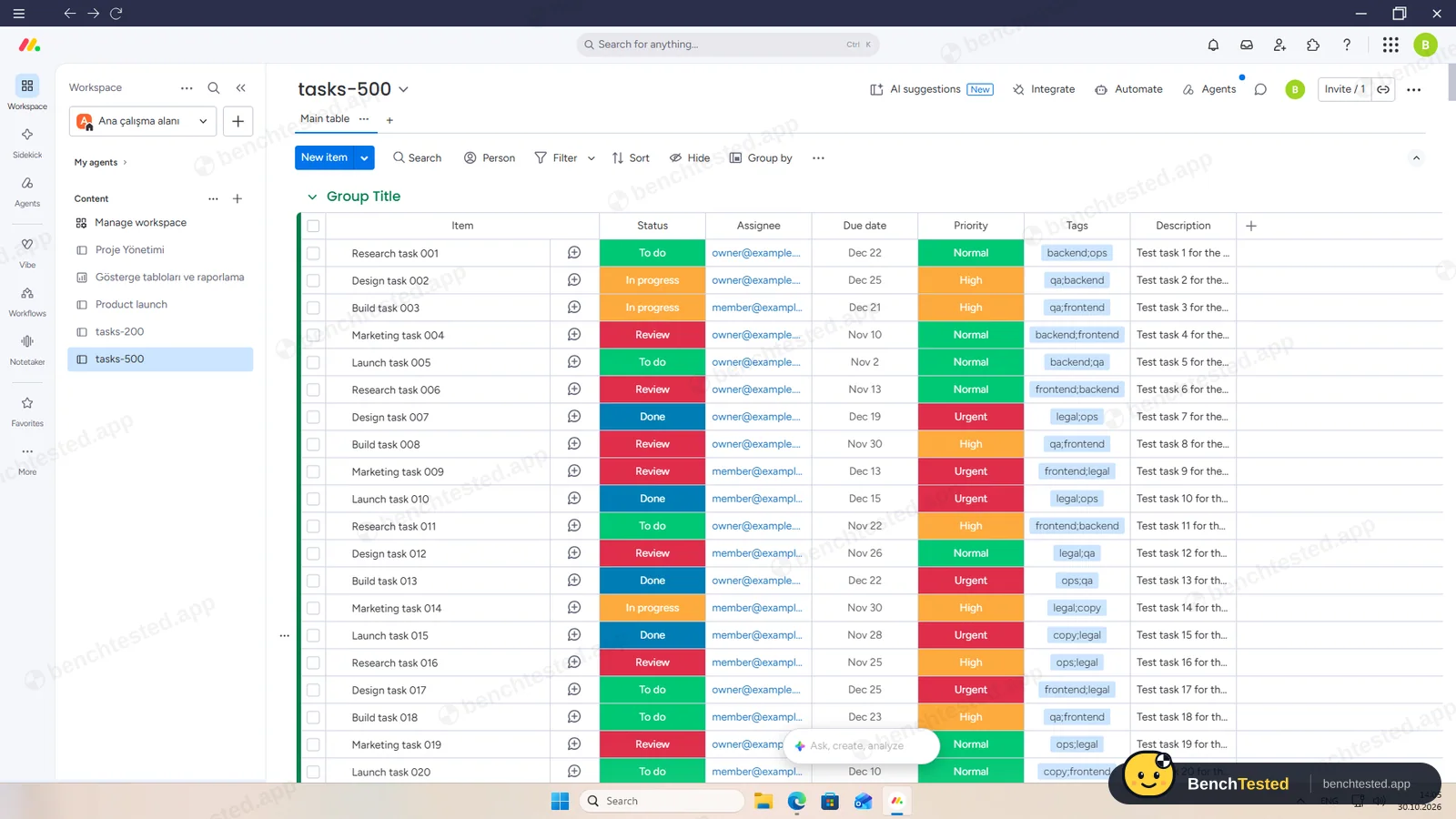
The defaults need care: tags were kept as one label such as “qa;legal”, and the Description column was typed as a dropdown, which split each description at its comma. Choosing Text fixed it. With that setting, 500 rows arrived intact in about 20 seconds.
Speed and memory
The 500-row board scrolled to its last row smoothly. monday is heavier than Trello, Notion or Linear: about 1.1 to 1.3 GB of memory, and from a cold start the window appeared in a second but the workspace was usable only after about 9 seconds.
Sharing and permissions
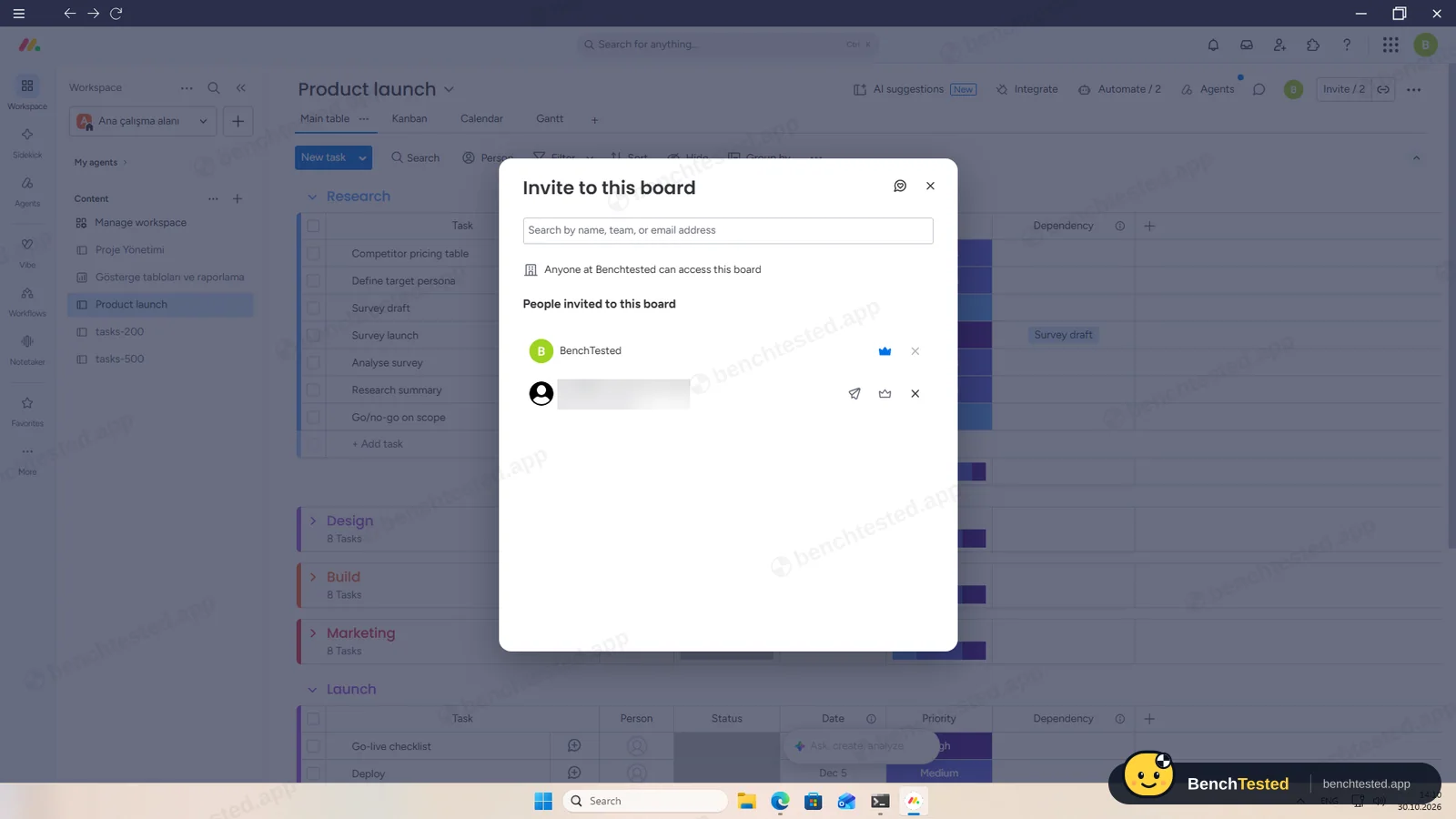
Inviting someone to the board by email added them to the account as a Member. Account roles are Admin, Member and Viewer, and Viewers are free and read-only. Guests, for people outside the company, are a Standard feature. Cancelling the invite took two clicks. In this run we did not test what a second user sees.
monday's AI
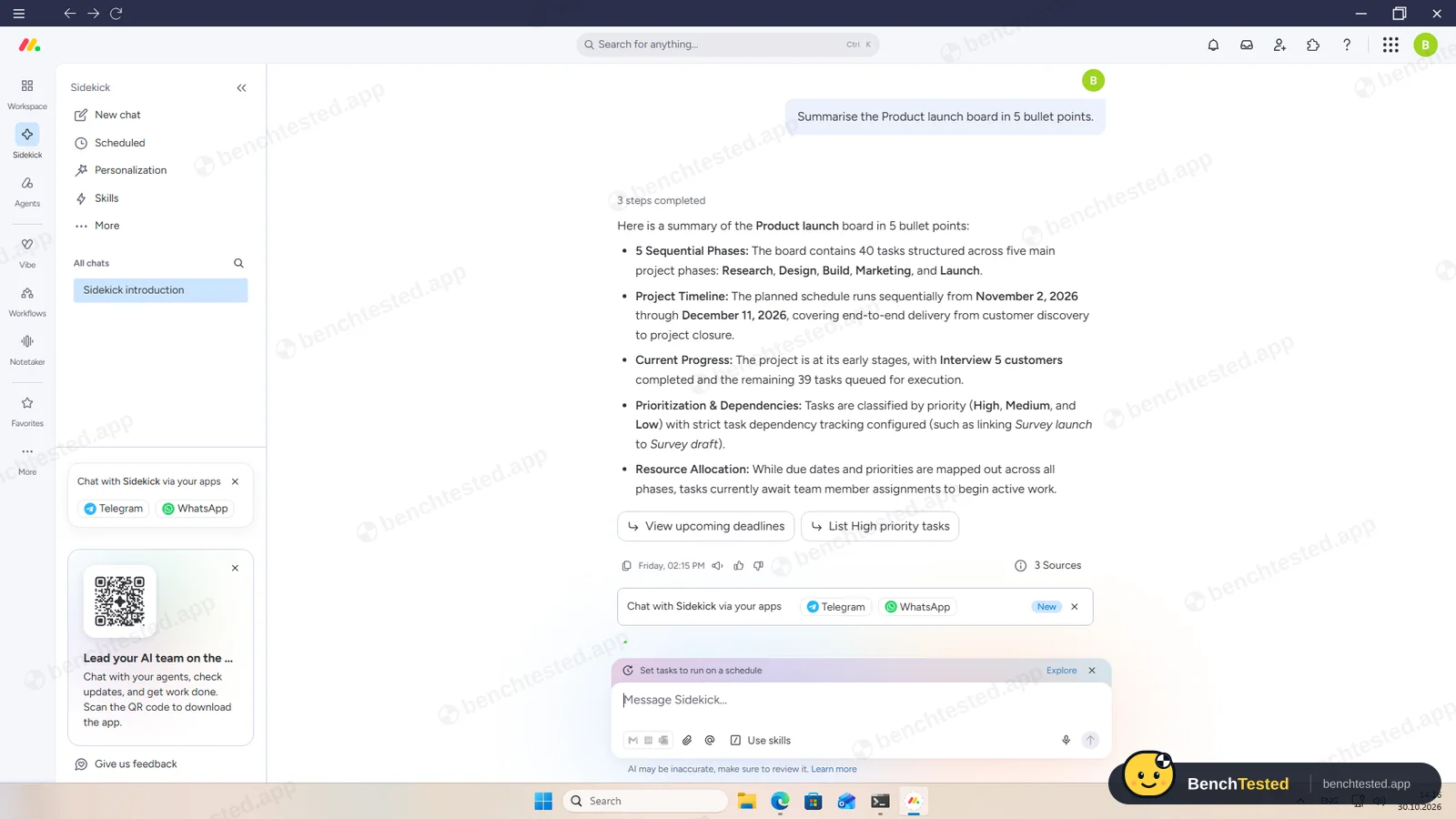
Sidekick, monday's AI assistant, was the most accurate in our tests. Asked to summarise the board, it described the five phases, the November 2 to December 11 schedule, the one finished task and our dependency correctly. Asked what was overdue, it said nothing was, which was right on October 30. Asked for five subtasks for “Billing integration”, it added five real subitems to the board straight away.
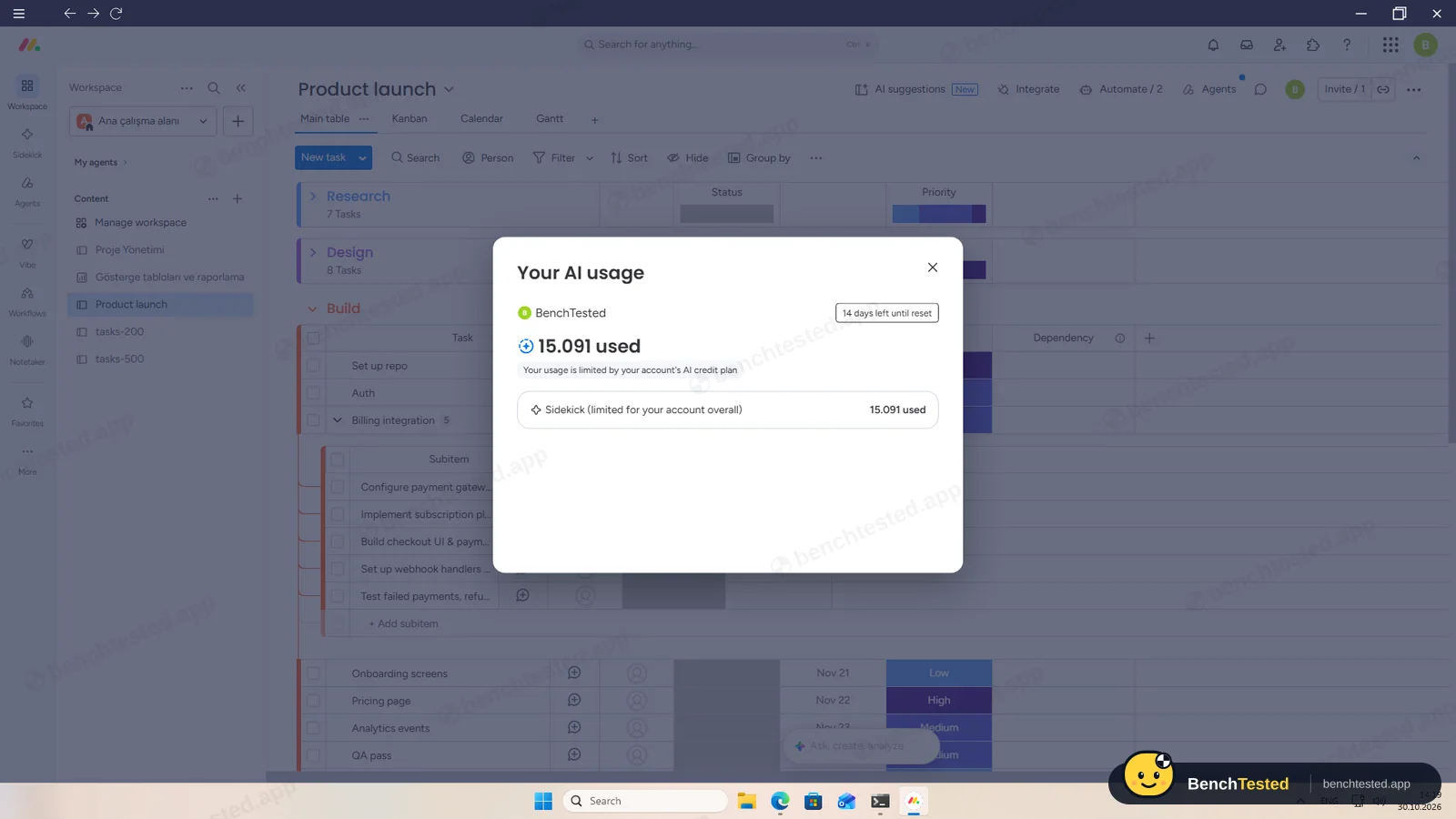
The three requests used about 15 AI credits. AI is not part of the free plan; paid plans include 1,000 to 3,000 credits a month.
Leaving monday.com
Exporting the board took about 7 seconds and produced an Excel file with every task, its date and priority, the subitems and the dependency, but there is no CSV option. A full account export can be requested once every 24 hours and is sent by email. We did not delete the account; the option is under billing in the admin area.
Uninstalling removed the program, shortcuts and the 137 MB profile, but left a 92 MB folder with the updater's cached installer.
What we have not tested yet
We did not test the second user's view, the weekly automation actually running, integrations, Workflows, Vibe apps, the mobile apps or the paid plans after the trial. We did not test monday offline, and we ran each step once.
monday.com Screenshots
Taken during our own test run on a clean Windows 11 machine.
What we checked
Every item in our project management tool test plan and how monday.com did. Scan for the ones you can't live without.
Installation
- Pass Download size97 MB
- Fail Signed installercertificate expired in August 2025
- Pass Admin rightsnot needed for a per-user install
- Pass Asks before running at startupdoes not add itself to startup
First use
- Pass Sign-up without a card
- Fail Starts on the free plan14-day Pro trial
Core tasks
- Pass Build a 40-task project
- Fail List, board, calendar and Gantt on the free plantable and Kanban only
- Partial Status automationworks; paid plans
- Partial Task dependencyworks; Pro plan
- Partial Recurring taskscheduled automation; not seen running
- Pass CSV import keeps the data200 and 500 rows
- Partial CSV import maps columns itselfdefaults split descriptions
- Partial Permissions and rolesAdmin, Member, Viewer; member view not tested
- Pass AI summary and answersaccurate; paid plans
- Fail AI asks before changing datasubitems added straight away
Performance
- Pass Large board (500 tasks)smooth
- Partial Cold startabout 9 s
- Partial Memory use1.1–1.3 GB
Privacy and security
- Partial No pressure to share contactssign-up invite step defaults to Admin
- N/A Access removed immediatelymember view not tested
Integrations
- Pass Import from other toolsExcel, Sheets, Trello, Asana, Jira and more
- N/A Connected appsintegrations not tested
Offline and sync
- N/A Behaviour without internet
Pricing traps
- Fail Free plan limits2 seats, 3 boards, no automations or AI
Cancel and uninstall
- Partial Complete exportExcel, not CSV; full export by email
- N/A Delete the workspaceleft to the account owner
- Partial Clean uninstall92 MB updater cache left
Test Results
- Ease of use8.0
Polished and quick to learn; bulk paste and a strong importer, though dates and priorities are set per cell.
- Views & flexibility6.0
Table, Kanban, calendar and Gantt all work, but only table and Kanban on the free plan, and two views needed a refresh.
- Speed6.0
Fast imports and smooth scrolling, but a 9-second cold start and over 1 GB of memory.
- Automation & AI7.0
Fast automations, real dependencies and the most accurate AI in our tests, all on paid plans.
- Integrations8.0
Imports from Excel, Google Sheets, Trello, Asana, Jira and more; Excel and full-account export.
- Value for money4.0
The free plan is two seats and three boards without automations or AI; paid plans start at €9 per seat a month.
Every project management tool runs the same script. How we test →
Key Features
Boards and viewsTested by us
Table, Kanban, calendar, Gantt and other views of the same board.
Calendar and Gantt needed a refresh before showing data.
AutomationsTested by us
Rules and schedules that move, create and update items.
Our rule fired in about 1.5 s on the trial.
DependenciesTested by us
Link tasks so dates shift together.
Strict mode moved our dependent task.
ImportTested by us
New boards from Excel, CSV, Google Sheets, Trello, Asana, Jira and more.
200 and 500 rows with all key fields.
Sidekick AITested by us
An assistant that summarises and changes boards.
Accurate summary and overdue answer; created real subtasks.
Additional Features
Notetaker and Vibe appsVendor-stated
AI meeting notes and AI-built mini apps.
monday.com at a glance
- Version tested
- Windows app 1.0.46 (October 30, 2026)
- Platforms
- Web, Windows, macOS, iOS and Android
- Installer
- 97 MB from monday.com; per-user install
- Account
- Email or Google; starts a 14-day Pro trial
- Free plan
- 2 seats, 3 boards, 3 docs
- Import
- Excel/CSV, Google Sheets, Trello, Asana, Jira and more
Is monday.com secure?
We did not review monday.com's privacy policy or security certifications for this test. Below are only the things we saw on our test PC and in the app.
-
Expired signing certificateTested by us
The installer is signed by monday.com Ltd with a certificate that expired in August 2025, so Windows reports the signature as not valid.
-
No background servicesTested by us
The app added no startup entry, services or listening ports.
-
Admin by default in sign-upTested by us
The sign-up wizard's invite step sets new members to Admin and allows automatic sign-ups from your domain unless you change it.
-
EU data storageTested by us
Our account's admin page showed data stored in the European Union.
Pricing
Free plan
Yes
Paid plans from
$9 / seat / month, billed yearly; paid plans are sold in seat bundles from 3 seats
-
Free
€0
Up to 2 seats, 3 boards and 3 docs; no automations, calendar, Gantt or AI.
-
Basic
€9/seat/mo
Billed yearly. Unlimited items and viewers, 1,000 AI credits a month.
-
Standard
€12/seat/mo
Billed yearly. Calendar, timeline and Gantt, guests, 250 automation actions a month, 2,000 AI credits.
-
Pro
€19/seat/mo
Billed yearly. Dependencies, private boards, time tracking, 25,000 automation actions, 3,000 AI credits. New accounts get a 14-day trial.
-
Enterprise
Custom
Contact sales.
From monday.com's pricing page, checked Oct 30, 2026.
Who makes monday.com?
- Company
- monday.com Ltd.
- Headquarters
- Tel Aviv, Israel
- Founded
- 2012
- Founders
- Roy Mann, Eran Zinman
- Funding
- Public on Nasdaq (MNDY) since 2021.
monday.com timeline
- 2012Founded in Tel Aviv as dapulse by Roy Mann and Eran Zinman.
- 2017Renamed monday.com.
- 2021Listed on Nasdaq.
- Oct 30, 2026We tested the Windows app 1.0.46.
FAQ
Is monday.com free?
There is a free plan for up to 2 seats and 3 boards, but it has no automations, calendar, Gantt or AI. New accounts start a 14-day Pro trial; paid plans start at €9 per seat a month billed yearly.
Can monday.com import a CSV file?
Yes. In our test it imported 200 rows in about 10 seconds and 500 in about 20, with statuses, dates and priorities. Check the column types in the wizard: its defaults split our descriptions.
Does monday.com have dependencies and Gantt charts?
Yes. Gantt is on Standard and up, dependencies on Pro. Our strict dependency moved a task when its predecessor moved.
How good is monday.com's AI?
Sidekick summarised our board, answered what was overdue and created five subtasks, all correctly. It uses AI credits and is not on the free plan.
Is there a Windows app?
Yes, a 97 MB per-user desktop app. It needs its own sign-in, used about 1.1–1.3 GB of memory and left a 92 MB updater cache after uninstalling.
Can I export my data?
Each board exports to Excel in seconds, including subitems and dependencies. A full account export is sent by email, once every 24 hours.
Final Verdict
On the trial, monday.com was among the strongest apps we have tested in this category: the best importer, real dependencies, fast automations and an AI assistant that got every answer right.
The free plan is another matter: two seats and three boards, with no automations, calendar, Gantt or AI. In practice monday is a paid tool with a free preview.
Our advice: if your team will pay, monday is a polished and capable choice. For a free plan that covers a real project, ClickUp gave us more.